Unveiling the Supernatural: Finding the Best Ghost Photo App of 2025
Have you ever captured an unexplainable anomaly in your photos? Or perhaps you want to add a chilling, spectral presence to an otherwise ordinary picture? In 2025, technology makes it easier than ever to create convincing paranormal images. Whether you’re a budding ghost hunter, a prankster, or simply love spooky aesthetics, finding the right tool is key. This guide will help you discover the best ghost photo app available today. We’ll explore features, ease of use, and the realism these apps offer, ensuring you can create truly haunting visuals. Get ready to transform your photos and surprise your friends with eerie encounters.
The market for photo editing applications is vast. However, specialized apps for adding ghosts have evolved significantly. They now offer incredible realism and a wide array of options. Forget blurry, pixelated overlays. Modern apps provide sophisticated tools to integrate spectral figures seamlessly into your images. You might even find that some general photo editing platforms, like those offering native image editing, are also enhancing their capabilities for creative effects.
Why Use a Ghost Photo App?
People use ghost photo apps for many reasons. Some enjoy the thrill of creating spooky content for social media. Others use them for pranks, sending chilling images to unsuspecting friends. Paranormal enthusiasts might even use them to visualize potential ghostly activity in haunted locations. Whatever your motivation, these apps provide a fun and creative outlet. They allow you to explore the supernatural without needing a real encounter.
Moreover, these apps are fantastic for storytelling. Imagine adding a shadowy figure to an old family photo. Or perhaps a translucent specter lurking in a historical building. The possibilities are endless. The best ghost photo app empowers your imagination. It helps you craft narratives that captivate and spook your audience.
What Makes the Best Ghost Photo App in 2025?
Choosing the best ghost photo app isn’t just about finding an app that slaps a transparent image onto your photo. It’s about realism, versatility, and user experience. In 2025, several factors distinguish the top contenders from the rest. Let’s dive into what you should look for.
Realism and Believability
The most crucial aspect of any ghost photo app is how convincing its effects are. A truly great app offers ghost figures that blend seamlessly into your photo. This means proper transparency, realistic shadows, and subtle lighting adjustments. You want the ghost to look like it belongs there, not like a sticker pasted on top. Look for apps that provide options to adjust opacity, color, and even blur to match your photo’s environment. The goal is to make viewers question what they’re seeing.
Ease of Use and Interface
Even the most powerful features are useless if the app is too complicated. The best ghost photo app should have an intuitive interface. You should be able to select a ghost, position it, and adjust its settings with ease. Drag-and-drop functionality, pinch-to-zoom, and clear menus are essential. A smooth workflow ensures you can create stunning photos quickly and without frustration. You don’t want to spend hours figuring out basic functions.
Variety of Ghostly Effects and Figures
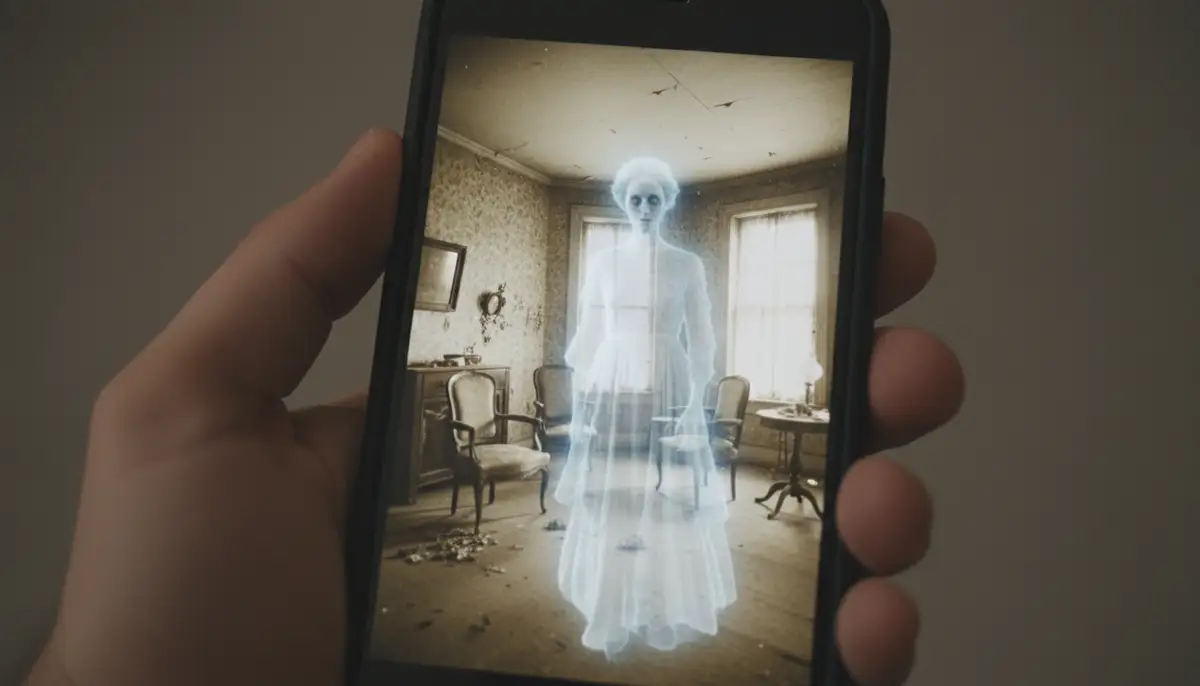
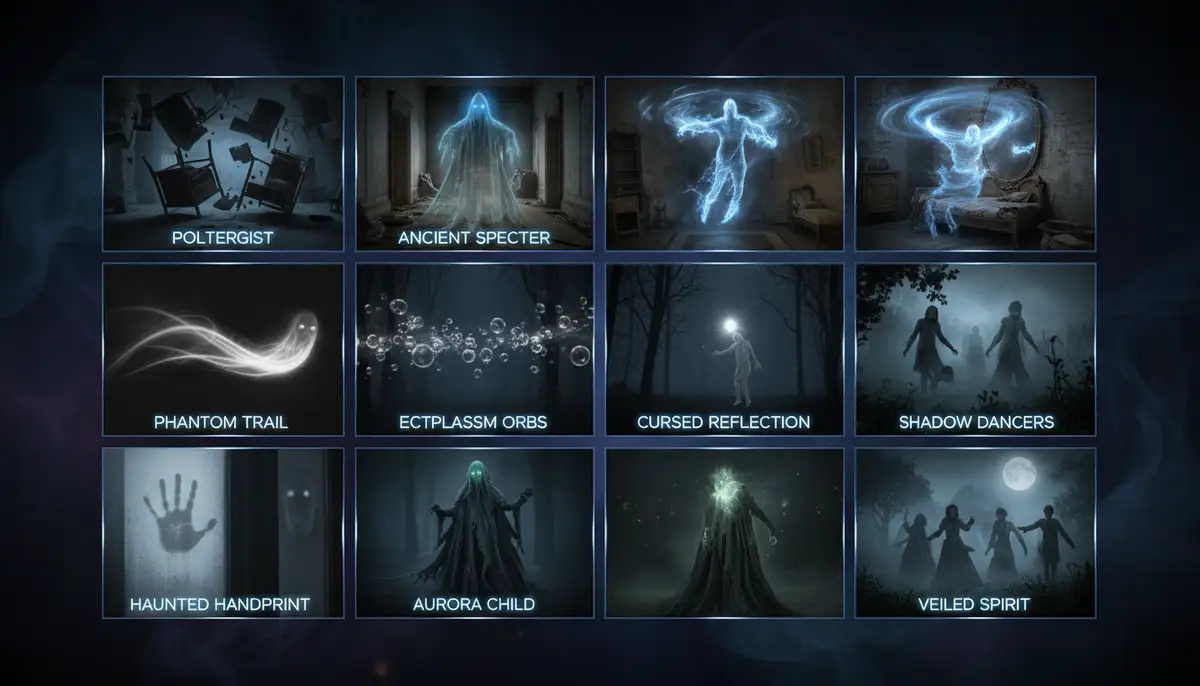
A diverse library of ghost figures is a huge plus. Some apps offer dozens, even hundreds, of different specters. These can range from subtle, misty apparitions to distinct, eerie figures. Look for variety in poses, sizes, and styles. This allows you to match the ghost to the mood and context of your photo. Additionally, some apps go beyond just ghosts, offering other creepy creatures like zombies or monsters, expanding your creative possibilities.
Customization Options
Beyond basic placement, advanced customization sets the best ghost photo app apart. Can you flip the ghost horizontally or vertically? Can you adjust its size without distortion? What about adding filters or effects specifically to the ghost? Some apps even allow you to erase parts of the ghost to make it appear behind objects. These fine-tuning capabilities are vital for achieving a truly integrated and believable effect.
Sharing and Community Features
Once you’ve created your masterpiece, you’ll want to share it. Top ghost photo apps offer easy integration with social media platforms. Some even have their own communities where users can share their creations and get inspiration. This can be a great way to discover new techniques and see what others are doing. A vibrant community adds another layer of enjoyment to the app experience.
Top Contenders for the Best Ghost Photo App
Now that we know what to look for, let’s explore some of the leading applications that stand out in 2025. These apps offer a range of features, from simple ghost overlays to advanced editing tools. You’ll find options for both casual users and those who want to delve deeper into photo manipulation. Each has its strengths, making the choice of the best ghost photo app somewhat personal.
Ghost in Photo (iOS & Android)
Often cited as a strong contender for the best ghost photo app, ‘Ghost in Photo’ offers a robust set of features. This app allows you to add a wide variety of spectral figures to your images. It boasts an intuitive interface, making it easy for anyone to create spooky photos. You can adjust the transparency, size, and position of the ghosts to achieve a natural look. It’s a fantastic option for those seeking a dedicated ghost effect tool.
The app provides a substantial library of ghostly images. You can choose from many different poses and styles. Its editing tools are straightforward, letting you fine-tune the ghost’s appearance to match your photo’s lighting and atmosphere. For Android users, you can find more details and download it from the Google Play Store. iOS users can explore its features and download it from the Apple App Store. Both versions offer similar powerful functionalities.
Ghost Camera Radar Joke (Android)
While primarily designed for pranks and fun, ‘Ghost Camera Radar Joke’ still deserves a mention. This app often combines a ‘radar’ interface with the ability to add ghost figures. It’s less about high-fidelity realism and more about instant spooky fun. If your goal is to quickly scare friends with a ‘live’ ghost sighting on your phone, this app delivers. It might not be the best ghost photo app for serious photo manipulation, but it’s excellent for entertainment. Its ease of use makes it very accessible for quick scares.
Advanced Editing Apps with Ghostly Potential
Sometimes, the best ghost photo app isn’t a dedicated ghost app at all. Powerful general photo editors can also be used to create stunning ghost effects. Apps like Canva, Snapseed, and Afterlight offer advanced layering and blending modes. These features allow for highly customized and realistic ghost integrations. You can import transparent ghost images or create your own spectral effects using their tools. While they require more skill, the results can be truly professional.
For instance, Snapseed, known for its powerful mobile editing, can help you fine-tune colors and shadows around your ghost. Canva, a popular design tool, allows for complex layering and text overlays to enhance your spooky narrative. Afterlight provides excellent filters and light effects that can add an ethereal glow to your spectral figures. These platforms, while not solely focused on ghosts, provide a versatile toolkit for creative individuals. If you’re interested in broader editing capabilities, you might also want to explore the best online photo editing websites free for more options.
| Feature | Ghost in Photo | Ghost Camera Radar Joke | Advanced Editors (e.g., Snapseed, Canva) |
|---|---|---|---|
| Realism | High | Low to Medium | Very High (skill-dependent) |
| Ease of Use | High | Very High | Medium to High |
| Ghost Variety | Excellent | Limited | User-defined (import/create) |
| Customization | Good | Basic | Extensive |
| Other Effects | Creepy creatures | Radar, pranks | Full suite of editing tools |
| Target User | Casual to serious | Pranksters, casual | Creative, skilled users |
How to Create Convincing Ghost Photos with Your App
Having the best ghost photo app is only half the battle. To create truly convincing images, you need to master a few techniques. It’s about more than just adding a transparent figure. It’s about lighting, composition, and storytelling. Let’s look at how to make your ghostly creations believable.
Choosing the Right Background
The background sets the stage for your ghost. Old, abandoned buildings, foggy landscapes, dark forests, or dimly lit rooms work best. Avoid brightly lit, modern settings, as they can make a ghost look out of place. Think about where a ghost would naturally appear. A desolate hallway or a forgotten attic provides the perfect canvas for your spectral visitor. A good base photo is crucial for a realistic outcome.
When capturing your initial photo, consider using an app that offers professional controls and fast shooting performance. For instance, Camera ZOOM FX, a powerful Android photography app, can help you capture high-quality base images with stunning filters. This ensures your background is as compelling as your ghost. High-quality initial photos make the ghost integration much more seamless.
Mastering Lighting and Shadows
This is where many amateur ghost photos fall short. A ghost, even if translucent, interacts with light. If your photo has a strong light source from the left, your ghost should also appear to be lit from the left. Pay attention to existing shadows in your photo. You might need to add subtle shadows around the base of your ghost, or where it would interact with objects. This grounding makes the ghost feel like part of the scene. The best ghost photo app will offer tools to adjust these elements.
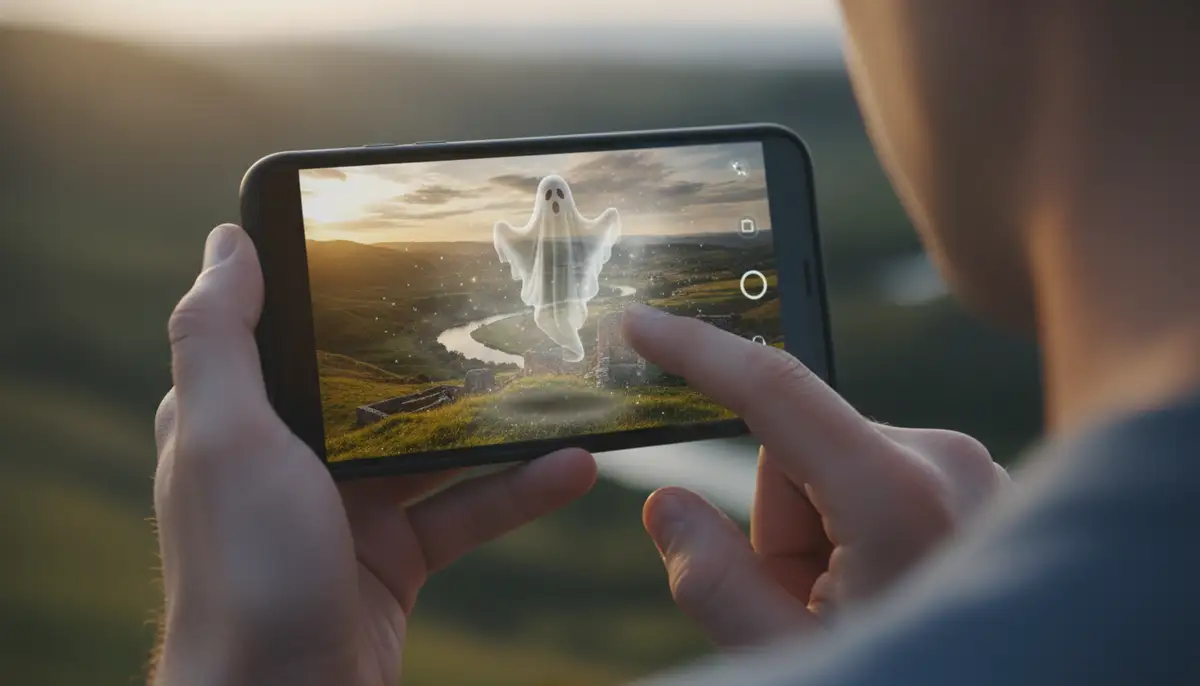
Additionally, consider the overall mood. If your scene is dark and eerie, a brightly lit ghost will look out of place. Adjust the ghost’s brightness and contrast to match the ambient light. This attention to detail elevates your photo from a simple overlay to a truly haunting image. Experiment with different blending modes if your app offers them.
Adding the Ghost Effect Realistically
Once you’ve chosen your ghost and positioned it, fine-tune its appearance. Adjust the opacity to make it look ethereal. A truly transparent ghost often looks more believable than a fully opaque one. Consider adding a slight blur, especially if the ghost is meant to be moving or appearing from a distance. The best ghost photo app will give you granular control over these settings. Don’t be afraid to experiment with different ghost figures and their settings.
Sometimes, less is more. A subtle, barely visible apparition can be far more unsettling than an obvious one. Also, think about the ghost’s interaction with objects. If it’s ‘behind’ a tree or a piece of furniture, use the app’s erase tool to make it appear partially obscured. This trick significantly enhances realism. For a deeper dive into creating convincing paranormal effects, you might find this video helpful:
. It explores how well these apps perform in real-world haunted locations.
Beyond Ghosts: Other Spooky Photo Effects
While the focus is on the best ghost photo app, many of these tools offer more than just spectral figures. You can often find options to add zombies, monsters, creepy shadows, or even alien beings. This expands your creative horizons beyond traditional ghost photography. Imagine a zombie lurking in your backyard or a monstrous creature peeking from behind a bush. These apps are a playground for horror enthusiasts.
Exploring these additional effects can keep your content fresh and exciting. You’re not limited to just one type of supernatural entity. The versatility of a good ghost photo app means you can create a whole universe of spooky scenarios. This makes them valuable tools for anyone interested in dark or fantasy-themed photo editing.
The Future of Ghost Photography Apps
As we move further into 2025 and beyond, ghost photography apps will only become more sophisticated. Artificial intelligence (AI) is already playing a significant role. AI can analyze your photo’s lighting, perspective, and depth. It can then suggest the most realistic placement and adjustments for a ghost figure. This will make creating convincing photos even easier for beginners. The best ghost photo app of tomorrow might be an AI-powered masterpiece.
Augmented Reality (AR) is another exciting frontier. Imagine holding up your phone and seeing a ghost appear in real-time within your camera’s view. This could revolutionize how we ‘hunt’ for ghosts and create interactive spooky experiences. The lines between reality and digital will continue to blur. These advancements promise even more immersive and believable ghost photo opportunities. Keeping your photo collections organized to easily access your creations will also be important, so check out a comprehensive guide to the best Android photo album app for managing your growing gallery of spectral images.
Final Verdict: Finding Your Best Ghost Photo App
Ultimately, the best ghost photo app for you depends on your specific needs. If you’re looking for quick, fun pranks, a simpler app like ‘Ghost Camera Radar Joke’ might suffice. However, if you’re serious about creating highly realistic and chilling images, ‘Ghost in Photo’ or even advanced general editors like Snapseed or Canva will be your go-to tools. These offer the control and realism needed to truly impress. Remember that the quality of your original photo also plays a huge role. Using a high-performance camera app like Camera ZOOM FX can provide an excellent foundation for your ghost photography.
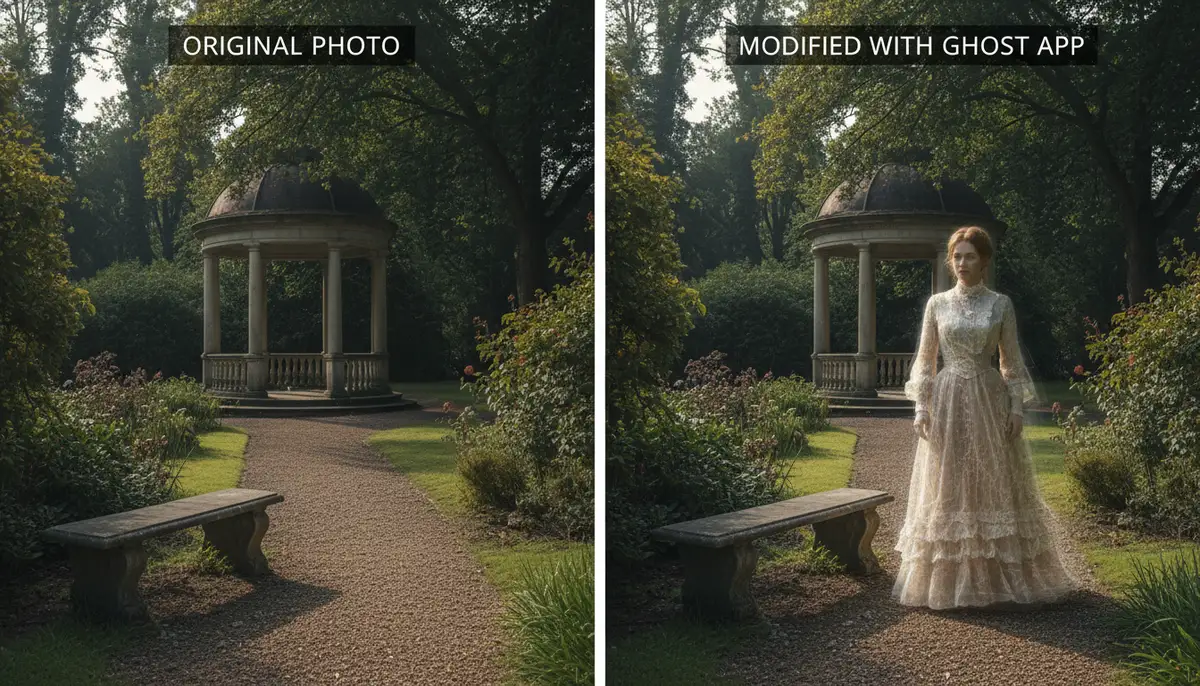
No matter which app you choose, practice is key. Experiment with different ghost figures, lighting adjustments, and blending modes. The more you play with the features, the better you’ll become at crafting truly believable supernatural scenes. The goal is to make people look twice and wonder if what they’re seeing is real. With the right app and a bit of creativity, you can become a master of paranormal photography. Start exploring today and apply photo effects that will send shivers down spines.