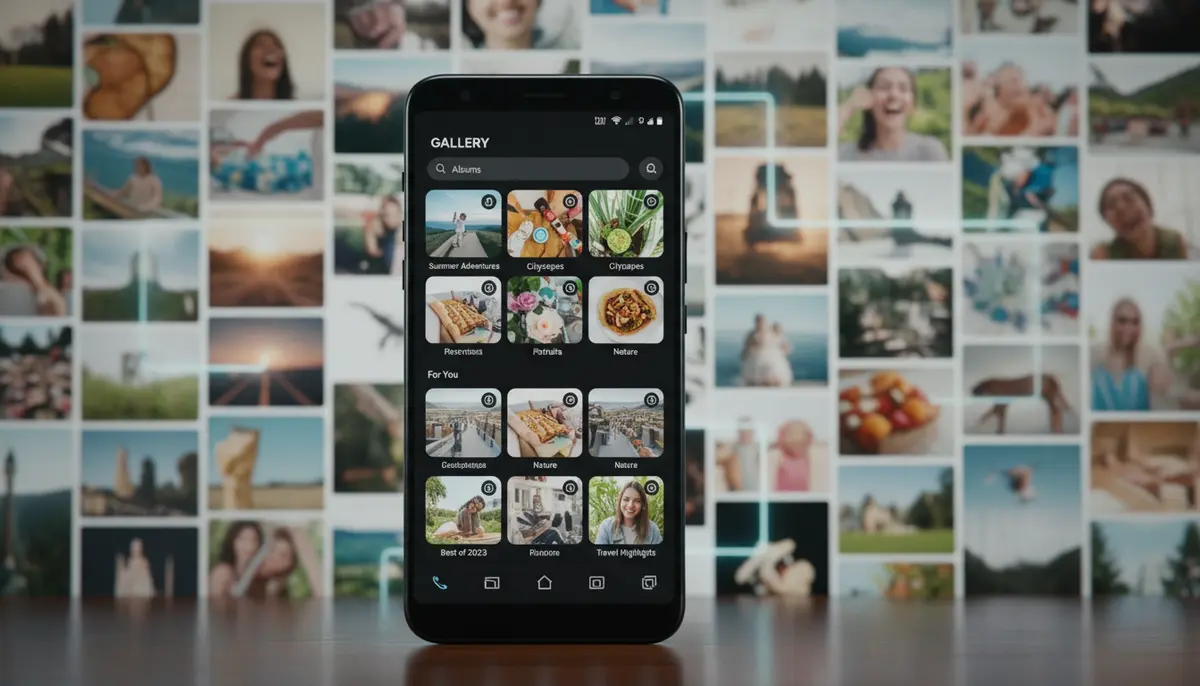
Introduction: Finding the Best Android Photo Album App for Your Needs
In 2025, our smartphones are more than just communication devices. They are our personal archives, holding countless memories captured in photos and videos. Managing this ever-growing digital collection can feel overwhelming. You need a powerful tool to keep everything organized and accessible. This is where the best Android photo album app comes into play. It transforms chaos into order, making your photo browsing a joy instead of a chore.
Choosing the right app means finding one that fits your lifestyle. Do you value privacy, advanced editing, or seamless cloud integration? Different apps offer different strengths. We will explore the top contenders, highlighting their unique features. Our goal is to help you discover the perfect companion for your photographic journey.
Why a Dedicated Photo Album App is Essential in 2025
Your phone’s default gallery app is often basic. It might show your pictures but lacks advanced organizational tools. As your photo library grows, this limitation becomes clear. A dedicated photo album app offers much more. It provides intelligent sorting, powerful search functions, and often integrated editing tools. This saves you time and frustration.
Think about how many photos you take each week. Without a good system, finding that one specific picture from last summer can be a nightmare. The best Android photo album app goes beyond simple folders. It uses AI to recognize faces, places, and objects. This means your photos are automatically categorized and ready for you to enjoy. It’s about making your memories instantly searchable.
Key Features of the Best Android Photo Album App
When evaluating photo album apps, certain features stand out. These elements define a truly exceptional experience. They ensure your photos are not just stored but also celebrated. Let’s look at what makes an app truly great.
- Smart Organization: Automatic categorization by date, location, faces, and objects using AI.
- Intuitive Interface: Easy to navigate, clean design, and smooth performance.
- Privacy Controls: Secure folders, password protection, and control over data sharing.
- Integrated Editing Tools: Basic to advanced photo enhancements without leaving the app.
- Cloud Sync & Backup: Seamlessly upload and access photos across devices and platforms.
- Sharing Options: Quick and secure ways to share photos with friends and family.
- Ad-Free Experience: A clean interface without distracting advertisements.
- Support for Various Formats: Compatibility with different image and video file types.
These features combine to create a comprehensive photo management solution. The ideal app should offer a balance of these capabilities. It should cater to both casual users and photography enthusiasts. The best Android photo album app understands your needs and adapts to them.
Top Contenders for the Best Android Photo Album App in 2025
Many apps compete for the title of the best Android photo album app. Each offers a unique blend of features and user experience. We’ve narrowed down some of the most popular and highly-rated options for 2025. These apps consistently deliver on their promises. They help users manage their digital memories effectively.

Google Photos / Gallery Go
Google Photos remains a dominant player. It offers robust cloud backup and powerful AI-driven organization. Its search capabilities are unparalleled, allowing you to find almost any photo using natural language. However, its free unlimited storage has changed. Now, most users rely on its 15GB free tier, shared across Google services. For those with limited data or storage, Google’s smart, light, and fast photo and video gallery called Gallery Go is an excellent alternative. It helps you find photos faster with automatic organization right on your device.
Gallery Go is designed for offline use and smaller phone storage. It automatically organizes your photos into categories like People, Selfies, Nature, Animals, Documents, Videos, and Movies. It’s a fantastic option for efficient, on-device photo management, especially if you want to avoid cloud reliance. Many users find it to be a strong contender for the best Android photo album app, particularly in emerging markets.
Aves Gallery
Aves Gallery has quickly gained popularity among Android users. It boasts a beautiful, modern interface and impressive performance. It offers advanced features like extensive metadata editing, powerful filtering options, and support for various file types, including RAW images. For those who prioritize a clean design and powerful local management, Aves Gallery is a strong choice. It’s often cited as a top pick for the best Android photo album app by tech enthusiasts. You can read more about its features and why it’s a favorite among users in this overview of favorite Android gallery apps.
Fossify Gallery (Formerly Simple Gallery Pro)
Fossify Gallery, previously known as Simple Gallery Pro, is a community-driven, open-source project. It emphasizes privacy, speed, and customization. It’s completely ad-free and works offline. This app provides essential features like photo editing, file management, and a recycle bin for deleted items. Its commitment to user privacy and a straightforward experience makes it a favorite. Many consider it a strong candidate for the best Android photo album app if you value simplicity and control.
Piktures
Piktures offers a unique, gesture-based interface. It focuses on speed and ease of use. It includes features like a secure drive, GIF and video player, and cloud access to services like Google Drive and Dropbox. Its design is sleek and modern, making photo browsing a fluid experience. Piktures is another excellent option for those seeking a fast and feature-rich gallery. It often appears on lists highlighting the best Android photo album app for its innovative approach. You can also find it mentioned in this list of gallery apps to view photos and videos on Android.
Deep Dive: What Makes an App Stand Out?
Beyond the basic features, what truly elevates an app to be the best Android photo album app? It comes down to innovation, user experience, and specialized functionalities. Let’s explore some areas where top apps truly shine.
AI Organization and Smart Search
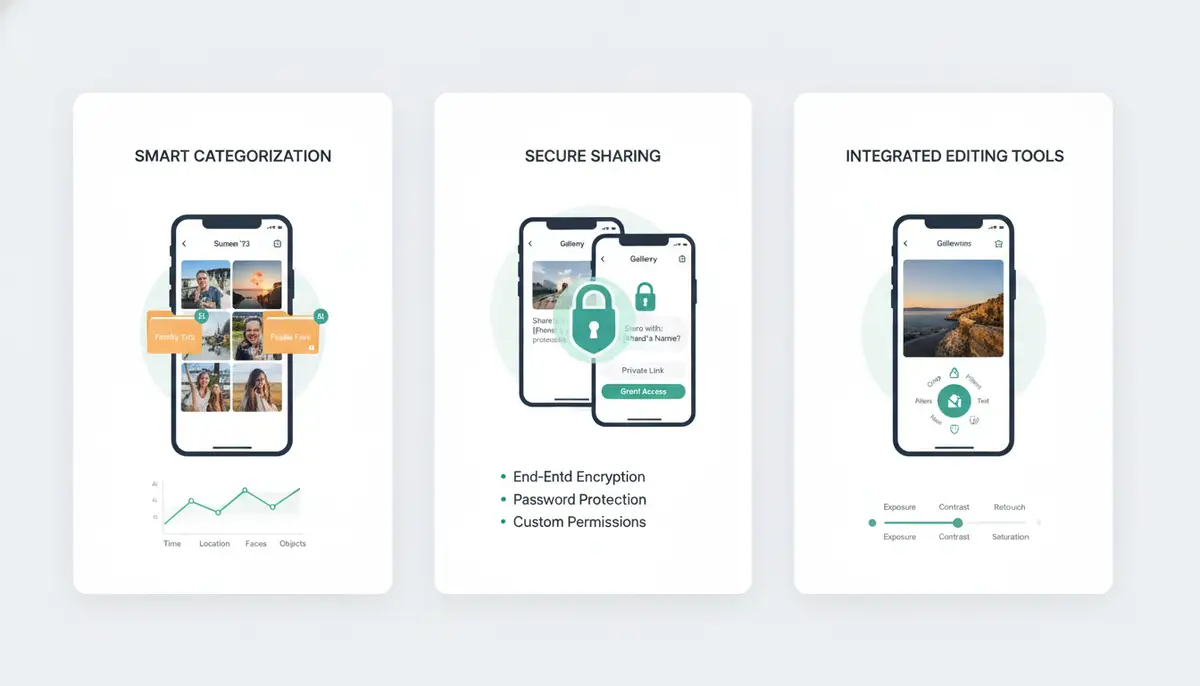
The power of artificial intelligence in photo management cannot be overstated. Apps like Google Photos excel here, automatically tagging photos with keywords based on their content. This means you can search for ‘beach sunset 2024’ or ‘dog playing in park’ and get relevant results instantly. Other apps are catching up, offering similar capabilities for on-device organization. This smart sorting saves countless hours. It ensures your memories are always just a few taps away.
Privacy and Security Features
In an age of increasing digital concerns, privacy is paramount. The best Android photo album app offers robust security features. These include password-protected folders, hidden albums, and secure sharing options. Some apps even block internet access for certain albums, ensuring your private moments stay private. Look for apps that clearly state their privacy policies. This transparency builds trust and gives you peace of mind.
Integrated Editing Capabilities
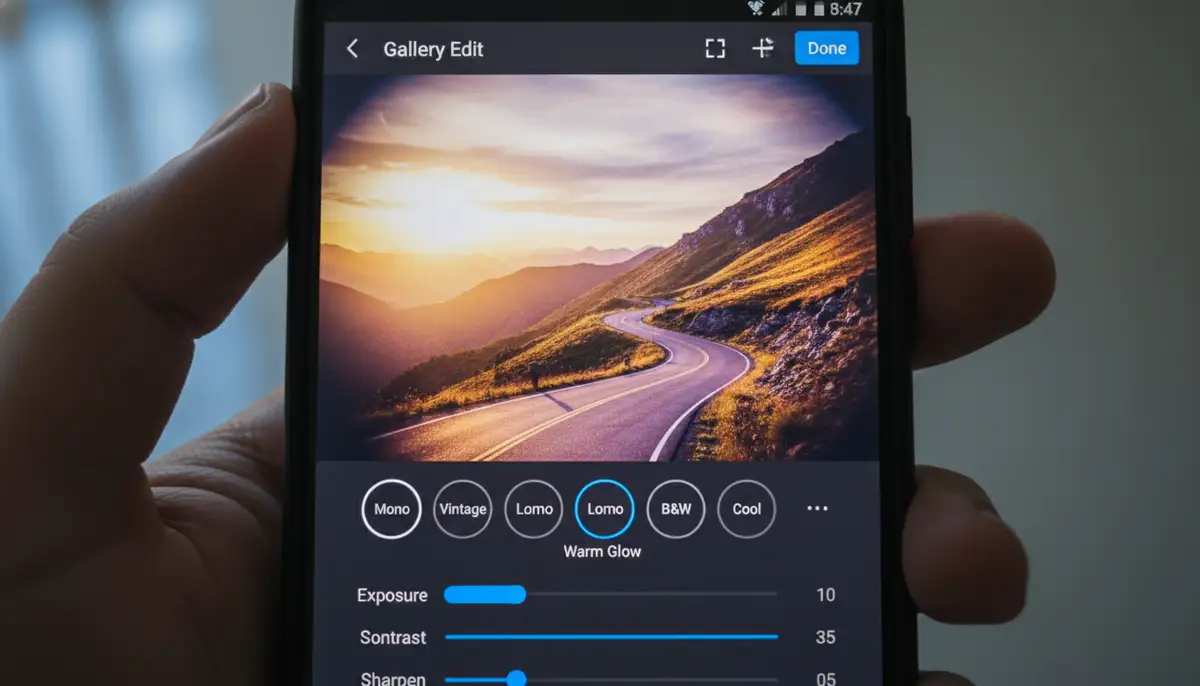
Many top photo album apps now include powerful editing tools. You no longer need to switch between apps for basic adjustments. These built-in editors allow you to crop, rotate, adjust colors, and apply filters. For more advanced edits, dedicated apps like Snapseed.online, VSCO.co, or PicsArt.com offer professional-grade tools. However, for quick fixes, having an editor within your gallery app is incredibly convenient. If you’re looking to apply photo effects with precision and professional controls, consider a specialized photography app like Camera ZOOM FX. It offers stunning filters and fast shooting performance, perfect for high-quality results.
Cloud Sync and Backup
Losing your photos is a nightmare. Cloud sync and backup features prevent this. The best Android photo album app often integrates with cloud storage services. This ensures your photos are safely stored off-device. It also allows you to access your entire library from any device, anywhere. This cross-device accessibility is crucial in our connected world. It provides flexibility and security for your precious memories.
Choosing the Best Android Photo Album App for You: A Comparison
With so many excellent options, how do you pick the best Android photo album app? Consider your primary needs. Are you a casual user, a privacy advocate, or a serious photographer? This table compares some key aspects to help you decide.
| Feature/App | Google Photos/Gallery Go | Aves Gallery | Fossify Gallery | Piktures |
|---|---|---|---|---|
| Primary Focus | Cloud backup, AI search (Photos); Offline, lightweight (Go) | Local management, metadata, RAW support | Privacy, open-source, offline | Gesture-based, secure drive, cloud access |
| AI Organization | Excellent (Photos); Good (Go) | Good | Basic/Manual | Good |
| Editing Tools | Good (Photos); Basic (Go) | Good | Good | Basic |
| Privacy Features | Standard (Google); Strong (Go) | Strong | Excellent | Strong |
| Cloud Sync | Excellent (Photos); No (Go) | Limited/Manual | No | Good (via integrations) |
| Ad-Free | No (Photos); Yes (Go) | Yes | Yes | Yes (Premium) |
| Price | Free (limited storage); Premium plans | Free (with in-app purchases) | Free | Free (with Premium) |
This comparison should give you a clearer picture. If you rely heavily on cloud backup and AI, Google Photos might be your pick. If local control and privacy are key, Fossify Gallery or Aves Gallery could be the best Android photo album app for you. Piktures offers a unique, fast experience for those who value intuitive navigation.
Advanced Tips for Photo Management in 2025
Beyond choosing the right app, smart habits enhance your photo management. Integrating your photo album app with other tools creates a powerful ecosystem. This ensures your digital life is smooth and organized. Here are some actionable tips for 2025.
Leverage Group Sharing Features
Sharing photos with friends and family has never been easier. Many photo album apps offer seamless group sharing capabilities. You can create shared albums for events or trips. Everyone can contribute their photos to one central location. This avoids scattered images across different devices. To learn more about how to effectively collaborate on content, check out our comprehensive guide on what is group sharing app on Android. It’s a game-changer for collaborative memory-keeping.
Beyond Basic Messaging Apps
While messaging apps are convenient, they often compress images. This reduces quality. Use your dedicated photo album app’s sharing features instead. They typically offer full-resolution sharing options. This preserves the quality of your precious memories. If you’re curious about the evolution of communication tools, explore what is Hangout App in Android and its legacy in Google’s messaging ecosystem.
Regularly Declutter Your Library
Even the best Android photo album app can’t magically remove duplicates or blurry shots. Make it a habit to regularly review and delete unnecessary photos. Many apps have features to help identify similar photos. This keeps your library clean and efficient. A streamlined gallery is faster and more enjoyable to browse. It also frees up valuable storage space on your device.
Utilize Tags and Albums Proactively
Don’t just rely on AI. Manually tagging important photos or creating custom albums can greatly improve organization. This is especially true for specific projects or events. Consistent tagging makes future searches much more precise. It adds a personal layer to your photo management system. This proactive approach ensures your photos are always exactly where you expect them to be.
Future Trends in Photo Management
The landscape of photo management is always evolving. In 2025, we can expect even more sophisticated features. AI will continue to play a larger role. Imagine apps that can automatically create video montages of your day. Or perhaps they will suggest personalized photo books based on your memories. The integration with augmented reality (AR) could also transform how we interact with our photos. This might include viewing 3D models from your captures.
Privacy concerns will also drive innovation. We will likely see more decentralized storage options. These options give users full control over their data. The best Android photo album app of tomorrow will balance cutting-edge technology with robust security. It will offer seamless experiences across all your devices. The goal is always to make your memories more accessible and enjoyable.

Conclusion: Your Perfect Photo Companion Awaits
Finding the best Android photo album app is a personal journey. It depends on your unique needs and preferences. Whether you prioritize cloud backup, local control, privacy, or advanced editing, there’s an app out there for you. We’ve explored some of the top contenders in 2025, from Google Photos and Gallery Go to Aves Gallery, Fossify Gallery, and Piktures. Each offers distinct advantages designed to enhance your photo management experience.
By understanding the key features and comparing the leading options, you can make an informed decision. Remember to consider smart organization, privacy, editing tools, and cloud integration. The right app will not only organize your photos but also help you relive your cherished moments effortlessly. Invest time in choosing the perfect app. It will pay off in years of organized, accessible memories. The best Android photo album app is the one that truly empowers your digital photography.