Introduction: Elevate Your Images with the Best Online Photo Editing Websites Free
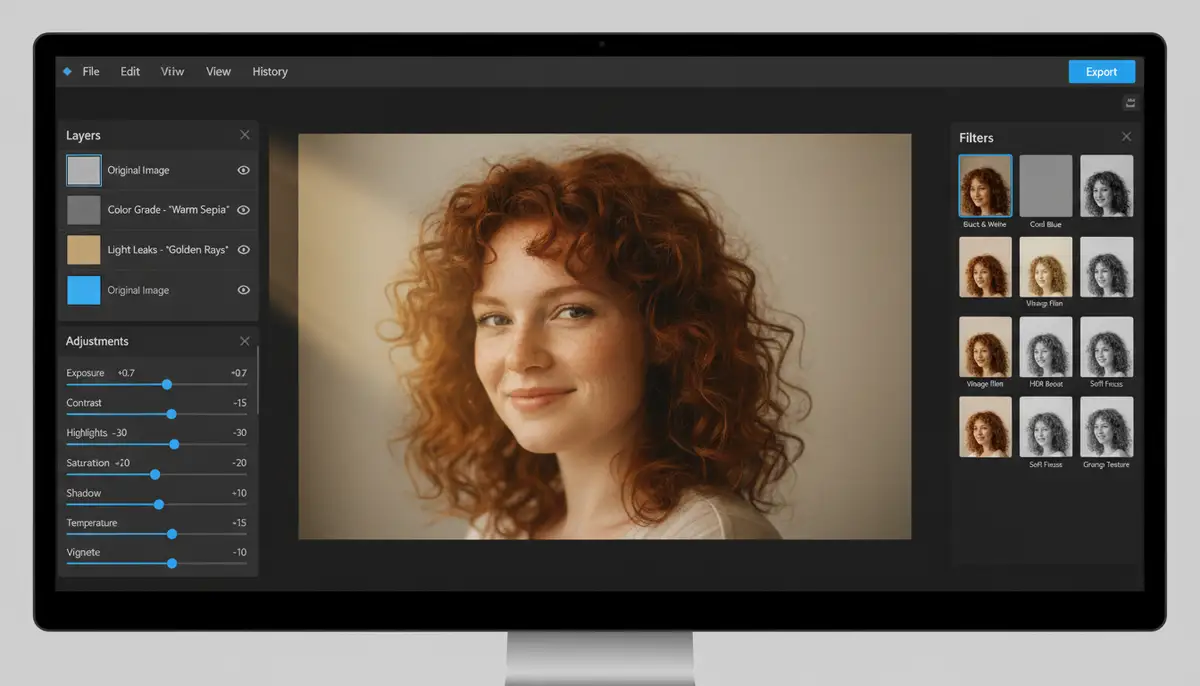
In today’s visually-driven world, stunning photos are essential. Whether you’re a social media influencer, a small business owner, or simply love capturing memories, your images need to stand out. Luckily, you don’t need expensive software to achieve professional results. The digital landscape in 2025 offers an incredible array of powerful, free online tools. This guide will help you discover the very best online photo editing websites free, transforming your pictures without costing a penny.
Gone are the days of needing complex desktop applications. Now, you can access robust editing capabilities right from your web browser. We’ll explore top platforms, highlight their unique features, and provide actionable tips. Get ready to unlock your creative potential and make your photos truly shine. Finding the best online photo editing websites free has never been easier.
Why Choose Free Online Photo Editors?
The appeal of free online photo editors is clear. They offer incredible accessibility and convenience. You can edit from any device with an internet connection. This means no software downloads, no installation hassles, and no hefty subscription fees. This flexibility is a game-changer for many users.
Moreover, these platforms are constantly evolving. Developers regularly update them with new features and improved performance. This ensures you always have access to cutting-edge tools. They often boast intuitive interfaces too, making advanced edits approachable for beginners. While dedicated apps like Camera ZOOM FX provide unparalleled control and speed on Android for capturing high-quality initial shots, online editors excel at post-capture polish.
- Cost-Effectiveness: Absolutely free, saving you money on expensive software.
- Accessibility: Edit from any device, anywhere, anytime, with an internet connection.
- Ease of Use: Many are designed with user-friendly interfaces, perfect for beginners.
- No Installation: Avoids software downloads and system resource usage.
- Regular Updates: Constantly improved with new features and bug fixes.
What Makes a Photo Editor “Best”?
Defining the “best” can be subjective. However, several key factors contribute to an online photo editor’s excellence. User-friendliness is paramount. A good editor should have an intuitive layout, making tools easy to find and use. A wide range of features is also crucial, covering everything from basic adjustments to more advanced effects.
Performance and speed are also important. No one wants to wait ages for an image to load or an effect to apply. Furthermore, the absence of obtrusive watermarks is a major plus. Finally, privacy and data security should always be considered. According to expert insights on free photo editing tools, the ideal tool often depends on your specific needs. The best online photo editing websites free balance these aspects effectively.
- Intuitive User Interface: Easy to navigate, even for beginners.
- Comprehensive Toolset: Offers a wide range of editing capabilities.
- Fast Performance: Quick loading times and smooth operation.
- No Watermarks: Allows you to save your work without branding.
- Format Support: Compatible with various image file types (JPG, PNG, WebP, etc.).
- Cloud Integration: Seamlessly works with cloud storage services.
Top Contenders: Best Online Photo Editing Websites Free in 2025
Let’s dive into the platforms that truly stand out. These are the best online photo editing websites free that you should consider using in 2025. Each offers a unique set of strengths, catering to different user needs and skill levels. We’ll cover their core functionalities and ideal use cases.
Pixlr X & Pixlr E: The Versatile Duo
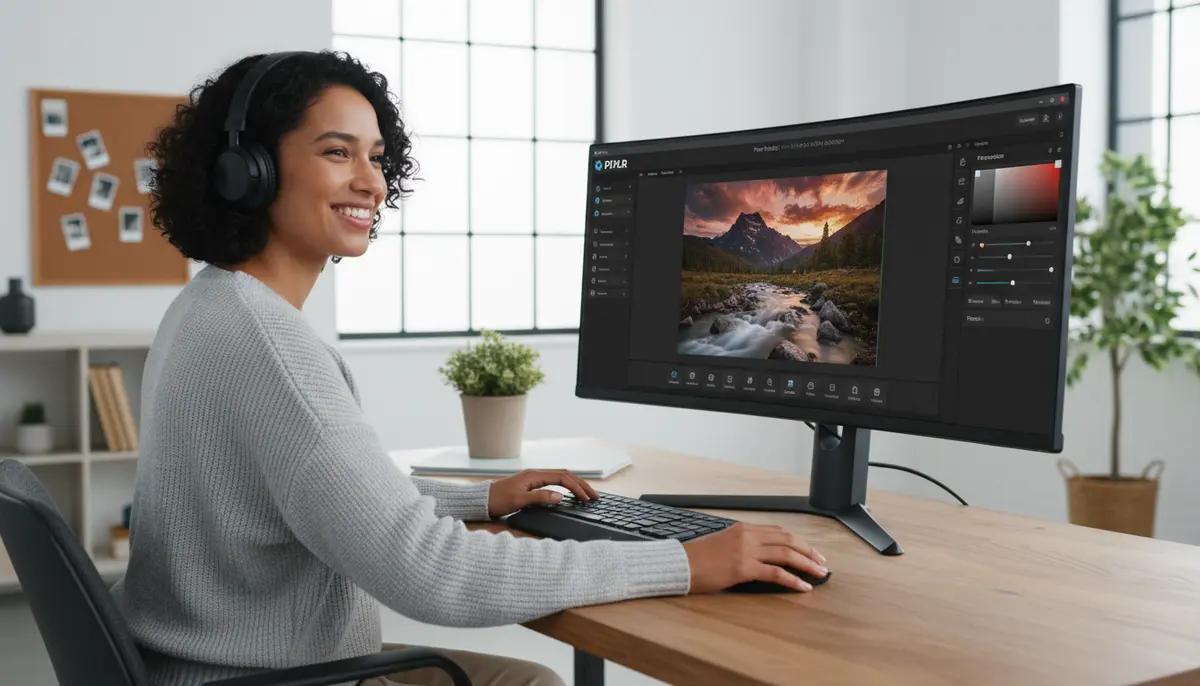
Pixlr offers two distinct editors: Pixlr X for quick, everyday edits and Pixlr E for more advanced, Photoshop-like capabilities. Pixlr X is incredibly user-friendly. It’s perfect for cropping, resizing, applying filters, and adding text with minimal fuss. You can achieve great results in just a few clicks. It’s truly one of the best online photo editing websites free for speed.
Pixlr E, on the other hand, is a robust, layer-based editor. It supports advanced features like curves, levels, masking, and even some AI-powered tools. If you’re familiar with desktop software, Pixlr E will feel comfortable. It handles complex tasks with surprising efficiency for a browser-based tool. Both versions generally avoid watermarks on saved images, making them a top choice.
- Pixlr X: Quick edits, filters, text, collage maker, easy interface.
- Pixlr E: Advanced layers, adjustments (curves, levels), retouching tools, AI cutouts.
- Ideal for: Both beginners (X) and experienced users (E) seeking powerful free tools.
Canva’s Free Photo Editor: Design-Friendly Powerhouse
Canva is renowned for its graphic design prowess. However, its free photo editor is a hidden gem. It offers intuitive tools for basic adjustments, filters, and effects. What truly sets Canva apart is its integration with a vast library of templates, fonts, and graphic elements. This makes it ideal for creating social media posts, marketing materials, and collages that incorporate photos.
You can easily upload your images, make quick enhancements, and then seamlessly integrate them into a larger design project. While competitors like picsart.com also offer robust mobile editing, Canva’s web experience is incredibly fluid for design-focused tasks. You can learn more about Canva’s versatile free photo editor directly on their site. It’s a strong contender for the best online photo editing websites free, especially for content creators.
- Key Features: Basic adjustments, filters, effects, vast template library, text tools, graphic elements.
- Strengths: Excellent for social media, marketing, and combining images with design.
- Ideal for: Content creators, marketers, and anyone needing integrated design and photo editing.
Fotor: Quick Enhancements & Creative Tools
Fotor provides a comprehensive suite of photo editing tools accessible online. It’s known for its ‘one-tap enhance’ feature, which can significantly improve image quality with minimal effort. Beyond that, Fotor offers a good range of standard adjustments, filters, and beauty retouching tools. It also includes a collage maker and design templates, similar to Canva.
Its interface is clean and straightforward, making it easy for new users to jump in. Fotor is particularly good for those who want quick fixes and creative flair without getting bogged down in complex menus. It’s a solid choice among the best online photo editing websites free for its balance of simplicity and functionality.
- Key Features: One-tap enhance, basic & advanced adjustments, filters, beauty retouching, collage maker, design templates.
- Strengths: User-friendly, good for quick enhancements and creative projects.
- Ideal for: Casual users, social media enthusiasts, and those looking for quick, impactful edits.
Photopea: The Photoshop Alternative
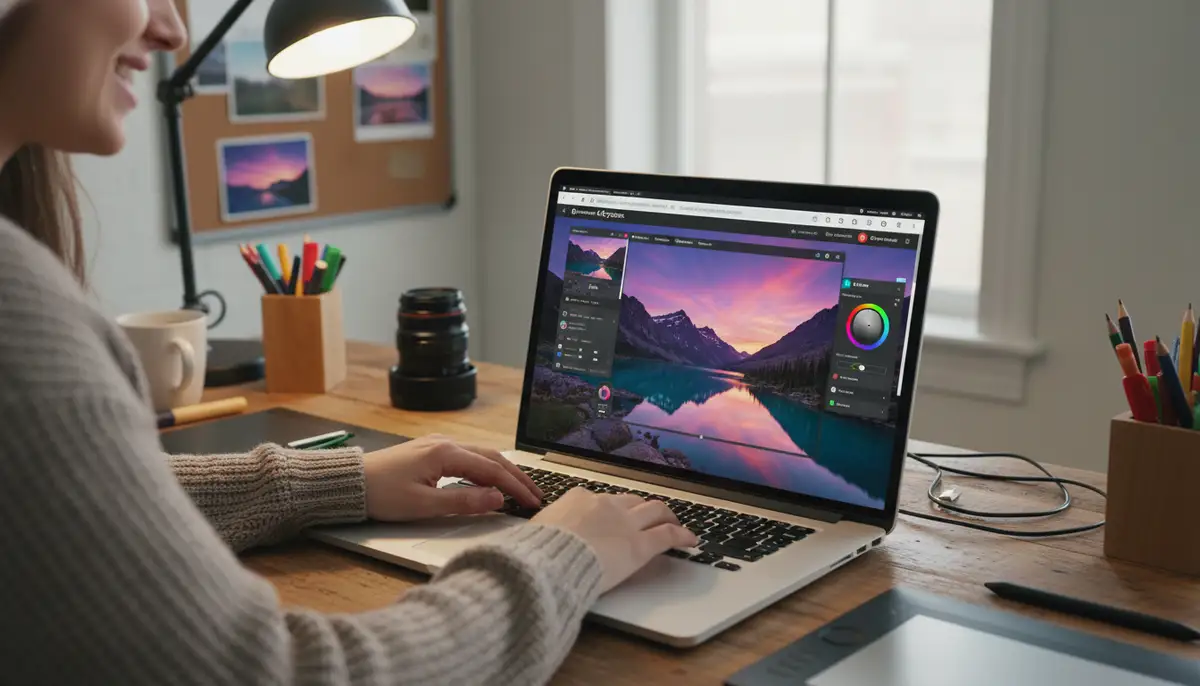
Photopea is truly remarkable. It’s a free, online photo editor that mimics Adobe Photoshop’s interface and functionality almost perfectly. It supports PSD (Photoshop), XCF (GIMP), Sketch, XD, and CDR files, making it incredibly versatile. If you’re accustomed to professional desktop software, Photopea will feel instantly familiar.
You get layers, masks, smart objects, advanced selection tools, and a full suite of filters and adjustments. While it has a steeper learning curve than some other free options, its power is unmatched in the browser. For those seeking a truly professional experience without the cost, Photopea is arguably the best online photo editing websites free. For a desktop open-source alternative with similar power, consider the comprehensive open-source image editor GIMP.
- Key Features: Layer-based editing, masks, smart objects, advanced selection, extensive filters and adjustments, supports multiple file formats.
- Strengths: Mimics Photoshop, highly powerful, professional-grade tools.
- Ideal for: Experienced editors, designers, and anyone needing advanced features for free.
Befunky: Creative Filters & Collages
Befunky offers a fun and creative approach to photo editing. It combines an editor, a collage maker, and a graphic designer into one platform. Its photo editor focuses heavily on artistic filters, effects, and touch-up tools. You can easily transform your photos into cartoon art, oil paintings, or vintage looks.
The interface is colorful and engaging, making the editing process enjoyable. While it has standard adjustment tools, its real strength lies in its creative options. Companies like afterlight.co also excel in creative filters, but Befunky offers a strong web-based free option. It’s a great choice if you want to add a unique artistic touch to your images, making it one of the best online photo editing websites free for creative expression.
- Key Features: Extensive artistic filters, effects, touch-up tools, collage maker, graphic designer.
- Strengths: Focus on creativity, fun interface, unique artistic transformations.
- Ideal for: Creative individuals, artists, and anyone looking to experiment with unique photo styles.
Essential Features to Look For in the Best Online Photo Editing Websites Free
When you’re evaluating the best online photo editing websites free, certain features are non-negotiable. These are the core tools that every good editor should offer. Understanding them helps you choose the right platform for your needs. Always check for these functionalities before committing to a specific editor.
Basic adjustments like brightness, contrast, and saturation are foundational. Cropping and resizing are also crucial for framing and optimizing images. More advanced tools, such as layer support and selective adjustments, open up a world of creative possibilities. Here’s a quick overview of key features and where to find them.
- Cropping & Resizing: Essential for composition and web optimization.
- Color Correction: Adjust brightness, contrast, saturation, white balance.
- Filters & Effects: Apply artistic styles and mood enhancements.
- Retouching Tools: Blemish removal, teeth whitening, skin smoothing.
- Text & Graphics: Add captions, watermarks, or decorative elements.
- Layers (Advanced): Work non-destructively, combining multiple elements.
- Background Removal: Isolate subjects from their backgrounds, often AI-powered.
| Feature | Pixlr X/E | Canva | Fotor | Photopea | Befunky |
|---|---|---|---|---|---|
| Basic Adjustments | Yes | Yes | Yes | Yes | Yes |
| Filters & Effects | Extensive | Good | Good | Extensive | Extensive |
| Layers | E only | Limited | Limited | Yes | Limited |
| Retouching | Yes | Limited | Yes | Yes | Yes |
| Text/Graphics | Yes | Extensive | Yes | Yes | Yes |
| Collage Maker | Yes (X) | Yes | Yes | No | Yes |
| AI Tools | Some | Some | Some | Limited | Some |
Beyond Basic Edits: Advanced Tips & Tricks
Once you’ve mastered the basics, you can push your creativity further. Many of the best online photo editing websites free offer advanced functionalities that can truly elevate your images. Learning these techniques will help your photos stand out even more. Experimentation is key to discovering new possibilities.
Consider using masks for selective adjustments. This allows you to apply effects to only specific parts of your image without affecting the rest. Exploring blending modes in layer-based editors like Photopea or Pixlr E can also create stunning composite images. For specific types of photography, like portraits, understanding how to master the art of eye photography can take your close-ups to the next level, and then you can use these online tools for the final polish.
- Utilize Layers and Masks: Work non-destructively and apply effects selectively.
- Experiment with Blending Modes: Create unique interactions between layers.
- Learn Keyboard Shortcuts: Speed up your workflow in more complex editors.
- Batch Edit (if available): Apply the same adjustments to multiple photos at once.
- Leverage AI Tools: Use one-click enhancements or smart background removal.
Optimizing Your Workflow with Free Online Tools
Efficiency is crucial when dealing with multiple images. The best online photo editing websites free can integrate seamlessly into your existing workflow. Many offer direct connections to cloud storage services like Google Drive or Dropbox. This means you can easily access and save your files without manual uploads and downloads.
Consider using mobile versions or companion apps where available. This allows you to make quick edits on the go. After perfecting your images, you might want to share them on social media. Learning how to get the new fonts on Instagram can help you present your newly edited photos with even more flair and personality. A streamlined workflow saves time and effort.
For photographers using a powerful Android app like Camera ZOOM FX for initial capture, these online tools become the perfect next step. You can capture high-quality raw or JPEG images, then seamlessly transfer them to your chosen online editor for fine-tuning. This combination gives you the best of both worlds: professional capture and flexible, free post-processing.
Common Pitfalls and How to Avoid Them
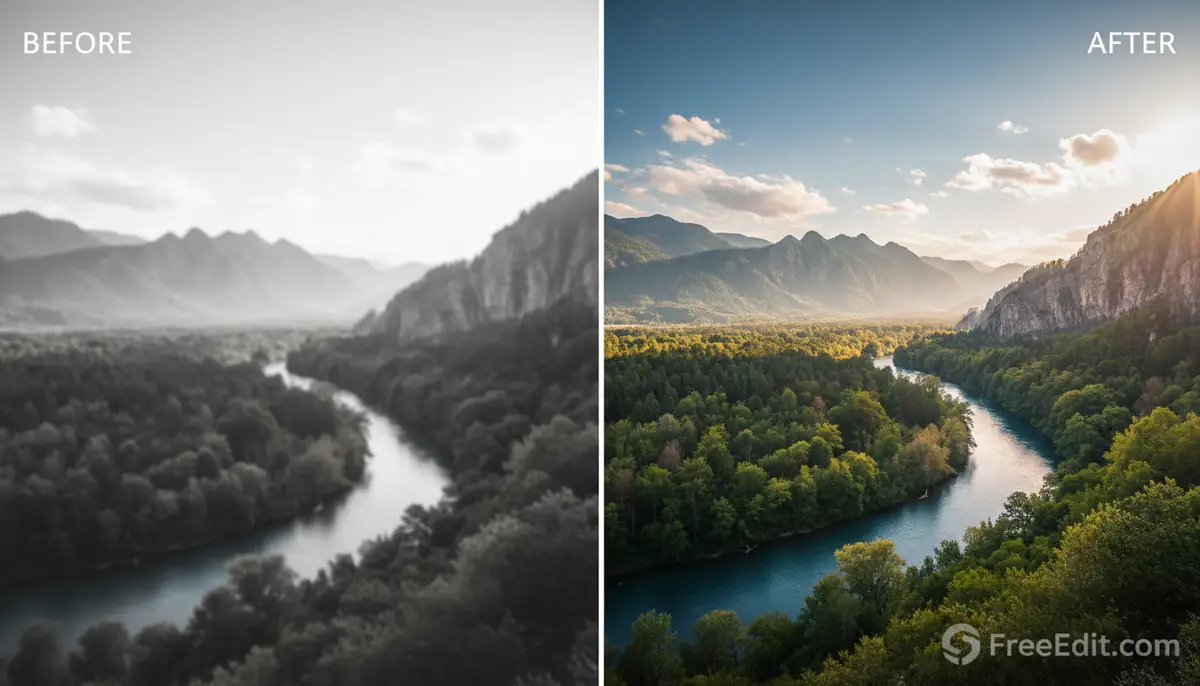
Even with the best online photo editing websites free, there are common mistakes to avoid. Over-editing is a frequent issue. Too many filters or extreme adjustments can make your photo look unnatural or artificial. Always aim for subtle enhancements that complement the original image, rather than overpowering it.
Another pitfall is ignoring file types and resolutions. Always save your edited images in the appropriate format (e.g., JPG for web, PNG for transparency) and at a suitable resolution for its intended use. Be mindful of privacy settings and terms of service, especially when uploading sensitive images. Not all free tools are created equal in this regard. Some might offer a free tier with watermarks or limited features, so always read the fine print.
- Over-editing: Keep edits subtle and natural; less is often more.
- Ignoring File Types: Save in appropriate formats (JPG, PNG) and resolutions.
- Privacy Concerns: Understand the platform’s data handling policies.
- Watermarks: Check if the free version adds watermarks before investing time.
- Browser Compatibility: Ensure your chosen editor works well with your web browser.
Choosing the Best Online Photo Editing Website Free for Your Needs
With so many excellent options, how do you pick the right one? The answer depends entirely on your specific requirements. If you need quick, everyday edits and a user-friendly experience, Pixlr X or Fotor might be your best bet. For more advanced, Photoshop-like capabilities, Photopea or Pixlr E are unparalleled among the best online photo editing websites free.
If you’re a content creator focusing on social media or marketing, Canva offers an integrated design and editing solution. For those who love artistic filters and creative collages, Befunky is a fantastic choice. Try out a few options to see which interface and toolset resonate most with your style. The beauty of these free tools is that you can experiment without any financial commitment.
Conclusion: Your Gateway to Stunning Photos with the Best Online Photo Editing Websites Free
The world of online photo editing has never been more accessible or powerful. The best online photo editing websites free in 2025 offer a fantastic alternative to expensive desktop software. They provide a wealth of features, from basic adjustments to advanced layer-based editing, all at no cost to you. By leveraging these tools, you can significantly enhance your images, express your creativity, and make your visual content truly shine.
Experiment with different platforms, explore their unique features, and find the one that best suits your workflow and artistic vision. Remember, the goal is to make your photos look their best, telling your story effectively. With these incredible free resources, there’s no limit to what you can achieve. Start transforming your photos today and take stunning photos that capture attention and tell your unique story. With Camera ZOOM FX, you can capture the perfect shot, and with these online editors, you can give it the perfect finish.