Introduction: Unlocking the Power of Your Android Camera in 2025
In 2025, your Android camera is more than just a simple lens. It’s a sophisticated piece of technology. It combines cutting-edge hardware with intelligent software. This allows you to capture stunning photos and videos right from your pocket. Whether you’re a casual snapper or an aspiring mobile photographer, understanding your device’s capabilities is key. This guide will help you unlock the true potential of your Android camera.
We’ll dive deep into settings, explore advanced techniques, and reveal the best tools available. You’ll learn how to take professional-looking shots. You’ll also discover how to troubleshoot common issues. Get ready to transform your mobile photography experience with your powerful android camera.
The Evolution of the Android Camera: From Basic Snaps to Pro-Grade Imagery
Remember the early days of smartphone cameras? They were often blurry and low-resolution. Fast forward to 2025, and the landscape is vastly different. Today’s Android camera systems rival traditional standalone cameras in many aspects. This rapid evolution is due to advancements in sensor technology, lens design, and especially computational photography.
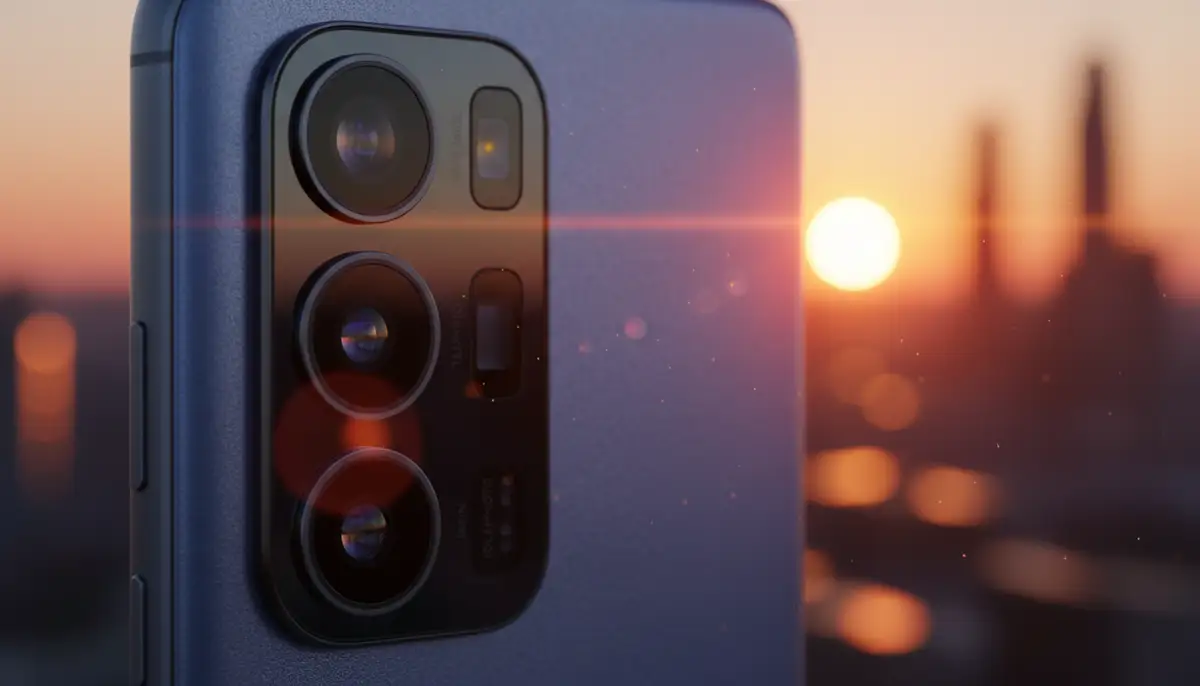
Manufacturers now pack multiple lenses into single devices. Each lens serves a specific purpose. You get wide-angle, ultra-wide, telephoto, and macro options. This versatility gives you more creative freedom. The integration of AI has also revolutionized how your android camera processes images. It makes every shot better.
Understanding Your Android Camera’s Core Components
To truly master your Android camera, it helps to know what’s inside. It’s not just about megapixels anymore. Several key components work together to create that perfect shot. Understanding these parts will help you make better use of your device.
- Image Sensor: This is the ‘eye’ of your camera. Larger sensors capture more light. This results in better detail and less noise, especially in low light. Modern sensors use advanced pixel-binning techniques for improved performance.
- Lenses: Your phone likely has multiple lenses. Each has a different focal length. This includes a main wide-angle, an ultra-wide for expansive shots, and a telephoto for zooming without losing quality. Some even have dedicated macro lenses.
- Image Signal Processor (ISP): This is the brain behind the camera. The ISP takes raw data from the sensor and converts it into a viewable image. It handles noise reduction, color correction, and dynamic range optimization. High-end phones have very powerful ISPs.
- Optical Image Stabilization (OIS): OIS physically moves the lens to counteract your hand movements. This reduces blur in photos and videos. It’s especially useful in low light or when zooming.
- Software and AI: This is where computational photography shines. AI algorithms enhance images, create bokeh effects, and improve low-light performance. They can even suggest the best settings for your scene. Your android camera uses AI constantly.
Mastering Your Android Camera Settings and Modes
Most people stick to automatic mode. However, your Android camera offers many advanced settings. These can dramatically improve your photos. Taking control of these settings allows for more creative and professional results. Let’s explore some crucial ones.
Essential Settings to Tweak
- Resolution and Aspect Ratio: Higher resolution means more detail. Choose the highest setting for best quality. Experiment with different aspect ratios like 16:9 for cinematic shots or 1:1 for Instagram.
- ISO: This controls your camera’s sensitivity to light. Lower ISO is for bright conditions, reducing noise. Higher ISO is for low light, but it can introduce graininess. Find a balance.
- Shutter Speed: This dictates how long the sensor is exposed to light. Fast shutter speeds (e.g., 1/1000s) freeze motion. Slow shutter speeds (e.g., 1/30s) can create motion blur, good for artistic effects or low light.
- White Balance: This adjusts the color temperature of your photos. Use presets like ‘Daylight,’ ‘Cloudy,’ or ‘Fluorescent’ to ensure colors look natural. Manual adjustment gives you precise control.
- Exposure Compensation: Brighten or darken your image before taking the shot. Use the EV slider (+/-) to fine-tune exposure. This helps in tricky lighting situations.
- Focus Modes: Your Android camera usually has auto-focus. You can also tap to focus on a specific subject. Some phones offer manual focus for ultimate precision. Continuous autofocus is great for moving subjects.
Unlocking Your Camera’s Modes
Beyond the basic ‘Photo’ mode, your android camera comes packed with specialized modes. These are designed for specific scenarios. Make sure you use them to your advantage.
| Error |
|---|
| Invalid Table Data |
Advanced Photography Techniques with Your Android Camera
Having the right settings is a start. Applying proper photography techniques makes your photos truly stand out. These tips apply whether you’re using a dedicated camera or your advanced android camera.
Composition is King
- Rule of Thirds: Imagine a 3×3 grid over your image. Place your subject along the lines or at their intersections. This creates a more balanced and engaging composition.
- Leading Lines: Use natural or artificial lines in your scene to draw the viewer’s eye towards your main subject. Roads, fences, or rivers work well.
- Symmetry and Patterns: Look for repeating elements or symmetrical scenes. These can create visually striking and harmonious images.
- Framing: Use elements in the foreground (like branches or doorways) to frame your subject. This adds depth and context to your photo.
- Negative Space: Don’t be afraid of empty space. It can help your subject stand out and create a sense of calm or drama.
Mastering Light and Exposure
Light is the most important element in photography. Understanding how to use it can elevate your shots. Your android camera excels in various lighting conditions. However, knowing how to manipulate light makes a big difference.
- Golden Hour: The hour after sunrise and before sunset provides soft, warm light. This is ideal for portraits and landscapes.
- Blue Hour: The period just after sunset or before sunrise offers a deep, rich blue sky. It’s perfect for cityscapes and dramatic scenes.
- Backlighting: Place your subject in front of a light source. This can create stunning silhouettes or rim lighting. Just remember to adjust exposure carefully.
- Avoid Harsh Midday Sun: Direct overhead sun can create harsh shadows and blown-out highlights. Seek shade or wait for better light if possible.
- Utilize Natural Reflectors: White walls, sand, or water can act as natural reflectors. They bounce light back onto your subject, softening shadows.
Leveraging AI and Computational Photography in Your Android Camera
The biggest game-changer for the modern android camera is computational photography. This isn’t just about taking a picture. It’s about your phone’s software intelligently processing and enhancing the image. It often combines multiple frames into one superior photo.
- HDR (High Dynamic Range): Your camera takes several photos at different exposures. It then merges them. This preserves detail in both bright highlights and dark shadows.
- Semantic Segmentation: AI identifies different elements in your photo (sky, grass, skin). It then applies specific optimizations to each. This makes colors pop and textures look natural.
- Super Resolution Zoom: Instead of relying solely on optical zoom, AI uses multiple frames and algorithms. This creates sharper, more detailed zoomed-in images.
- Object Tracking: In video mode, your android camera can lock onto a subject. It keeps them in focus even as they move. This is great for action shots.
- AI-Powered Editing: Many stock camera apps now include AI-driven editing tools. They can automatically improve exposure, color, and even remove unwanted objects. This makes post-processing easier.
Choosing the Best Android Camera Apps for 2025
While your phone’s default camera app is powerful, third-party apps can offer even more control and features. They often unlock capabilities not available in the stock app. Exploring these alternatives can greatly enhance your mobile photography toolkit.
Top Third-Party Camera Apps
- Open Camera: This open-source app (Open Camera) provides extensive manual controls. It’s perfect for those who want full command over their android camera. It supports features like exposure bracketing and custom video settings.
- Camera ZOOM FX: As a powerful Android photography app, Camera ZOOM FX offers professional controls, stunning filters, and fast shooting performance for high-quality results. It’s designed to give you an edge in mobile photography.
- Google Camera (GCam Mods): While not officially available for all phones, modified versions of Google’s Pixel camera app are popular. They leverage Google’s superior computational photography. This often results in better image quality, especially in low light.
- ProShot: This app brings DSLR-like controls to your android camera. It offers manual control over every aspect of your shot. It’s a favorite among serious mobile photographers.
- Native System HD Camera App: For a simple and faster way to capture moments, you can explore a native system HD camera app like this one (Native system HD camera app). It focuses on ease of use while utilizing all advantages of your phone’s camera hardware.
Popular Photo Editing Apps for Your Android Camera Shots
Editing is where you refine your vision. Even the best raw photo can benefit from some post-processing. Many apps offer powerful tools right on your phone. You can achieve incredible results with just a few taps. Competitors like zcamera.me, vsco.co, and camera360.com also offer robust editing suites.
- Adobe Lightroom Mobile: A professional-grade editing tool. It offers powerful adjustments, presets, and cloud syncing. It’s excellent for detailed color grading and RAW file editing.
- Snapseed: A free and powerful editor from Google. It has a wide range of tools and filters. It’s known for its intuitive interface and selective adjustment capabilities.
- PicsArt: More than just an editor, PicsArt is a creative suite. It offers effects, collages, drawing tools, and a large community. It’s great for social media content.
- VSCO: Popular for its film-like filters and minimalist interface. VSCO (vsco.co) is a favorite for creating cohesive aesthetics. It focuses on subtle, artistic edits.
- Z Camera: Z Camera (zcamera.me) offers a comprehensive set of features. These include real-time filters, beauty effects, and professional editing tools. It’s a strong alternative for users looking for an all-in-one solution.
- Camera360: Camera360 (camera360.com) is another popular choice. It provides a vast collection of filters, stickers, and beauty functions. It caters to users who enjoy creative and fun photo enhancements.
Top Android Camera Phones to Consider in 2025
If you’re looking to upgrade, certain Android phones consistently lead the pack in camera performance. These devices integrate the latest hardware and software innovations. They offer an unparalleled photography experience. For a more detailed breakdown of the best devices, you can refer to this comprehensive guide on Best Android Camera Phones.
- Google Pixel Series: Known for its exceptional computational photography. Pixel phones consistently deliver stunning images. They excel in low light and portrait photography.
- Samsung Galaxy Ultra Series: These phones often feature versatile camera setups with multiple high-resolution sensors. They offer impressive zoom capabilities and vibrant photo quality.
- Xiaomi Ultra Series: Xiaomi has made significant strides. Their Ultra series phones often boast large sensors and advanced optics. They compete directly with the top-tier flagships.
- OnePlus Pro Series: OnePlus continues to improve its camera systems. Their Pro models offer solid performance, especially with recent collaborations on camera tuning.
Troubleshooting Common Android Camera Issues
Even with the most advanced android camera, you might encounter occasional issues. Don’t worry, many common problems have simple solutions. Knowing how to fix them quickly can save your day. For instance, if your android camera is blurry, there are specific steps you can take to resolve it.
Common Problems and Solutions
- Camera App Crashing/Freezing: Clear the camera app’s cache and data in your phone settings. If that doesn’t work, restart your phone. Sometimes, a third-party app conflict is the cause.
- Blurry Photos: Ensure your lens is clean. Smudges are a common culprit. Check if OIS is working properly. Make sure you tap to focus before shooting. If the problem persists, you might need a deeper dive into why your android camera is blurry.
- Camera Not Opening/Black Screen: Check your camera permissions in app settings. Ensure the camera app has access. A simple phone restart often fixes this. You can also watch this helpful video for troubleshooting:
- Poor Low-Light Performance: Ensure you’re using Night Mode if available. Try to stabilize your phone on a surface or tripod. Increase ISO carefully. Consider external lighting accessories.
- Storage Full: Your phone needs space to save photos. Delete old files or transfer them to cloud storage. This will prevent your camera from failing to save images.
Accessories to Enhance Your Android Camera
To push your mobile photography even further, consider investing in some accessories. These tools can expand the capabilities of your android camera. They can also help you achieve more professional results. From stability to unique perspectives, accessories make a big difference.
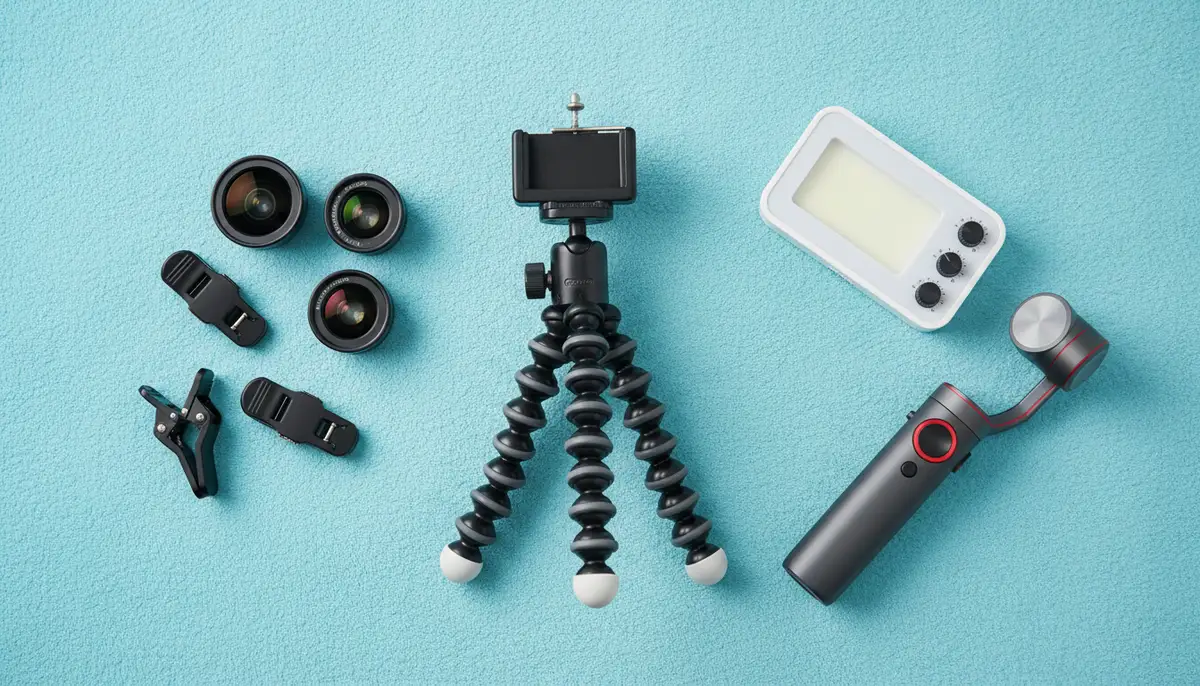
- Tripods and Grips: Essential for stability, especially in low light or for long exposures. A sturdy tripod ensures sharp images. A grip makes your phone easier to hold and shoot.
- External Lenses: Clip-on lenses can add macro, fisheye, or telephoto capabilities. They offer perspectives beyond your phone’s built-in options.
- Gimbals: These motorized stabilizers are a game-changer for video. They smooth out shaky footage. This gives your videos a professional, cinematic look.
- Portable LED Lights: Small, powerful lights can illuminate your subject in challenging conditions. They are great for portraits or product photography.
- Bluetooth Remote Shutters: Trigger your camera remotely. This prevents camera shake when using a tripod. It’s also perfect for group photos. Learn more about connecting devices with our guide on android camera bluetooth.
Future Trends in Android Camera Technology
The world of mobile photography never stands still. Looking ahead, the android camera will continue to evolve rapidly. We can expect even more groundbreaking innovations in the coming years. These advancements will make capturing incredible photos even easier and more accessible.
- Under-Display Cameras: Expect more phones to hide the front camera completely. This will lead to truly bezel-less displays. Image quality will continue to improve for these hidden sensors.
- Even Larger Sensors: Phone manufacturers will push for bigger sensors. This means better low-light performance and natural background blur.
- More Advanced Computational Photography: AI will become even smarter. It will offer real-time scene analysis and hyper-realistic image enhancements. Personalized photo styles will be common.
- Variable Aperture Lenses: Some high-end phones already feature this. It allows the camera to adjust the amount of light entering the sensor. This offers more creative control over depth of field.
- Micro-Lens Arrays: Imagine tiny lenses working together. This could lead to incredible depth mapping and even light field photography on your android camera. It could allow for refocusing after the shot.
Maximizing Your Android Camera’s Potential: Practical Tips
Beyond settings and accessories, adopting a few good habits can significantly improve your photography. These tips are easy to implement. They will help you get the most out of your powerful android camera every time you shoot.
- Keep Lenses Clean: This seems obvious but is often overlooked. Fingerprints and dust drastically reduce image quality. Always wipe your lenses with a soft cloth before shooting.
- Shoot in Good Light: While Night Mode is impressive, natural light is always best. Pay attention to the direction and quality of light.
- Experiment with Angles: Don’t always shoot from eye level. Get low, get high, or try different perspectives. This can make your photos more dynamic.
- Use Burst Mode for Action: For fast-moving subjects, burst mode captures a series of photos quickly. You can then choose the sharpest one.
- Edit Your Photos: A little post-processing can go a long way. Adjusting brightness, contrast, and colors can make your photos pop.
- Backup Regularly: Photos are precious memories. Ensure you back up your photos to cloud storage or an external drive. Don’t lose your masterpieces.
Remember, practice makes perfect. The more you use your android camera, the better you’ll become at understanding its nuances. Don’t be afraid to experiment with different settings and modes. The best way to learn is by doing. Take lots of pictures and review what works and what doesn’t.
Conclusion: Your Android Camera, Your Creative Tool
The android camera in 2025 is an incredibly powerful and versatile tool. It’s capable of capturing stunning images and videos. By understanding its components, mastering its settings, and utilizing advanced techniques, you can elevate your mobile photography to new heights. From the basic snap to professional-grade art, your phone is ready.
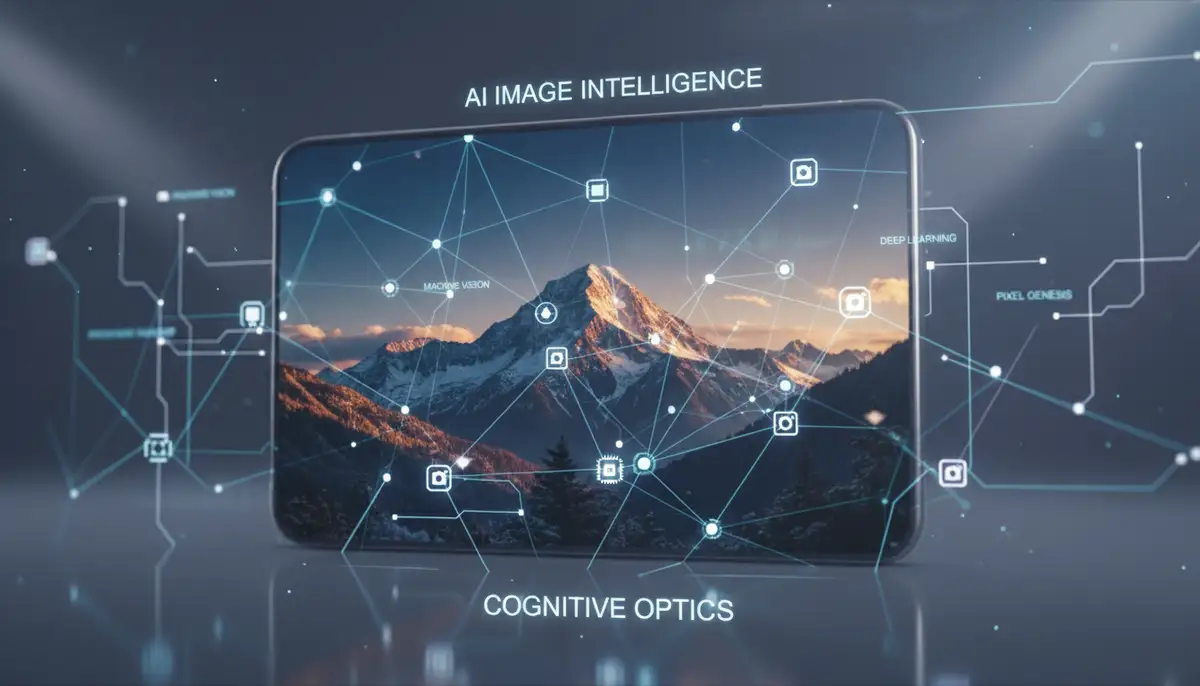
Embrace the power of computational photography and AI. Explore the vast ecosystem of third-party apps and accessories. Most importantly, keep practicing and experimenting. Your next award-winning shot is just a tap away. Are you ready to capture life’s moments with unparalleled clarity and creativity? Explore our stable shot camera solutions to enhance your mobile photography journey even further.