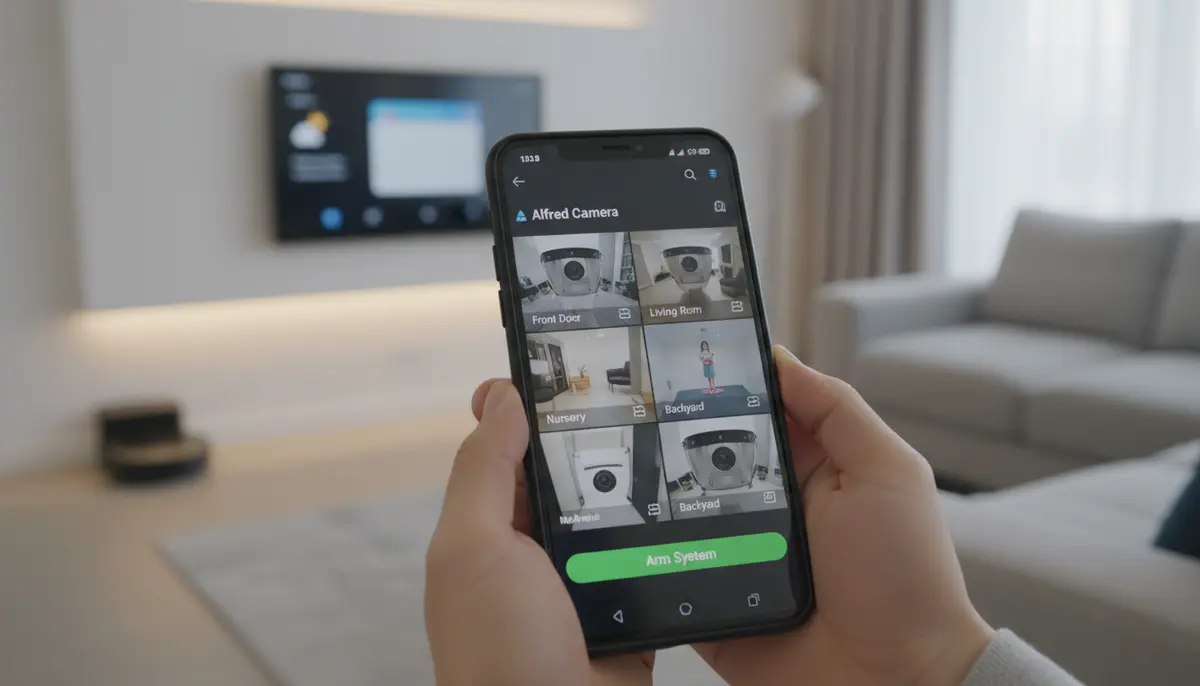
Unlock Advanced Home Security with Alfred Camera App Android in 2025
In 2025, home security is smarter and more accessible than ever. You don’t need expensive equipment to keep an eye on your home. The solution might be sitting in your drawer right now: an old Android phone. By simply installing the Alfred Camera app Android, you can transform that forgotten device into a powerful, feature-rich security camera. This guide will walk you through everything you need to know about setting up and maximizing the Alfred Camera app on your Android device.
Imagine having constant surveillance, motion detection alerts, and two-way talk functionality, all for free or a minimal subscription. The Alfred Camera app Android makes this a reality. It offers a robust and reliable way to monitor your home, pets, or even a sleeping baby. Let’s dive into how this innovative application can change your approach to home safety.
What Exactly is the Alfred Camera App Android?
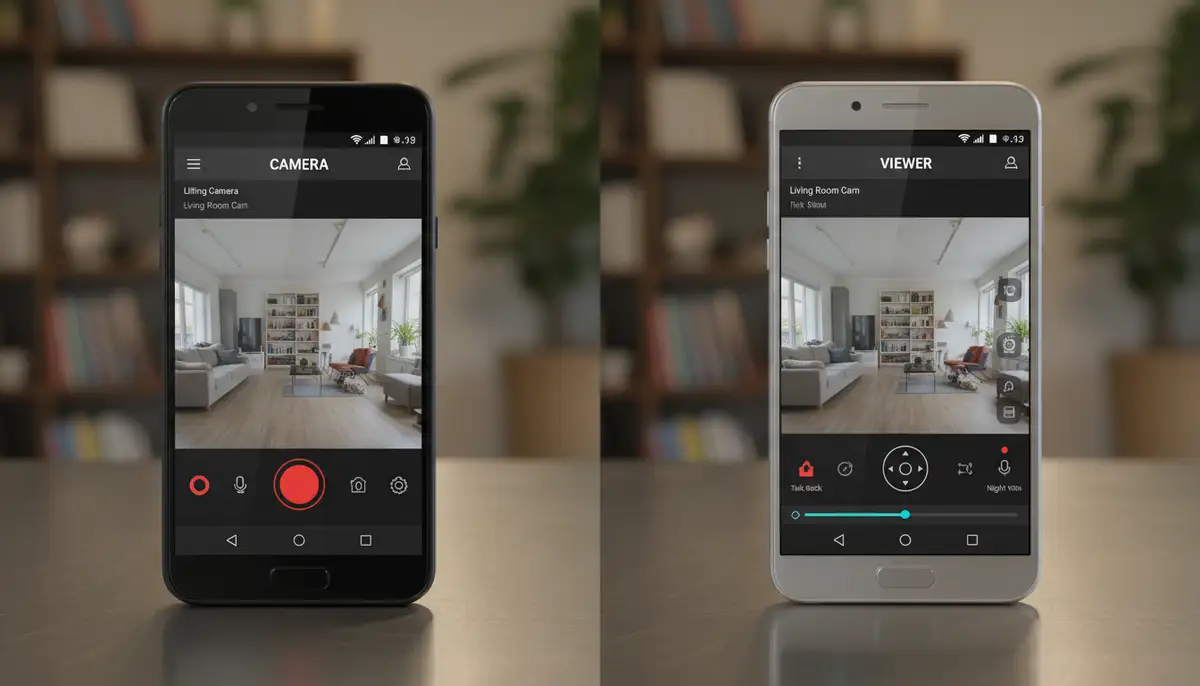
The Alfred Camera app Android is a revolutionary application designed to convert your spare smartphones or tablets into fully functional security cameras. It leverages the existing camera and internet capabilities of your old devices. This means you can create a sophisticated surveillance system without buying new hardware. The app works by designating one device as the ‘Camera’ and another (your current phone or a web browser) as the ‘Viewer’.
It’s a brilliant way to recycle old electronics. Instead of contributing to e-waste, you give them a new, valuable purpose. The Alfred Camera app Android has gained immense popularity for its ease of use and effectiveness. Millions of users worldwide trust it for their home security needs. You can learn more about its capabilities and download it directly from Google Play.
Why Choose the Alfred Camera App Android Over Traditional Security Systems?
There are several compelling reasons why the Alfred Camera app Android stands out. Traditional security camera systems can be costly. They often involve complex installation and ongoing maintenance fees. Alfred Camera offers a budget-friendly alternative without sacrificing essential features. You save money on hardware and installation.
- Cost-Effectiveness: Utilizes devices you already own, eliminating the need to purchase expensive new cameras.
- Ease of Setup: Installation is as simple as downloading an app and logging in. No wires, no drilling.
- Flexibility and Portability: You can easily move your ‘camera’ device to different locations as needed. This is perfect for renters or those who frequently rearrange their space.
- Feature-Rich: Despite being free, it offers features found in high-end systems, such as live view, motion detection, and two-way audio.
- Environmental Benefit: It promotes electronic waste reduction by giving old devices a second life.
The convenience factor is also huge. You manage everything from your current smartphone, regardless of where you are. This level of control and accessibility is hard to beat. The Alfred Camera app Android truly puts security in your hands.
Getting Started: Installing and Setting Up Your Alfred Camera App Android
Setting up the Alfred Camera app Android is incredibly straightforward. You’ll need at least two devices: one for the ‘Camera’ and one for the ‘Viewer’. Both devices need to be connected to the internet, either via Wi-Fi or mobile data.
Step-by-Step Installation:
- Download the App: On both your old Android phone (the ‘Camera’ device) and your current Android phone (the ‘Viewer’ device), search for ‘Alfred Camera’ in the Google Play Store. You can also visit the official site to download the AlfredCamera app directly.
- Sign In: Open the app on both devices. You’ll need to sign in with the same Google account on both. This links them together.
- Assign Roles: On your old phone, select ‘Camera’. On your current phone, select ‘Viewer’. That’s it! Your system is now active.
Once roles are assigned, your ‘Camera’ device will immediately start streaming. You can view the live feed from your ‘Viewer’ device. It’s that simple to get started with the Alfred Camera app Android. For more detailed instructions on getting the app, check out our comprehensive guide on Alfred Camera download for Android.
Turning Your Old Phone into a Security Camera: Best Practices
Repurposing an old Android phone requires a few considerations to ensure optimal performance and longevity. You want your camera to be reliable and effective. Here are some key tips for your Alfred Camera app Android setup.
Power Supply:
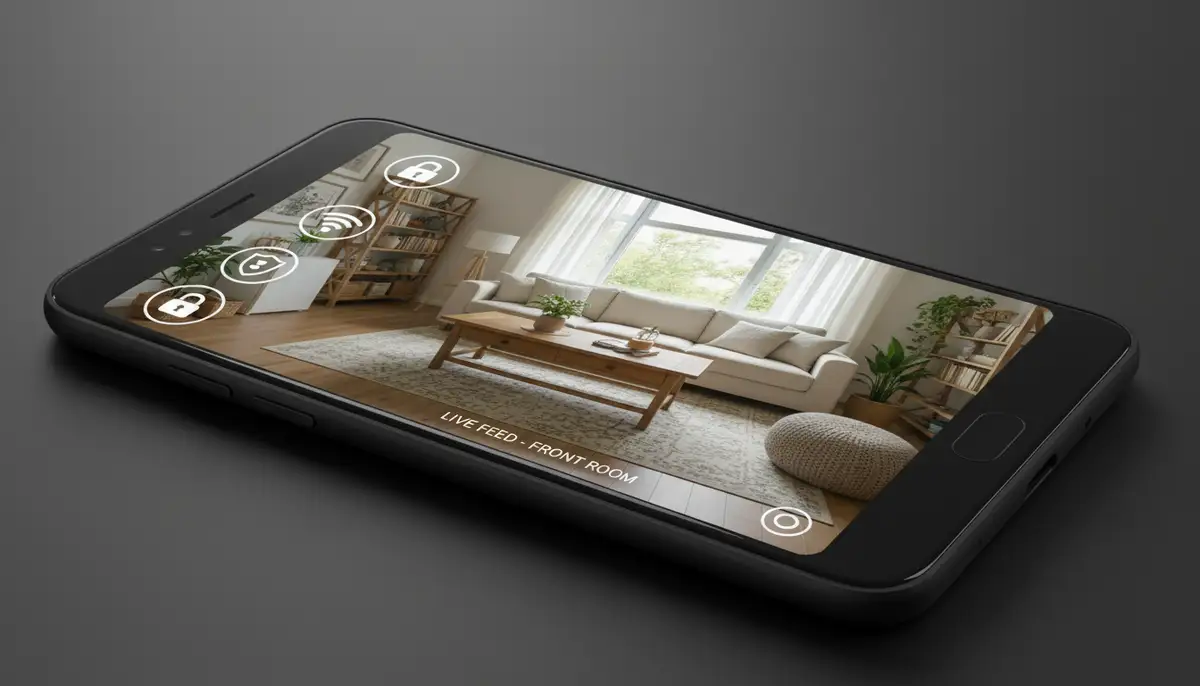
Your old phone will be continuously streaming, which drains the battery quickly. Keep it plugged into a power source at all times. Use the original charger if possible for best results. This ensures uninterrupted surveillance.
Placement and Mounting:
Strategic placement is crucial. Consider the area you want to monitor. Place the camera where it has a clear view and good lighting. You can use simple phone stands or wall mounts. Ensure it’s out of direct sunlight to prevent overheating. The Alfred Camera app Android works best with a stable view.
Network Connection:
A stable Wi-Fi connection is vital for smooth streaming and timely alerts. Test the signal strength in your chosen location. Weak signals can lead to lag or dropped connections. This impacts the reliability of your Alfred Camera app Android setup.
Optimizing Phone Settings:
- Disable Screen Lock: Keep the screen on during operation, or set it to ‘never sleep’ if available. This prevents the phone from going idle.
- Turn Off Notifications: Silence all notifications on the camera phone to avoid distractions or sounds in recordings.
- Enable Do Not Disturb: This minimizes interruptions and helps the camera focus on its task.
- Update Software: Ensure your Android OS and Alfred Camera app Android are up to date for the best performance and security.
Key Features of the Alfred Camera App Android
The Alfred Camera app Android is packed with features designed to provide comprehensive home security. These features make it a powerful alternative to dedicated security cameras. You get a lot of functionality without the high cost.
Live View:
Access a real-time video feed from your camera device anytime, anywhere. This allows you to check in on your home or loved ones instantly. The quality of the live stream is impressive, adapting to your internet speed.
Motion Detection and Instant Alerts:
This is a cornerstone feature. The app detects movement and sends immediate push notifications to your viewer device. This ensures you’re always aware of any activity. You can customize the sensitivity of motion detection within the Alfred Camera app Android settings.
Two-Way Talk:
Communicate through your camera device using your viewer phone. This is perfect for talking to pets, scaring off intruders, or simply checking in with family members. It adds an interactive layer to your surveillance.
Low-Light Filter / Night Vision:
Even in dim lighting, the Alfred Camera app Android can enhance visibility. While it’s not true infrared night vision, its low-light filter significantly improves image quality in darker environments. This ensures monitoring around the clock.
Video Recording and Cloud Storage:
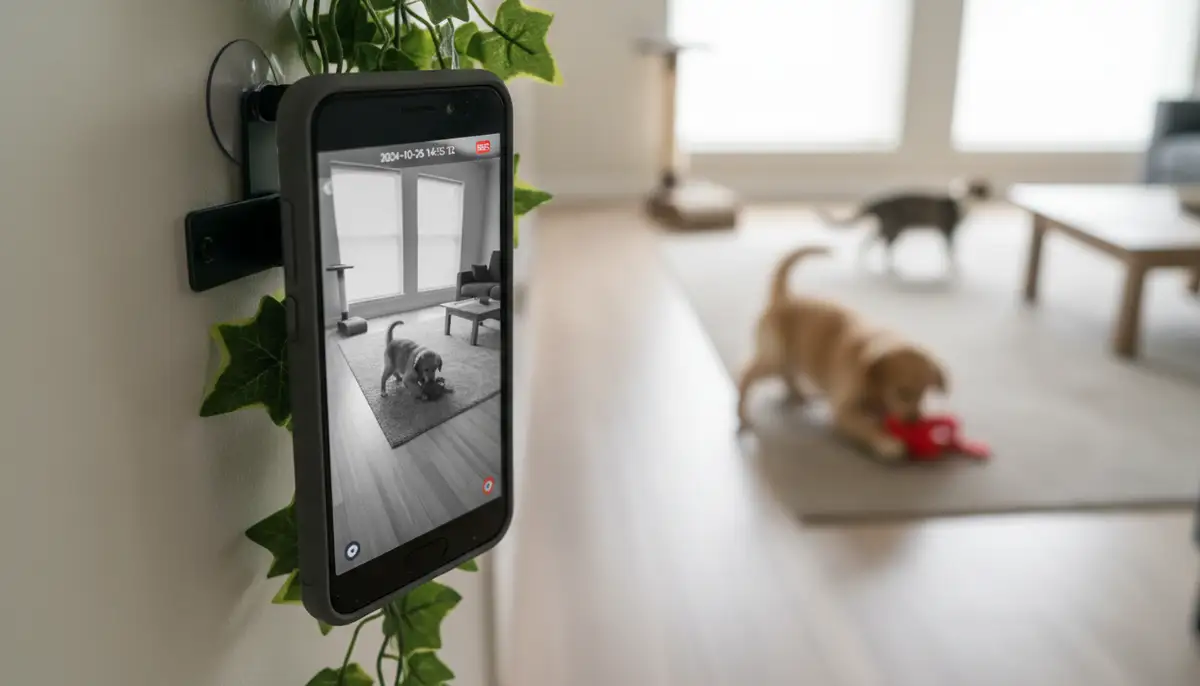
When motion is detected, the app automatically records a short video clip. These clips are stored securely in the cloud for a limited time (free tier) or longer with a premium subscription. This allows you to review events later. The Alfred Camera app Android keeps a history of all detected events.
Siren:
Trigger a loud siren from your viewer device through the camera phone. This can deter intruders or alert neighbors to an issue. It’s a powerful tool for immediate response.
These features combined make the Alfred Camera app Android a comprehensive security solution. It’s incredible what an old phone can achieve with the right software. For a visual demonstration of these features, consider watching this insightful
video.
Advanced Tips for Maximizing Your Alfred Camera Setup
Once you’re comfortable with the basics, you can optimize your Alfred Camera app Android experience even further. These tips will help you get the most out of your DIY security system.
Optimizing Motion Detection Zones:
Alfred Camera allows you to define specific areas within the camera’s view for motion detection. This reduces false alarms from pets or moving curtains. Focus on entry points or valuable items. This precision makes your Alfred Camera app Android alerts more relevant.
Scheduling:
Set schedules for when your camera should be active. You might want it on only when you’re away from home or during specific hours. This saves battery life (if not plugged in) and reduces unnecessary notifications. The Alfred Camera app Android offers flexible scheduling options.
Using Multiple Cameras:
Have more old phones? You can set up multiple camera devices with the same Alfred account. This creates a multi-angle surveillance system. Monitor different rooms or entry points simultaneously. The Alfred Camera app Android handles multiple feeds seamlessly.
Enhancing Night Vision:
For better night performance, consider adding a small, dedicated infrared (IR) illuminator near your camera phone. These are inexpensive and can dramatically improve visibility in complete darkness. This complements the built-in low-light filter of the Alfred Camera app Android.
Considering Alfred Premium:
While the free version is robust, Alfred Premium offers additional benefits. These include higher resolution recording, longer cloud storage, and ad-free experience. If security is a top priority, the subscription is a worthwhile investment for your Alfred Camera app Android system.
Integrating with Your Smart Home Ecosystem
In 2025, smart homes are interconnected. While the Alfred Camera app Android is a standalone solution, you can integrate it into your broader smart home strategy. Think about how your security camera can work with other devices. For example, you could use smart plugs to turn on lights when motion is detected by Alfred. This creates a more robust security presence.
While direct integration with voice assistants like Google Assistant or Alexa is constantly evolving, you can often create routines. These routines can be triggered by notifications from your Alfred Camera app Android. This allows for automated responses to security events. Imagine your smart lights flashing red if motion is detected!
Troubleshooting Common Issues with Alfred Camera App Android
Even the best apps can encounter occasional glitches. Here are some common issues and how to resolve them for your Alfred Camera app Android.
| Issue | Possible Cause | Solution |
|---|---|---|
| No Live Feed | Poor Wi-Fi, app not running, device offline | Check Wi-Fi, restart app on both devices, ensure camera phone is plugged in and online. |
| Delayed Notifications | Network congestion, power saving mode on camera phone | Ensure strong Wi-Fi, disable battery optimization for Alfred app, check app permissions. |
| Poor Video Quality | Low light, low internet bandwidth | Improve lighting, ensure strong Wi-Fi, consider Alfred Premium for higher resolution. |
| Camera Phone Overheating | Continuous operation, direct sunlight, old battery | Move to a cooler spot, out of direct sun, ensure good ventilation, consider replacing old battery. |
Most issues stem from network connectivity or device settings. Always check your Wi-Fi first. Ensure both devices are logged into the same Google account for the Alfred Camera app Android. A quick restart of both devices often resolves minor issues.
Alfred Camera App Android vs. Other Phone Camera Apps
While Alfred Camera excels at security, other apps transform your phone’s camera capabilities in different ways. For instance, apps like Snapseed and VSCO focus on photo editing, offering powerful tools to apply photo effects and enhance images. They are about creative expression. Z Camera, on the other hand, offers a full-featured camera experience with filters and editing, often competing as an alternative to stock camera apps. However, none of these directly compete with the core security function of the Alfred Camera app Android. Our own photography app, Camera ZOOM FX, provides professional controls and stunning filters for high-quality results, focusing on the capture aspect of photography.
The Alfred Camera app Android carves out a unique niche by repurposing your device entirely. It turns it into a dedicated security device. This distinct purpose sets it apart from general-purpose camera or photo editing apps. When you need surveillance, the Alfred Camera app Android is the specialized tool for the job. You can even download older versions of the app from sites like Uptodown if you need specific compatibility for very old devices, though keeping up to date is always recommended.
Security and Privacy with the Alfred Camera App Android
When dealing with security cameras, privacy is a major concern. Alfred Camera takes user privacy seriously. All video streams and recordings are encrypted. This protects your data from unauthorized access. The company uses secure cloud servers to store your motion-detected clips.
However, you also have a role in maintaining security. Use a strong, unique password for your Google account. This is the primary key to your Alfred Camera app Android system. Be mindful of where you place your camera devices. Ensure they only monitor areas you intend to surveil. Regularly review your app permissions on both devices. This ensures they are not accessing anything unnecessary.
The Future of Home Security with Alfred Camera
As technology advances, so too will the capabilities of apps like Alfred Camera. We can expect even more sophisticated AI-powered features. These might include advanced person detection, facial recognition, or even pet tracking. The integration with smart home ecosystems will also become more seamless. Imagine your Alfred Camera app Android automatically arming itself when you leave home, based on your location data.
The trend towards accessible, user-friendly security solutions is growing. Alfred Camera is at the forefront of this movement. It empowers everyday users to create robust security systems without breaking the bank. The continuous development of the Alfred Camera app Android ensures it remains a leading choice for DIY home surveillance.
Beyond Security: Other Uses for Your Repurposed Android Device
While the Alfred Camera app Android is fantastic for security, your old phone can serve other purposes too. Think about using it as a dedicated baby monitor. The two-way talk feature is perfect for soothing a fussy infant. You could also use it to keep an eye on elderly family members, providing peace of mind. The versatility of an old Android device with the Alfred Camera app is truly remarkable.
Additionally, consider using it as a pet cam. You can check in on your furry friends while you’re at work. The motion detection will alert you to their activities. The Alfred Camera app Android provides a window into their day. These alternative uses highlight the broad utility of repurposing old technology.
Conclusion: Embrace Smart, Affordable Security with Alfred Camera App Android
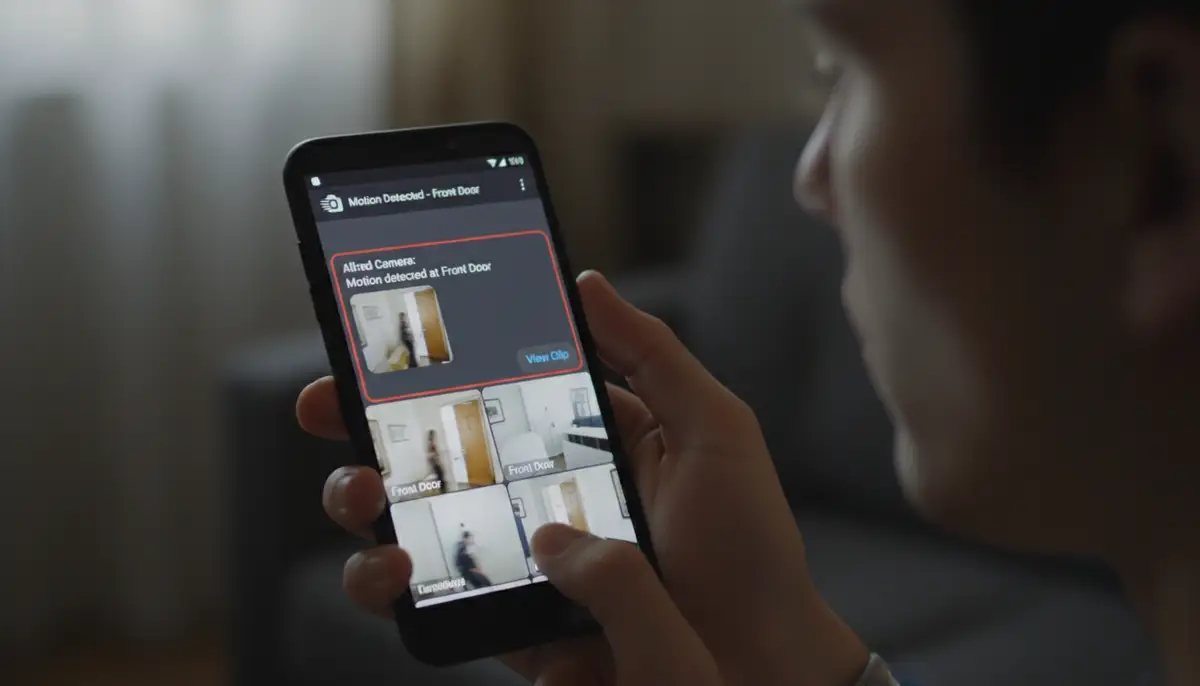
The Alfred Camera app Android offers an unparalleled solution for affordable and effective home security in 2025. It transforms your unused Android devices into powerful surveillance cameras. With features like live view, motion detection, two-way talk, and cloud storage, you get professional-grade security without the hefty price tag. The ease of setup and use makes it accessible to everyone. You don’t need to be a tech expert to secure your home.
By following the tips in this guide, you can create a reliable and comprehensive security system. Whether you’re monitoring your home, watching your pets, or keeping an eye on loved ones, the Alfred Camera app Android is a versatile tool. Don’t let your old phone gather dust. Give it a new life as your personal security guardian. Start building your smart home security system today with the Alfred Camera app Android!