Introduction: The Importance of Knowing Your Sony A7III’s Shutter Count
Your Sony A7III is a powerful tool. It helps you capture stunning photos and videos. But like any mechanical device, it has a lifespan. The shutter mechanism is one of the most crucial moving parts. It actuates every time you take a picture.
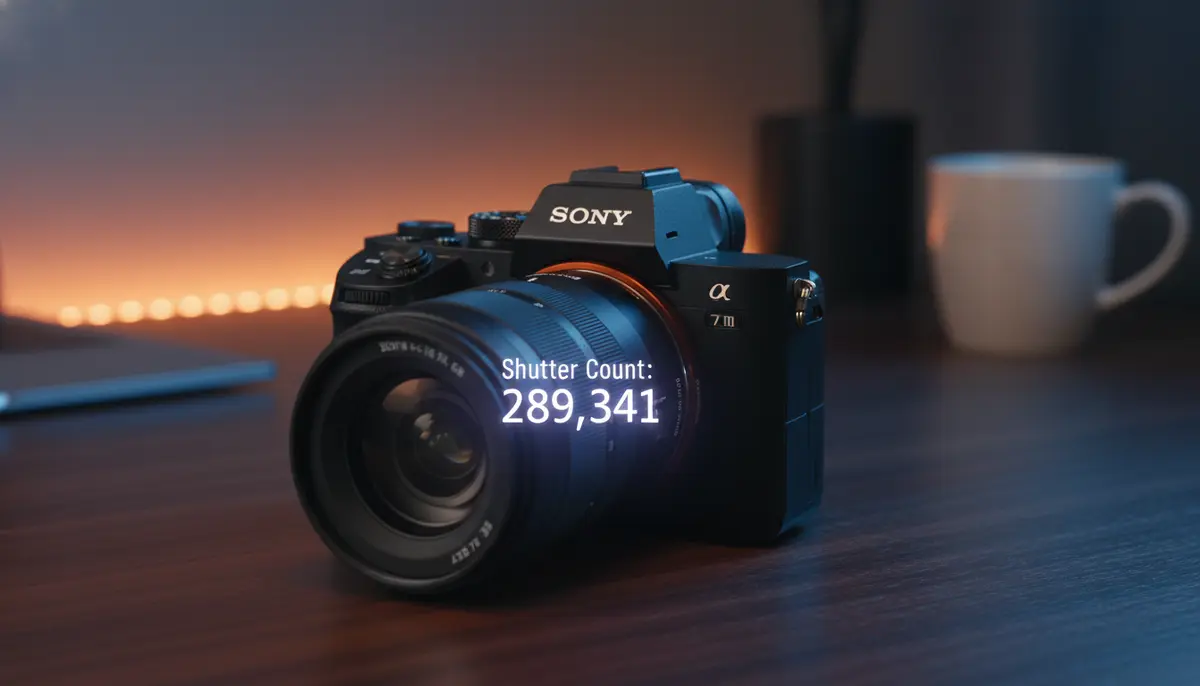
Understanding its usage is vital. This is where the ‘shutter count’ comes in. It tells you exactly how many photos your camera has taken. This number is often called ‘shutter actuations.’ Knowing how to check shutter count on Sony A7III can save you money and headaches. It is especially important if you are buying or selling a used camera.
In 2025, with technology constantly evolving, keeping track of your gear’s health remains a top priority. This comprehensive guide will walk you through various methods. You will learn precisely how to check shutter count on Sony A7III. We will cover everything from online tools to understanding your camera’s expected lifespan.
What Exactly is Shutter Count and Why Does it Matter?
Before we dive into the ‘how-to,’ let’s clarify the ‘what.’ Shutter count refers to the total number of times your camera’s shutter has opened and closed. Each time you press the shutter button and take a photo, this count increases by one. It’s like the odometer on a car. A higher number means more use.
Why is this number so important for your Sony A7III? Digital camera shutters, particularly in mirrorless models like the A7III, are designed for a specific number of actuations. This is their ‘rated lifespan.’ Exceeding this number doesn’t mean your camera will instantly break. However, it does increase the likelihood of shutter failure. You can learn more about this crucial metric in our detailed breakdown of what is shutter count and why it matters.
Key Reasons to Check Shutter Count on Your Sony A7III
There are several compelling reasons why you should know how to check shutter count on Sony A7III. These reasons apply whether you’re a casual hobbyist or a professional photographer.
- Assessing Camera Health: A high shutter count can indicate that your camera is nearing the end of its mechanical life. This helps you plan for future repairs or replacements.
- Determining Resale Value: When selling your Sony A7III, the shutter count is a critical factor for buyers. A lower count generally means a higher resale value, similar to car mileage.
- Informed Buying Decisions: If you’re purchasing a used Sony A7III, checking the shutter count is essential. It tells you how much wear and tear the camera has experienced. This prevents you from overpaying for a heavily used device.
- Warranty Claims: In some cases, manufacturers might consider excessive shutter actuations when evaluating warranty claims related to shutter mechanisms.
- Personal Tracking: For enthusiasts, it’s interesting to track how many photos you take over time. It can be a measure of your photographic journey and activity.
Methods to Check Shutter Count on Sony A7III
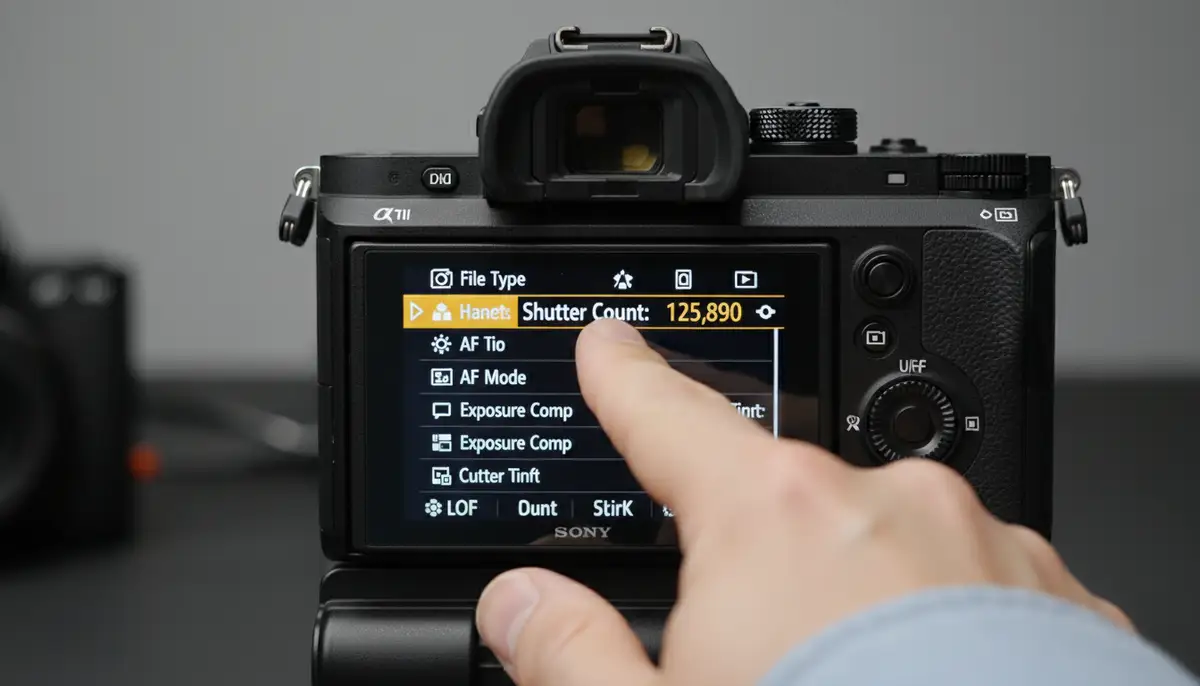
Unlike some camera brands, Sony cameras, including the A7III, do not have a built-in menu option to display the shutter count directly. This means you need to use external tools. Fortunately, several reliable options exist for how to check shutter count on Sony A7III. These methods typically involve analyzing the EXIF data of an unedited image.
Method 1: Using Online Shutter Count Tools
This is by far the most popular and easiest method. Online tools analyze the hidden data within your image files. This data is known as EXIF (Exchangeable Image File Format) data. It contains information about the camera, settings, and sometimes, the shutter count.
These web-based services are convenient. You don’t need to install any software. They work directly in your browser. Many photographers rely on these tools regularly. They provide quick and accurate results. Here’s a general overview of how they work.
- Take a Fresh Photo: First, take a new picture with your Sony A7III. Make sure it’s a JPEG file. RAW files sometimes lack the necessary EXIF data for these tools.
- No Editing: Do not edit or process this image in any way. Editing can strip or alter the EXIF data, making it impossible for the tool to read the shutter count.
- Upload to a Tool: Visit a reputable online shutter count checker. You will upload your unedited JPEG file there.
- Get Your Count: The tool will then analyze the file and display your camera’s shutter count.
Several excellent online tools are available. For a detailed walkthrough on how to check the shutter count for the Sony A7III, you can refer to this comprehensive guide on Gear Focus. Two other highly recommended options include Shuttertool.com, which offers a free shutter count checker for SONY Alpha cameras, and CameraShutterCount.com, where you can upload an unedited picture to find out how many shots your digital SLR has taken.
Method 2: Using Desktop Software
While online tools are convenient, some users prefer desktop software. This might be for privacy reasons or if they frequently check multiple cameras. For Sony cameras, specific dedicated software for shutter count is less common than for other brands. However, some general EXIF viewers can sometimes extract this information.
Applications like ExifTool (a command-line utility) can display a vast amount of EXIF data, including shutter actuations if present. This method requires a bit more technical comfort. You would need to download and install the software. Then, you would run commands to analyze your image files. For most users, the online tools are much simpler and equally effective for how to check shutter count on Sony A7III.
Method 3: Professional Service (Last Resort)
If you’ve tried the online tools and desktop software without success, or if you suspect an issue with your camera’s reporting, a professional service is an option. Camera repair shops often have specialized diagnostic tools. These tools can read the shutter count directly from the camera’s firmware. This method is usually reserved for situations where other options fail. It might involve a service fee.
Step-by-Step Guide: How to Check Shutter Count on Sony A7III with Online Tools
Let’s walk through the most common and reliable method. This guide will show you how to check shutter count on Sony A7III using an online tool. It’s a straightforward process that anyone can follow.

- Step 1: Prepare Your Camera. Turn on your Sony A7III. Make sure it has a charged battery and a memory card.
- Step 2: Take a New Photo. Find a simple subject. Take one picture. It doesn’t matter what the photo is of. The key is that it’s a fresh, unedited JPEG.
- Step 3: Transfer the Photo to Your Computer. Remove the memory card from your A7III. Insert it into your computer’s card reader. Copy the newly taken photo to your desktop or a specific folder.
- Step 4: Do NOT Edit the Photo. This step is critical. Any editing, even cropping, can strip the EXIF data. The shutter count information will be lost.
- Step 5: Open Your Web Browser. Launch your preferred internet browser (Chrome, Firefox, Edge, etc.).
- Step 6: Visit an Online Shutter Counter. Navigate to a reliable website. Popular choices include Shuttertool.com or CameraShutterCount.com.
- Step 7: Upload Your Image. Look for an ‘Upload’ or ‘Choose File’ button on the website. Click it and select the unedited JPEG photo you just saved from your A7III.
- Step 8: View Your Shutter Count. The website will process the image. In a few seconds, it will display your Sony A7III’s shutter count. It’s usually labeled as ‘Shutter Count,’ ‘Image Count,’ or ‘Actuations.’
- Step 9: Record the Information (Optional). You might want to jot down the number. This helps you track usage over time. You can compare it with future checks.
This method is quick and efficient. It gives you the information you need in minutes. For a visual demonstration, consider watching this helpful video:
. It walks you through the process step-by-step.
Understanding Your Sony A7III’s Shutter Life Expectancy
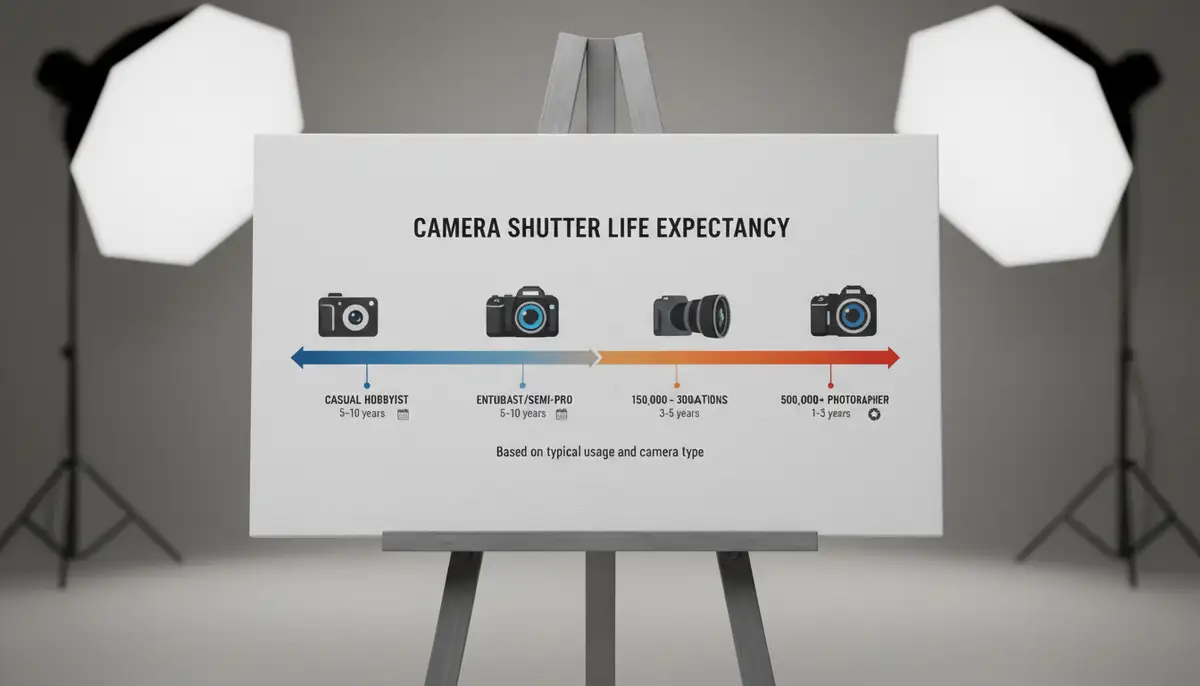
Now that you know how to check shutter count on Sony A7III, what do the numbers mean? Most modern mirrorless cameras have a rated shutter life. For the Sony A7III, the rated shutter life is typically around 200,000 actuations. This is a manufacturer’s estimate. It signifies the point at which the shutter mechanism is expected to start experiencing issues.
However, this is just an average. Many cameras exceed this number without problems. Others might fail sooner. Several factors can influence a shutter’s actual lifespan. These include shooting conditions, maintenance, and usage patterns. For instance, shooting in dusty environments without proper care can shorten its life.
| Shutter Count Range | Interpretation for Sony A7III | Recommendation |
|---|---|---|
| 0-50,000 | Very low usage, like new or gently used. | Excellent condition, minimal wear. |
| 50,000-100,000 | Moderate usage, well-maintained. | Good condition, plenty of life left. |
| 100,000-150,000 | Heavily used, approaching average lifespan. | Still good, but consider future maintenance or replacement. |
| 150,000-200,000+ | Very high usage, at or beyond rated lifespan. | Expect potential shutter issues, factor into buying/selling decisions. |
Keep in mind that these are general guidelines. A camera with 150,000 actuations that has been meticulously cared for might outperform one with 50,000 that has been neglected. Regular cleaning and careful handling are key.
Tips for Extending Your Sony A7III’s Shutter Life
While you can’t stop the shutter count from increasing, you can adopt practices to maximize its lifespan. These tips will help you get the most out of your investment and delay the need for repairs.
- Use Electronic Shutter When Possible: The Sony A7III offers an electronic shutter option. This uses the sensor to capture the image without moving the mechanical shutter. It’s perfect for silent shooting and extends the mechanical shutter’s life. Be aware of potential rolling shutter effects with fast-moving subjects.
- Minimize Burst Shooting: Continuous high-speed shooting quickly racks up the shutter count. Use it only when necessary. For everyday photography, single shots are sufficient.
- Proper Camera Care: Protect your camera from dust, moisture, and extreme temperatures. These elements can degrade mechanical components over time. Use a good camera bag and lens caps.
- Regular Cleaning: Keep your camera body and lens mounts clean. Dust and debris can interfere with the shutter mechanism. If you are comfortable, use a blower brush for external cleaning.
- Avoid Unnecessary On/Off Cycles: Turning your camera on and off repeatedly can sometimes contribute to wear. Keep it on if you’re actively shooting over a short period.
Embracing these habits can significantly prolong your Sony A7III’s operational life. A well-maintained camera, perhaps even enhanced with advanced features from an app like Camera ZOOM FX for Android, will serve you better in the long run. Camera ZOOM FX offers professional controls and stunning filters, helping you get high-quality results while you care for your gear.
Common Issues and Troubleshooting When Checking Shutter Count
Sometimes, you might encounter issues when trying to check shutter count on Sony A7III. Don’t worry, these are often easily resolved. Here are some common problems and their solutions.
- ‘Shutter Count Not Found’ Error: This is the most common issue. It almost always means you uploaded an edited photo. Ensure the image is a direct-from-camera JPEG. Try taking another fresh picture and uploading it immediately without any modifications.
- RAW Files Not Working: Many online tools are optimized for JPEG files. If you shoot in RAW, convert a fresh RAW file to JPEG (without any other edits) or simply switch your camera to JPEG mode for one shot.
- Website Issues: Occasionally, an online tool might be down or experiencing technical difficulties. If one site doesn’t work, try another reputable one like Shuttertool.com or CameraShutterCount.com.
- Camera Firmware: Ensure your Sony A7III has the latest firmware. While unlikely to affect shutter count reporting directly, updated firmware can resolve other underlying camera issues.
- Corrupted File: In rare cases, the photo file itself might be corrupted. Try taking several new photos and testing each one.
If you’ve tried all these steps and still can’t get an accurate reading, consider reaching out to Sony support or a professional camera repair shop. They might have more advanced diagnostic tools to help you determine how to check shutter count on Sony A7III.
Beyond Shutter Count: Holistic Camera Health
While knowing how to check shutter count on Sony A7III is crucial, it’s just one piece of the puzzle. A camera’s overall health depends on many factors. Regular maintenance goes a long way in ensuring your Sony A7III performs optimally for years to come. Think about your camera as a system, not just a shutter.
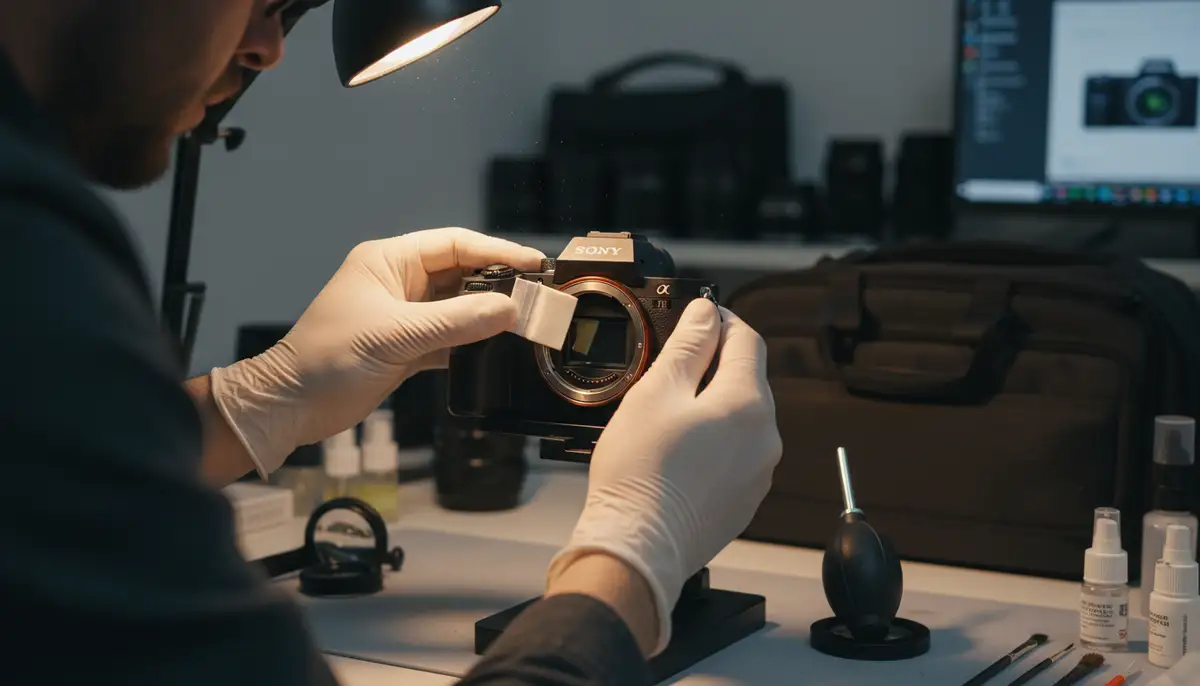
- Sensor Cleaning: Dust on your sensor can ruin images. Learn how to safely clean your sensor or have it professionally cleaned regularly.
- Lens Care: Keep your lenses clean and free of dust, fingerprints, and scratches. Use proper lens cleaning kits.
- Battery Health: Monitor your battery’s performance. Replace aging batteries to ensure consistent power supply.
- Firmware Updates: Always keep your camera’s firmware updated. Manufacturers release updates to fix bugs, improve performance, and add new features.
- Storage & Handling: Store your camera in a dry, cool place. Avoid dropping it or exposing it to harsh impacts.
Understanding these aspects contributes to a comprehensive approach to camera longevity. For a broader perspective on maintaining your gear, explore our ultimate guide to checking shutter count and camera lifespan. This article provides even more insights into keeping your photographic equipment in top condition.
Beyond hardware, your workflow also impacts your camera’s perceived performance and the quality of your output. Tools like Canva.com help with graphic design, while Snapseed.online and VSCO.co offer powerful photo editing on mobile. These platforms complement your camera by enhancing the final image. However, the foundation always starts with a healthy, well-understood camera.
Conclusion: Empowering Your Photography Journey
Knowing how to check shutter count on Sony A7III is a fundamental skill for any owner. It empowers you with valuable information. You can make better decisions about buying, selling, and maintaining your beloved camera. This simple check provides insight into its history and future potential.
By following the steps outlined in this guide, you can quickly and accurately determine your camera’s shutter actuations. Remember to use unedited JPEG files and reliable online tools. This practice helps you stay informed about your gear’s condition. It ensures you can continue capturing incredible moments with confidence.
Take control of your camera’s health today. Understand its lifespan. Plan for its future. And when you’re ready to enhance those amazing shots, remember to apply photo effects that truly make them shine.