Introduction: Step Into the Future of Mobile Photography with a 360 Degree Camera for Android
Imagine capturing an entire moment, not just a sliver of it. Think about reliving a memory from every angle. This is the power of a 360 degree camera for Android. In 2025, immersive content is no longer a niche. It is quickly becoming the standard for sharing experiences online.
Your Android phone is more than just a communication device. It is a powerful hub for creativity. Adding a 360 degree camera for Android transforms it into a portal. You can create breathtaking virtual tours, dynamic social media posts, and personal memories like never before. This guide will help you navigate the exciting world of 360-degree photography. We will explore the best cameras, essential apps, and expert tips. Get ready to unlock new creative possibilities. Our own Camera ZOOM FX app, known for its professional controls and stunning filters, complements this perfectly by helping you master your standard mobile photography alongside your 360-degree adventures.
What Exactly is a 360 Degree Camera for Android?
A 360 degree camera for Android is a special camera. It captures a full spherical view of its surroundings. Unlike regular cameras, which have a limited field of view, these devices see everything. They use multiple lenses or a single ultra-wide lens. These lenses capture images simultaneously. Then, built-in software stitches these images together. This creates a seamless, immersive photo or video. You can then ‘look around’ within this content.
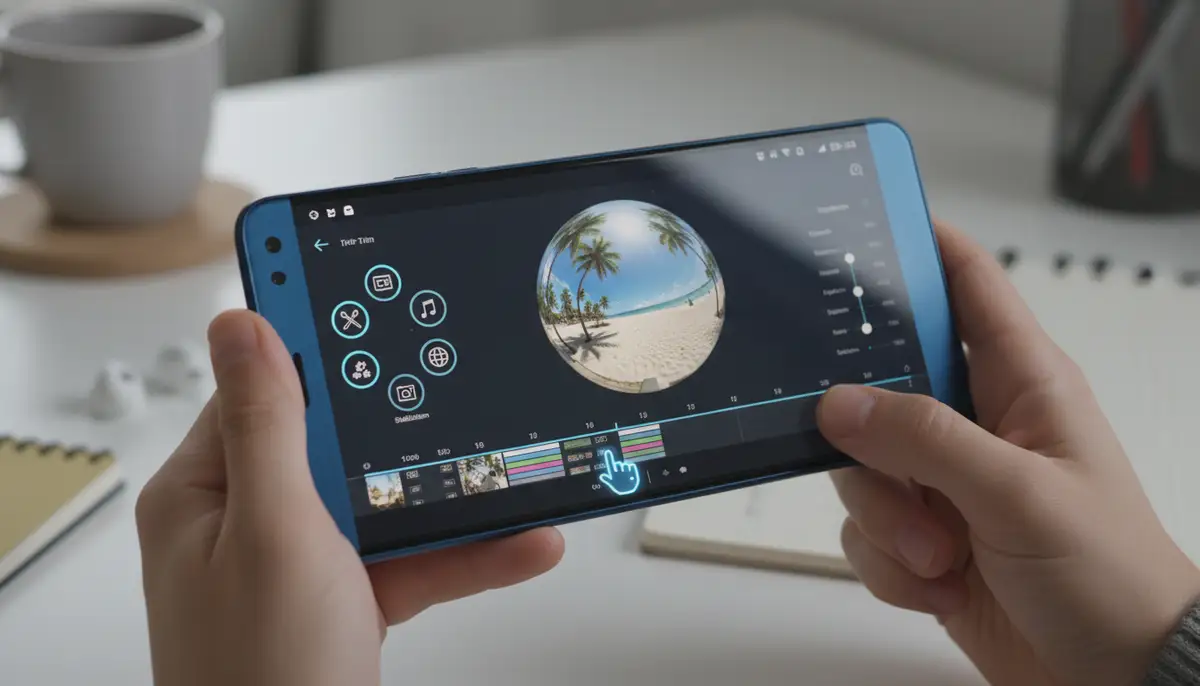
Connecting this camera to your Android phone is usually simple. Many models connect via USB-C or wirelessly through Wi-Fi or Bluetooth. Your phone acts as a viewfinder, remote control, and editing suite. This integration makes capturing and sharing 360-degree content incredibly convenient. It opens up a whole new dimension of mobile photography. You can easily preview your shots. You can also adjust settings on the fly. This gives you full control over your immersive captures.
Why You Need a 360 Degree Camera for Android in 2025
The world of content creation is always evolving. In 2025, immersive experiences are gaining huge traction. A 360 degree camera for Android positions you at the forefront. Here are compelling reasons to consider one:
- Engaging Social Media: Stand out from the crowd. Share interactive posts on platforms like Facebook and YouTube. Your friends and followers can explore your world.
- Virtual Tours & Real Estate: Create stunning virtual tours of properties or locations. This is invaluable for real estate agents or travel bloggers. It gives viewers a true sense of space.
- Immersive Storytelling: Tell stories in a completely new way. Capture events, concerts, or family gatherings. Viewers feel like they are right there with you. It adds depth to your narrative.
- Personal Memories & Travel: Document your adventures beyond a single frame. Relive your travels with a full 360-degree perspective. It’s like stepping back into the moment.
- Creative Expression: Experiment with unique perspectives and compositions. A 360 degree camera for Android offers endless creative possibilities. You can push the boundaries of traditional photography and videography.
These cameras allow you to capture more than just a scene. You capture the entire environment. This makes your content more dynamic and memorable. It is a powerful tool for anyone looking to make an impact. Whether for personal or professional use, a 360 degree camera for Android is a game-changer.
Types of 360 Degree Camera for Android Devices
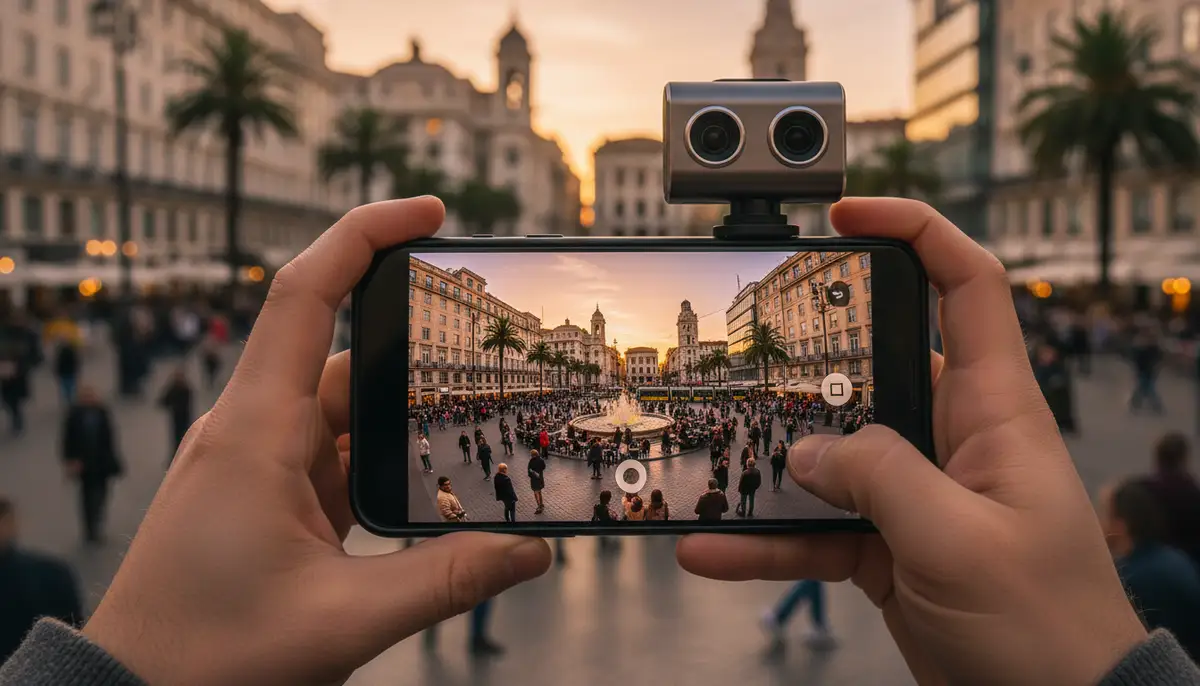
Not all 360-degree cameras are created equal. There are several types designed to work with Android phones. Each offers different benefits and features. Understanding these differences helps you choose the right one for your needs.
- Clip-on Cameras: These are compact accessories. They attach directly to your Android phone’s USB-C port. They draw power from your phone. This makes them highly portable and easy to use. Popular brands offer excellent clip-on options. They turn your phone into a powerful 360 capture device. You can find many options for a 360 panoramic camera for phone on platforms like Amazon.
- Standalone Cameras with App Control: These cameras are independent devices. They have their own battery and storage. You control them wirelessly using a dedicated Android app. This offers more flexibility in placement. You can put the camera in a hard-to-reach spot. Then, you can control it remotely from your phone. Many professional-grade 360 cameras fall into this category. They often provide higher resolution and more advanced features. They are a popular choice for serious creators.
- Integrated Phone Cameras (Emerging Tech): While still relatively new, some Android phones are starting to incorporate basic 360-degree capture capabilities directly. These are often less powerful than dedicated cameras. However, they offer ultimate convenience. Expect this technology to improve rapidly in the coming years. This could make a dedicated 360 degree camera for Android even more accessible.
Each type has its pros and cons. Clip-on cameras are great for casual use and portability. Standalone models offer better performance and versatility. Integrated cameras are the future of seamless capture. Consider your budget and how you plan to use your 360 degree camera for Android. This will guide your decision.
Key Features to Look for in a 360 Degree Camera for Android
Choosing the best 360 degree camera for Android requires careful consideration. Several features directly impact performance and user experience. Pay close attention to these specifications:
- Resolution (Photo & Video): Higher resolution means sharper images and clearer videos. Look for at least 5.7K for video and 18MP for photos. This ensures your content looks great on various screens, including VR headsets. Quality is paramount for immersive experiences.
- Image Stabilization: 360-degree content can easily look shaky. Excellent in-camera stabilization is crucial. This feature smooths out bumps and shakes. It delivers professional-looking footage, even when you are on the move. Look for features like ‘FlowState’ or similar technologies.
- Battery Life: Standalone cameras need good battery life. You don’t want your camera dying mid-shoot. Look for models offering at least 60 minutes of continuous recording. Consider portable chargers for extended use. This ensures you capture every moment.
- Connectivity: Seamless connection to your Android phone is key. USB-C offers fast data transfer. Wi-Fi and Bluetooth provide wireless control. Ensure the camera’s connection method is reliable and easy to set up. This will streamline your workflow.
- Companion App Quality: The Android app is your command center. It should be intuitive, stable, and feature-rich. Look for apps with good reviews. They should offer easy controls, live preview, and quick sharing options. A poor app can ruin the experience.
- Durability & Waterproofing: If you plan outdoor adventures, durability matters. Look for cameras that are rugged and waterproof. This protects your investment from the elements. It also expands your shooting possibilities.
- Storage Options: Does the camera have internal storage? Or does it rely on a microSD card? Ensure it supports high-capacity cards. This is important for storing large 360-degree files.
Prioritize features that align with your primary use. A vlogger might need better stabilization. A real estate agent might focus on resolution. The right 360 degree camera for Android will meet your specific demands.
Top 360 Degree Camera for Android Models in 2025 (General Overview)
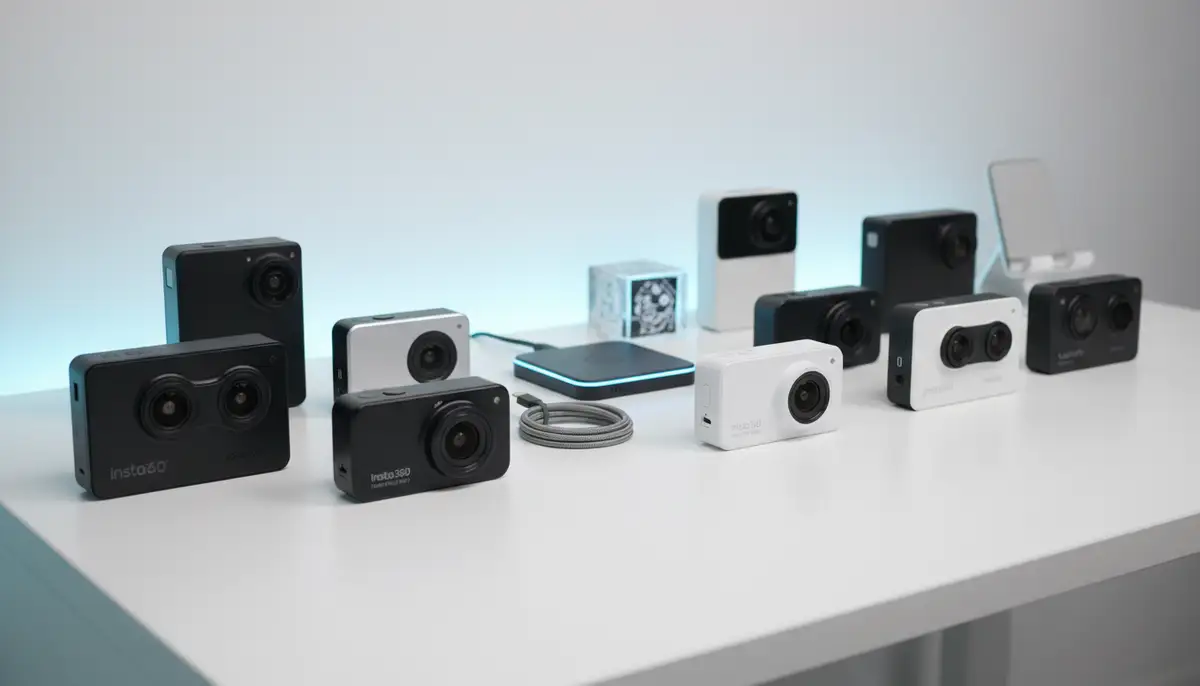
The market for a 360 degree camera for Android is robust. Several brands lead the way with innovative products. While specific models evolve yearly, certain manufacturers consistently deliver high-quality options. These include names like Insta360, Ricoh Theta, and GoPro MAX. Each offers unique strengths tailored to different users.
Insta360 cameras are often praised for their excellent stabilization and feature-rich apps. Ricoh Theta models are known for their user-friendliness and compact design. GoPro MAX brings the ruggedness and action-camera pedigree to 360-degree capture. When researching, look for the latest iterations from these trusted brands. Always check compatibility with your specific Android device. You can explore many options for a 360 panoramic camera for phone on Amazon. This will give you a good starting point for your search. Remember to read reviews and compare specifications carefully.
Essential Apps for Your 360 Degree Camera for Android
A great 360 degree camera for Android is only half the story. The companion apps are equally important. They unlock the full potential of your device. These apps allow you to control the camera, stitch footage, edit, and share your creations. Without a good app, your camera is just a fancy piece of hardware.
- Manufacturer’s Official App: Every 360 camera comes with its own dedicated app. This is crucial for controlling the camera, live previewing shots, and often for the initial stitching process. Ensure the app is regularly updated and has good user feedback. For example, Insta360 has an effective 360 camera app for Android that simplifies capturing panoramic photos and videos, as detailed on Rextheme.
- TeliportMe: This app is a fantastic tool for creating and sharing immersive content. It’s often called the ‘Instagram for Panoramas.’ You can capture high-quality 360-degree panoramas, create virtual tours, and watch 360 videos. It’s available on the Google Play Store and is a must-have for any 360 enthusiast.
- Third-Party Editing Apps: While manufacturer apps offer basic editing, you might want more control. Apps like Adobe Premiere Rush or even mobile versions of more powerful desktop editors can handle 360-degree footage. For general photo editing, consider exploring a comprehensive guide to 4 photo apps that can enhance your 360-degree stills. Even apps like snapseed.online, zcamera.me, or picsart.com can be useful for refining colors and exposure on your 360-degree images after they’ve been stitched.
Our own Camera ZOOM FX offers professional controls for standard mobile photos. It complements your 360-degree setup beautifully. You can use it for all your non-360 shots. A strong suite of apps ensures you get the most from your 360 degree camera for Android. They make the entire workflow from capture to share seamless and enjoyable.
How to Capture Amazing 360-Degree Content with Your Android Phone
Getting great shots with your 360 degree camera for Android is an art. It goes beyond just pressing a button. Here are some actionable tips to elevate your immersive content. These techniques will help you capture stunning visuals that truly engage your audience.
- Choose the Right Location: Look for interesting environments. Open spaces with clear sightlines work best. Avoid cluttered areas. These can make stitching difficult and distract viewers. Think about what makes a space unique.
- Mind Your Position: The camera’s position is crucial. Place it centrally in the scene. This minimizes distortion. Use a selfie stick or a small tripod. This keeps the camera steady. It also hides the stick from the final image.
- Lighting is Key: Good lighting enhances any photo or video. Natural light is often best. Avoid direct harsh sunlight. This can create blown-out highlights or deep shadows. Even lighting helps the camera capture details evenly. This is especially important for a 360 degree camera for Android.
- Stay Still (or Move Smoothly): For photos, keep the camera perfectly still. For videos, move slowly and smoothly. Jerky movements can cause motion sickness for viewers. Practice your movements. This ensures a comfortable viewing experience.
- Check the Stitch Line: Most 360 cameras have two lenses. The area where the images meet is the stitch line. Avoid placing important subjects directly on this line. This can result in visible seams or distortion. Preview your shot if possible.
- Experiment with Angles: Don’t be afraid to try different heights and perspectives. A low angle can make a scene feel grand. A high angle offers an overview. Creativity is your biggest tool.
Capturing compelling 360-degree content takes practice. However, with these tips, you will be well on your way. Remember, the goal is to immerse your audience. Make them feel like they are truly there. Your 360 degree camera for Android is a powerful storytelling tool.
Editing and Sharing Your 360-Degree Masterpieces
Capturing is just the first step. Editing and sharing your 360-degree content brings it to life. This is where you refine your vision and present it to the world. Your Android phone plays a vital role in this post-production process. The right tools can make a huge difference.
Most 360 degree camera for Android apps offer basic editing. You can adjust exposure, color balance, and trim videos. For more advanced edits, you might need desktop software. However, mobile apps are getting increasingly powerful. For general photo enhancement, you might find a guide to mastering the Afterlight app useful for adding film-inspired edits to your 360 stills. It’s all about making your content shine. Remember to stitch your footage correctly. This is usually handled automatically by the camera’s app. However, sometimes manual adjustments are necessary.
| Platform | Best For | Key Feature |
|---|---|---|
| YouTube | Video Sharing | Automatic 360 recognition, high resolution |
| Photo & Video Sharing | Interactive viewer, easy embedding | |
| Dedicated 360 Apps (e.g., TeliportMe) | Virtual Tours, Community | Specialized viewing modes, social features |
| Your Website/Blog | Custom Experiences | Full control over embedding and presentation |
When sharing videos, ensure they are uploaded in the correct 360-degree format. Platforms like YouTube automatically detect 360-degree metadata. This allows viewers to navigate the video. For those interested in how 360 camera systems integrate with other tech, watch this video on
. This shows how immersive tech extends beyond just your phone. It highlights the broader applications of 360-degree cameras. Always export your final files in the highest quality possible. This ensures the best viewing experience for your audience.
The Future of 360 Degree Camera for Android Technology
The technology behind the 360 degree camera for Android is rapidly advancing. We are on the cusp of even more exciting innovations. What can we expect in the coming years? The future promises even more seamless, intelligent, and integrated experiences. This will make capturing immersive content even easier and more powerful.
- AI Integration: Artificial intelligence will play a bigger role. Expect smarter stitching, automatic object tracking, and enhanced image quality. AI might even suggest optimal shooting angles. This will simplify the creative process for your 360 degree camera for Android.
- Improved Resolution & Dynamic Range: Cameras will capture even sharper images and videos. They will also handle challenging lighting conditions better. This means more detail in shadows and highlights. The visual fidelity of 360-degree content will dramatically improve.
- More Compact Designs: Cameras will become even smaller and lighter. This will make them easier to carry and use. We might see more integrated solutions directly within smartphones. This could make a dedicated 360 degree camera for Android an everyday feature.
- Enhanced AR/VR Integration: 360-degree content is a natural fit for augmented and virtual reality. Expect deeper integration with AR filters and VR platforms. This will create truly interactive and personalized experiences. Your captured moments will become living worlds.
- Real-time Streaming: Live 360-degree streaming will become more common and accessible. This will allow for immersive broadcasting of events. Friends and family can experience moments as they happen, from every angle. This is a powerful application for any 360 degree camera for Android.
These advancements will make 360-degree content creation more accessible. They will also make it more engaging for viewers. The potential for storytelling and sharing experiences is immense. Staying updated on these trends helps you make the most of your 360 degree camera for Android.
Choosing the Right 360 Degree Camera for Android for You
Selecting the perfect 360 degree camera for Android depends on your individual needs. Consider your budget, intended use, and desired features. Don’t rush your decision. Research is key to finding the best fit. Think about how you will use the camera most often.
- Your Budget: 360 cameras range from a few hundred to over a thousand dollars. Set a realistic budget. This will narrow down your options. Remember, sometimes a slightly higher investment means better quality and longevity.
- Primary Use Case: Are you a traveler, a vlogger, a real estate agent, or just looking to capture family memories? Different cameras excel in different areas. For example, some are better for action, while others prioritize image quality.
- Ease of Use: If you are new to 360 photography, look for user-friendly cameras and apps. Some systems are more intuitive than others. A simple interface can make a big difference in your learning curve.
- Android Device Compatibility: Always double-check that the camera is fully compatible with your specific Android phone model. Check the operating system version required. This avoids any frustrating surprises.
By carefully evaluating these factors, you can make an informed decision. The right 360 degree camera for Android will empower you to capture and share incredible immersive content. It will enhance your mobile photography journey. Ready to take your photography to the next level? Explore our stable shot camera solutions to complement your immersive content and achieve professional results.
Conclusion: Embrace the Immersive Revolution with Your 360 Degree Camera for Android
The world of mobile photography is constantly expanding. A 360 degree camera for Android is at the forefront of this evolution. It offers a unique way to capture and share your experiences. You can create content that truly transports your audience. From breathtaking landscapes to intimate family moments, every angle is covered.
In 2025, having a 360 degree camera for Android is more than just a gadget. It’s a tool for immersive storytelling. It’s a way to preserve memories with unprecedented depth. It’s an opportunity to stand out in a crowded digital world. So, take the leap. Explore the possibilities. Start capturing your world in a full 360 degrees today. Your audience, and your future self, will thank you.