Google Phone App vs Samsung Phone App: The Ultimate Dialer Showdown for 2025
Choosing the right phone app might seem like a small decision. However, it significantly impacts your daily communication. In 2025, Android users often face a key choice: the Google Phone app vs Samsung Phone app. Both are powerful tools. They handle your calls, contacts, and voicemails. Yet, they offer distinct experiences. This guide dives deep into their differences.
We will explore everything from user interface to advanced features. You will learn which app best suits your needs. We cover performance, privacy, and unique functionalities. By the end, you will clearly understand the strengths of both the Google Phone app and the Samsung Phone app.
Understanding the Core Differences: Google Phone App vs Samsung Phone App
At its heart, a phone app is your gateway to making and receiving calls. But the Google Phone app and the Samsung Phone app approach this fundamental task differently. Google’s app, often found on Pixel devices and available for download on other Android phones, focuses on simplicity and smart features driven by AI. It aims for a clean, intuitive experience.
Samsung’s app, on the other hand, is deeply integrated into its Galaxy ecosystem. It often offers a more feature-rich experience out of the box. This includes tighter integration with Samsung-specific services and hardware. This difference in philosophy is crucial when comparing the Google Phone app vs Samsung Phone app. It shapes everything from how you manage contacts to how you block spam.
User Interface and Experience: A Visual Showdown
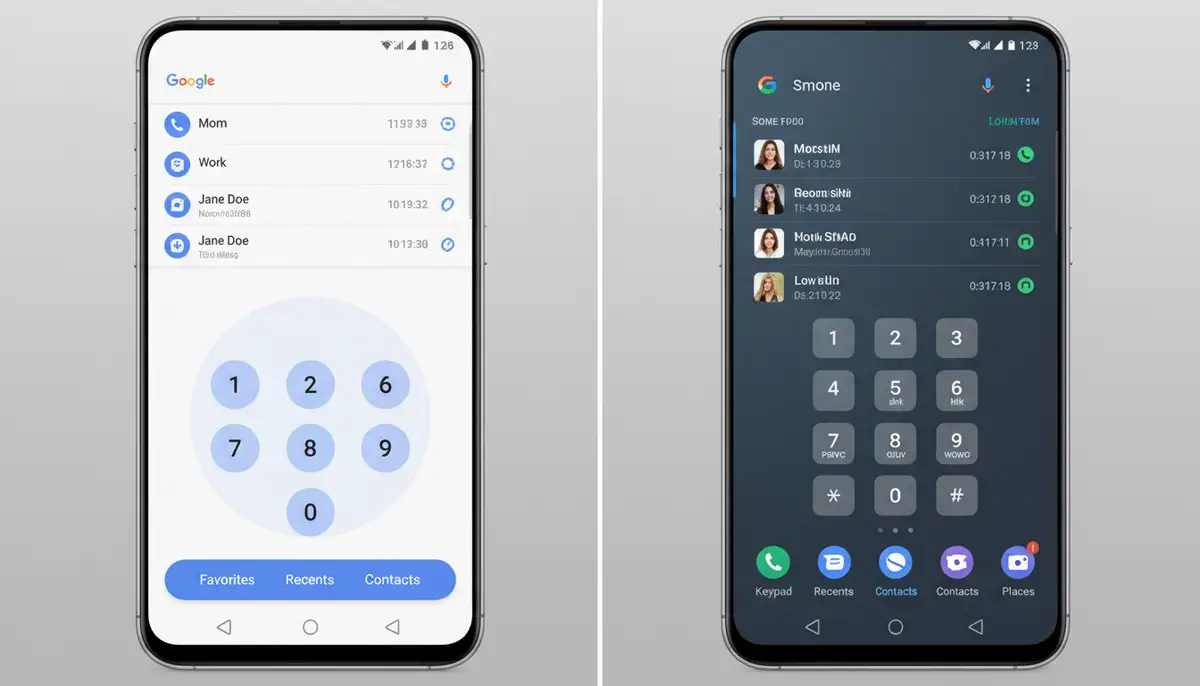
The first thing you notice about any app is its look and feel. The Google Phone app embraces Google’s Material You design language. This means a clean, minimalist interface. It often adapts its colors to your phone’s wallpaper. The dialer is straightforward, featuring large, easy-to-read numbers. Call logs are simple, prioritizing clarity.
Samsung’s Phone app, part of its One UI experience, offers a slightly different aesthetic. It tends to be more feature-dense. You might find more options directly accessible on the main screen. Samsung’s design language often includes larger headers and more vibrant elements. This can feel more robust to some users, while others might prefer Google’s simplicity. The choice between the Google Phone app vs Samsung Phone app often comes down to personal preference for visual style and information density.
Key Features: What Each App Brings to the Table
Beyond basic calling, both apps pack a punch with various features. However, their strengths lie in different areas. Let’s look at some standout functionalities when comparing the Google Phone app vs Samsung Phone app.
Call Screening (Google’s Advantage)
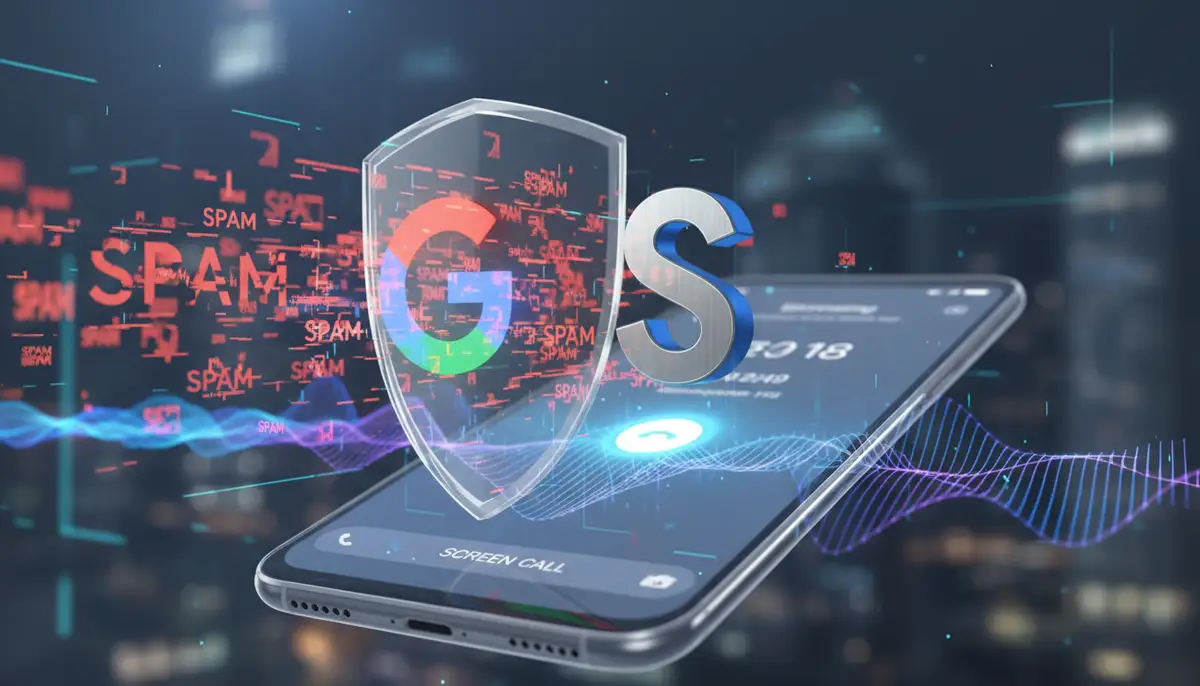
Google’s Call Screen feature is a major differentiator. It uses AI to answer unknown calls for you. A transcript of the conversation appears in real-time. You can then decide to answer, dismiss, or mark as spam. This feature is incredibly effective at filtering out unwanted calls. It saves you time and frustration. Many users find this a compelling reason to switch to the Google Phone app, as it offers powerful features that can spare you from irritating spam calls, as noted by Forbes.
Call Recording (Varying Availability)
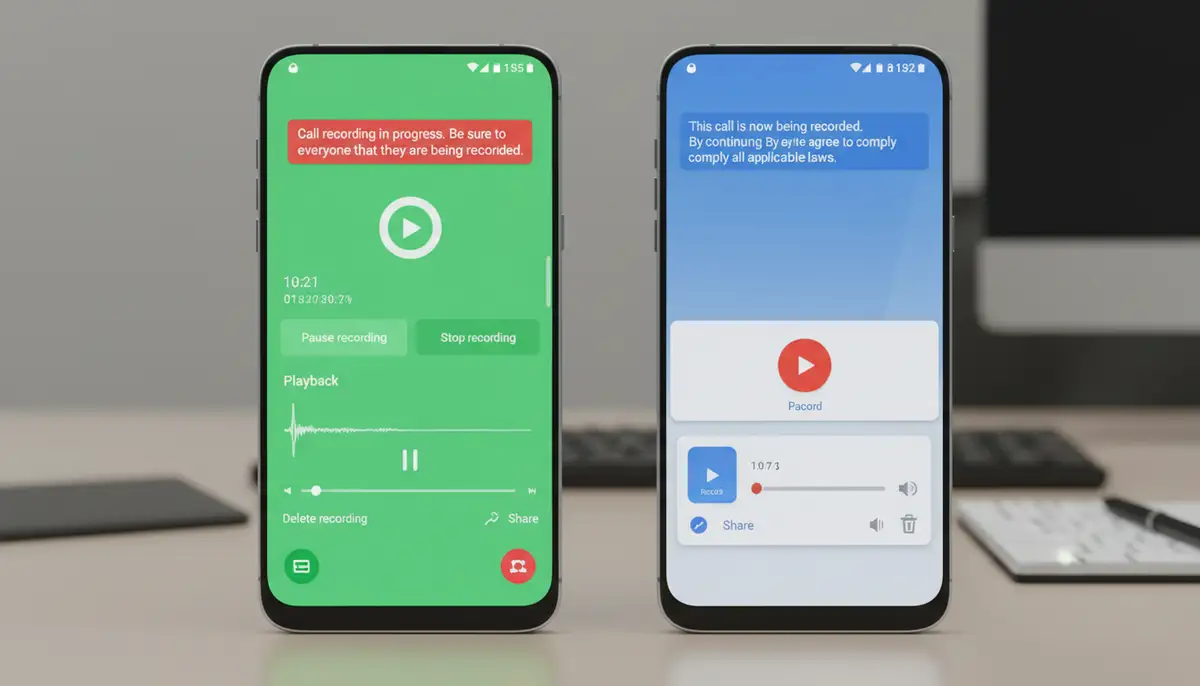
Call recording is a highly sought-after feature. Both the Google Phone app and the Samsung Phone app have offered it. However, its availability often depends on your region and local laws. Google introduced native call recording to its app in some regions. It typically includes an announcement to the other party for legal compliance. Samsung’s app has historically offered more widespread call recording capabilities, often without the explicit announcement, again depending on local regulations. Always check your local laws regarding call recording before using this feature.
Spam Protection and Caller ID
Both apps provide robust spam protection and caller ID. Google’s Caller ID & Spam protection uses Google’s vast database. It identifies unknown callers and warns you about potential spam or scam calls. This integration is seamless and highly effective. Samsung also offers Smart Call, powered by Hiya. It performs similar functions, identifying callers and blocking unwanted calls. While both are good, Google’s extensive data often gives it a slight edge in identifying a broader range of spam numbers. This is a crucial consideration in the google phone app vs samsung phone app debate for many users.
Video Calls and Integration
The Google Phone app integrates directly with Google Duo (now Google Meet). This allows for quick video calls from your dialer or contact list. Samsung’s app also offers video calling options, often through its own Samsung Video Call service or by integrating with Google Meet. The seamlessness of this integration can vary. Google’s approach feels very native to its own ecosystem, which aligns with their broader communication strategy. If you’re interested in how other communication tools integrate into the Android ecosystem, you might find our detailed breakdown of Google’s messaging legacy with the Hangout app insightful.
Performance and Reliability: Speed and Stability
Performance is key for an app you use daily. The Google Phone app is often praised for its lightweight nature. It tends to be fast and responsive, even on less powerful hardware. Its streamlined design means fewer background processes. This can contribute to better battery life and overall system performance.
Samsung’s Phone app, being more deeply integrated into One UI, might feel slightly heavier. However, on modern Samsung flagships, this difference is negligible. Samsung optimizes its software extensively for its hardware. This ensures smooth operation and reliable call quality. Both apps generally provide excellent call quality. Any differences usually stem from network conditions rather than the app itself. When considering the google phone app vs samsung phone app, performance is often a tie for premium devices, but Google might win on older or budget phones.
Privacy and Security: Protecting Your Conversations
In 2025, privacy and security are paramount. Both Google and Samsung take these concerns seriously. The Google Phone app benefits from Google’s extensive security infrastructure. Features like Call Screen process audio locally on your device where possible. This minimizes data sent to Google’s servers. Google also has clear privacy policies regarding data collection and usage for improving services like spam detection.
Samsung’s Phone app also adheres to strict privacy standards. It leverages Samsung Knox, a multi-layered security platform, on Galaxy devices. This provides robust protection for your data and communications. Samsung emphasizes device-level security and user control over permissions. Both apps require necessary permissions to function, such as access to contacts, microphone, and phone state. It’s always wise to review app permissions. The privacy aspect of the google phone app vs samsung phone app comparison is strong for both, with each relying on their respective ecosystem’s security strengths.
Customization and Personalization: Making It Your Own
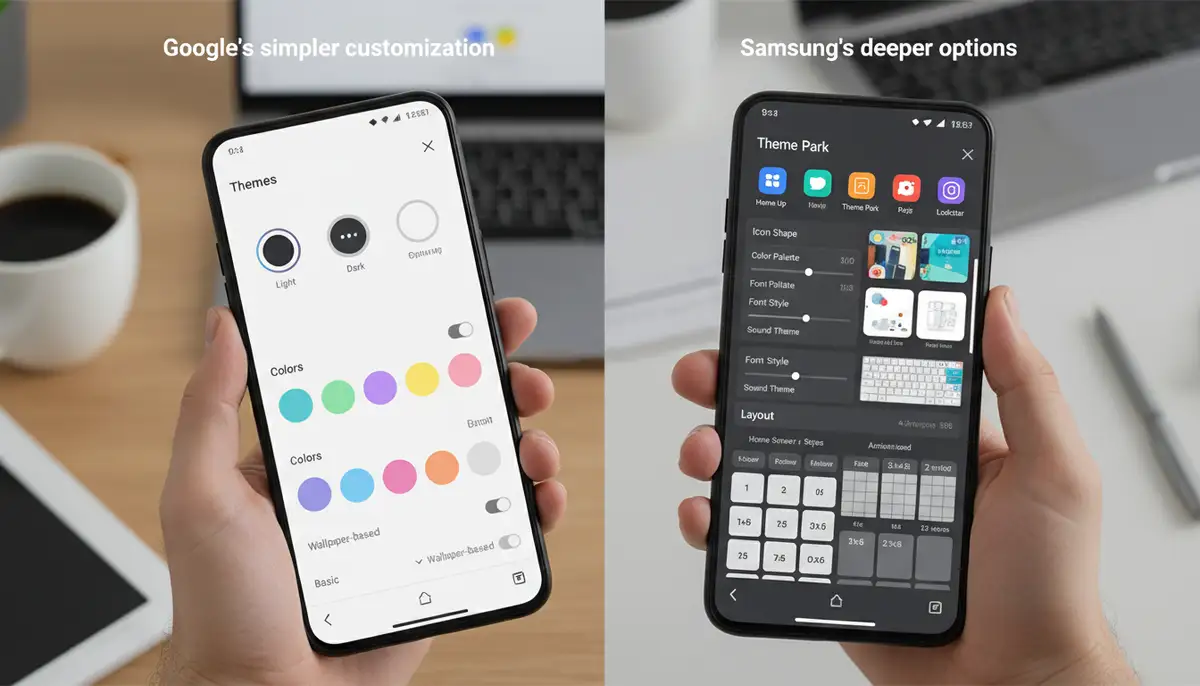
Many users love to personalize their devices. Customization options can influence your choice between the Google Phone app vs Samsung Phone app. Google’s app, with its Material You design, offers adaptive theming. This means its colors can automatically adjust to match your wallpaper. While it offers a clean look, deep visual customization is not its primary focus.
Samsung’s One UI provides more extensive customization options. You can often change themes, icon packs, and even the layout of certain elements more freely. This applies across the entire system, including the Phone app. Samsung also allows for deeper integration with its Good Lock modules, offering granular control over many UI elements. If you enjoy tweaking every aspect of your phone’s appearance, Samsung might offer a more satisfying experience.
Beyond aesthetics, both apps integrate with their respective smart assistants. Google Assistant is deeply woven into the Google Phone app, allowing voice commands for calls. Samsung’s Bixby can also perform similar functions within its app. For those who frequently share content, exploring a comprehensive guide to group sharing apps on Android might complement your understanding of phone app integrations.
Device Integration: The Ecosystem Advantage
The device you use plays a significant role in the google phone app vs samsung phone app debate. If you own a Samsung Galaxy device, the Samsung Phone app is the default. It is designed to work seamlessly with Samsung’s hardware and software ecosystem. This includes integration with Samsung Cloud, Samsung Messages, and other proprietary features. Samsung applications are a great choice for Galaxy device owners. They offer better hardware integration and customization, as highlighted in a deeper dive into the comparison between Samsung and Google apps.
The Google Phone app, while available on many Android devices, truly shines on Google Pixel phones. On Pixels, it’s the default dialer. It leverages Pixel-exclusive features like advanced Call Screen capabilities. However, its broad availability means it offers a consistent experience across a wider range of Android devices. This makes it a strong contender if you frequently switch between different Android brands or prefer a more universal experience. The ecosystem integration is a key factor when evaluating the Google Phone app vs Samsung Phone app.
Advanced Features and AI: The Smart Dialer
Both apps are constantly evolving with new technologies, especially AI. Google’s Phone app is at the forefront of AI-powered call management. Beyond Call Screen, it offers Hold for Me, where Google Assistant waits on hold for you. It also provides Direct My Call, which helps you navigate automated phone menus by showing options on your screen. These features significantly improve the calling experience, especially for customer service calls.
Samsung’s app also incorporates smart features. These often leverage Bixby or other Samsung AI functionalities. Examples include Bixby Text Call, which lets Bixby answer calls and transcribe them, similar to Google’s Call Screen but with a Samsung twist. Samsung also offers advanced call settings for specific scenarios. For instance, you might find options for enhancing voice clarity or managing calls during gaming. The race for the smartest dialer is intense, making the google phone app vs samsung phone app comparison exciting.
The Spam Call Battle: Google Phone App vs Samsung Phone App in Action
Spam calls are a universal nuisance. Both apps offer robust solutions, but their effectiveness can vary. The Google Phone app’s spam filtering is often considered industry-leading. Its integration with Google’s vast database of known spam numbers and real-time AI analysis makes it highly effective. It can block calls before they even ring or send them directly to voicemail, with Call Screen acting as a powerful last line of defense. This proactive approach is a major benefit for many users.
Samsung’s Smart Call feature, powered by Hiya, also provides excellent spam detection. It identifies potential spam and scam calls. It gives you the option to block or report them. While very capable, some users report that Google’s solution might catch a few more nuanced spam calls due to its sheer scale of data. However, for most everyday spam, both apps perform admirably. Community discussions on the Google Phone app versus the stock Samsung app often highlight user preferences for each app’s spam blocking capabilities.
When to Choose the Google Phone App
- You prioritize top-tier spam protection and Call Screen functionality.
- You prefer a clean, minimalist user interface that’s easy to navigate.
- You own a Google Pixel device and want the most integrated experience.
- You value AI-powered features like Hold for Me and Direct My Call.
- You want a consistent experience across various Android devices.
The Google Phone app is a fantastic choice for users who want smart, efficient call management. Its focus on AI and simplicity makes it a favorite for many. It’s especially useful if you’re constantly bombarded by unwanted calls.
When to Choose the Samsung Phone App
- You own a Samsung Galaxy device and want seamless integration with the One UI ecosystem.
- You prefer a feature-rich interface with more direct access to options.
- You enjoy extensive customization options for your phone’s appearance.
- You utilize Samsung-specific services and hardware features.
- You need reliable call recording (where legally permitted) without extra steps.
The Samsung Phone app is ideal for those deeply embedded in the Samsung ecosystem. It offers a comprehensive experience tailored to Galaxy devices. Its deeper customization and integration with Samsung services are strong selling points. The google phone app vs samsung phone app decision often comes down to your device brand.
A Look at Alternatives and Enhancements
While the Google Phone app vs Samsung Phone app covers the primary choices for many, the Android ecosystem offers alternatives. Third-party dialer apps exist, though they often can’t match the deep system integration of stock apps. However, for other phone functionalities, there are many robust solutions. For example, in photography, apps like Camera ZOOM FX offer professional controls and stunning filters. This allows users to apply photo effects and capture high-quality results directly from their Android device. Other popular apps for creative tasks include snapseed.online for advanced photo editing, vsco.co for unique filters and community, and canva.com for graphic design.
These alternatives show that while core phone apps are essential, the broader app landscape is rich. You can enhance your phone’s capabilities in many ways. This includes everything from communication to creative endeavors. Always consider what features are most important to you.
Quick Comparison: Google Phone App vs Samsung Phone App
| Feature | Google Phone App | Samsung Phone App |
|---|---|---|
| User Interface | Minimalist, Material You | Feature-rich, One UI |
| Spam Protection | Excellent (Call Screen, Google data) | Very Good (Smart Call, Hiya) |
| AI Features | Call Screen, Hold for Me, Direct My Call | Bixby Text Call, Smart Call |
| Customization | Adaptive theming | Extensive (Themes, Good Lock) |
| Device Integration | Best on Pixel, broad Android support | Seamless on Galaxy devices |
| Call Recording | Region-dependent, often with announcement | Region-dependent, historically more widespread |
Conclusion: Making Your Final Choice Between Google Phone App vs Samsung Phone App
The decision between the Google Phone app vs Samsung Phone app isn’t about one being inherently ‘better.’ It’s about which app aligns best with your priorities and your device. If you value cutting-edge AI for call management, a clean interface, and superior spam blocking, the Google Phone app is likely your champion. It offers a streamlined, intelligent experience that many Android users appreciate.
However, if you own a Samsung Galaxy device, prefer a more feature-packed and customizable interface, and appreciate deep integration with your phone’s ecosystem, the Samsung Phone app is a powerful contender. Its tailored experience for Galaxy users provides a cohesive and robust communication hub. Ultimately, both apps excel at their core function. They bring unique strengths to the table. Consider your daily usage, your device, and what features truly enhance your calling experience in 2025.