Android Auto vs Bluetooth: Which is Best for Your Drive in 2025?
In 2025, connecting your smartphone to your car is more essential than ever. You want access to navigation, music, and communication without distraction. The big question for many drivers is often: Android Auto vs Bluetooth? Both technologies promise to integrate your phone with your vehicle. However, they offer very different experiences. Understanding these differences is key to choosing the right system for your daily commute or road trip. Let’s dive into a detailed comparison to help you make an informed decision.
What is Bluetooth and How Does It Work in Your Car?
Bluetooth is a wireless technology standard. It allows two devices to communicate over short distances using radio waves. Think of it as a wireless cable. In your car, Bluetooth creates a direct link between your smartphone and your vehicle’s infotainment system. This connection enables hands-free calling and audio streaming. You can play your favorite podcasts or music through the car’s speakers. It’s a simple and widely available solution.
The Advantages of Using Bluetooth in Your Vehicle
Bluetooth offers several compelling benefits. It’s incredibly simple to set up. Most modern cars and smartphones have Bluetooth built-in. You just pair your device once, and it often reconnects automatically. Bluetooth is also universally compatible. It works with almost any phone, regardless of its operating system. This makes it a flexible choice for many drivers. There’s no need for special apps or cables, keeping your car interior clutter-free.
- Universal compatibility with almost all smartphones and car systems.
- Easy and quick initial setup and automatic reconnection.
- No cables required, offering a clean dashboard.
- Primarily used for hands-free calls and basic audio streaming.
- Low power consumption on your phone compared to other options.
The Limitations of Bluetooth Connectivity
While convenient, Bluetooth has its drawbacks. Its functionality is quite basic. You can stream audio and make calls, but that’s largely it. You won’t see your phone’s navigation app on your car’s screen. Instead, you’ll still rely on your phone’s display. This can be less safe as it requires you to look away from the road. The audio quality can also be a point of contention. Some users report that user experiences with audio fidelity in different connection types can vary significantly compared to wired connections.
- Limited functionality, mainly for calls and audio streaming.
- No on-screen navigation or app integration on the car’s display.
- Potential for lower audio quality compared to wired connections.
- Relies solely on your phone’s screen for visual information.
- Can sometimes experience connection drops or interference.
What is Android Auto and How Does It Transform Your Drive?
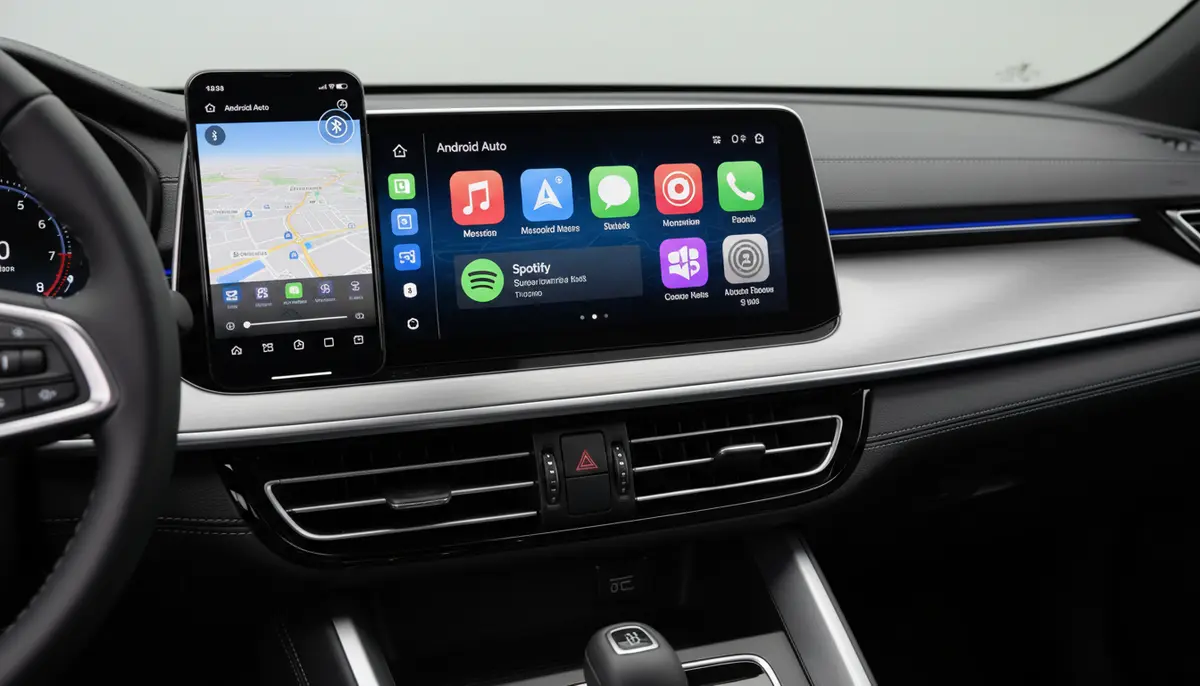
Android Auto is a smart driving platform developed by Google. It extends the Android experience to your car’s infotainment screen. This system displays a simplified version of your phone’s essential apps directly on your car’s display. It’s designed for safety and ease of use while driving. Android Auto supports navigation, music, messaging, and voice commands. It can connect via a USB cable (wired) or wirelessly, depending on your car and phone model.
Many people ask: does Android Auto use Bluetooth? Yes, it does! For instance, a comprehensive guide to Android Auto features explains that voice calls and streaming audio over Android Auto typically rely on Bluetooth. However, the core data for navigation and app display often uses Wi-Fi or a wired USB connection for faster, more robust data transfer. This hybrid approach allows for a richer experience than Bluetooth alone.
The Advantages of Android Auto for Modern Drivers
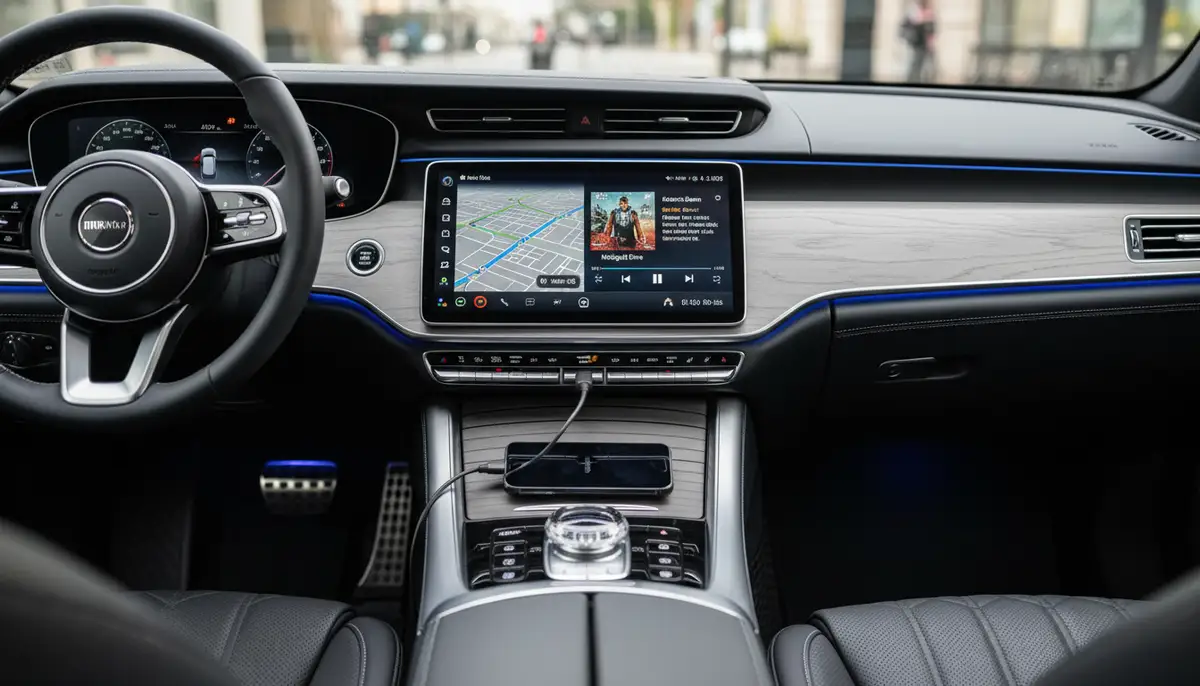
Android Auto offers a significantly enhanced driving experience. It mirrors a selection of optimized apps onto your car’s screen. This means you get large, easy-to-read maps from Google Maps or Waze. You can control your music from Spotify or YouTube Music with big buttons. Voice commands via Google Assistant make everything hands-free. This system truly integrates your smartphone into your car’s ecosystem. It makes driving smarter and safer.
- Full on-screen integration of navigation, music, and messaging apps.
- Voice control via Google Assistant for hands-free operation.
- Optimized interface with large icons and clear text for driving safety.
- Access to a wide range of compatible Android apps.
- Supports both wired (USB) and wireless connections (if available).
Potential Downsides of Android Auto
Despite its many benefits, Android Auto isn’t without its challenges. Not all cars or phones support wireless Android Auto. This means you might need a USB cable, which can be inconvenient. Setup can sometimes be a bit more involved than simple Bluetooth pairing. Also, Android Auto can drain your phone’s battery faster, especially with wireless use. This is because it uses more processing power and data. Compatibility can also be an issue with older car models or specific phone types. You need to ensure your phone’s software is updated to the latest version for optimal performance, much like you would for any other app, for example, if you wanted expert insights on keeping your apps updated.
- Requires a compatible car and smartphone, not universally available.
- Can drain phone battery quickly, especially with wireless connection.
- Setup might be more complex than basic Bluetooth pairing.
- Some users report occasional bugs or connectivity issues.
- Requires a data connection for many features (e.g., live traffic updates).
Android Auto vs Bluetooth: A Head-to-Head Comparison
Now that we understand both systems individually, let’s put Android Auto vs Bluetooth side-by-side. This comparison will highlight the core differences. It will help you decide which one aligns better with your driving habits and needs in 2025. We’ll look at several key aspects. These include user interface, navigation, audio quality, and more.
User Interface and Experience
When comparing Android Auto vs Bluetooth, the user interface is a major differentiator. Bluetooth offers no visual interface on your car’s screen. You interact directly with your phone. Android Auto, however, provides a purpose-built interface. It’s designed for driving. Large icons, simple menus, and clear fonts make it easy to see and use at a glance. This minimizes driver distraction. It truly transforms your car’s display into a smart hub.
Navigation Capabilities
Navigation is where Android Auto shines. It projects Google Maps or Waze onto your car’s big screen. You get real-time traffic, turn-by-turn directions, and clear visual cues. Bluetooth offers no such integration. You’d still use your phone’s small screen for navigation. This is a significant safety and convenience factor. Having directions front and center on your car’s display is far superior.
Audio Quality and Streaming
The debate over audio quality in Android Auto vs Bluetooth is common. Generally, a wired Android Auto connection can offer better sound fidelity. This is because it transmits more data than Bluetooth. Bluetooth audio, while convenient, uses compression. This can sometimes lead to a noticeable drop in sound quality, especially for audiophiles. A detailed discussion on audio quality differences suggests that wired connections often provide a superior experience. Wireless Android Auto, which uses Wi-Fi Direct for data, can also offer better audio than Bluetooth alone, but a wired connection is often considered the gold standard for sound.
Calling and Messaging
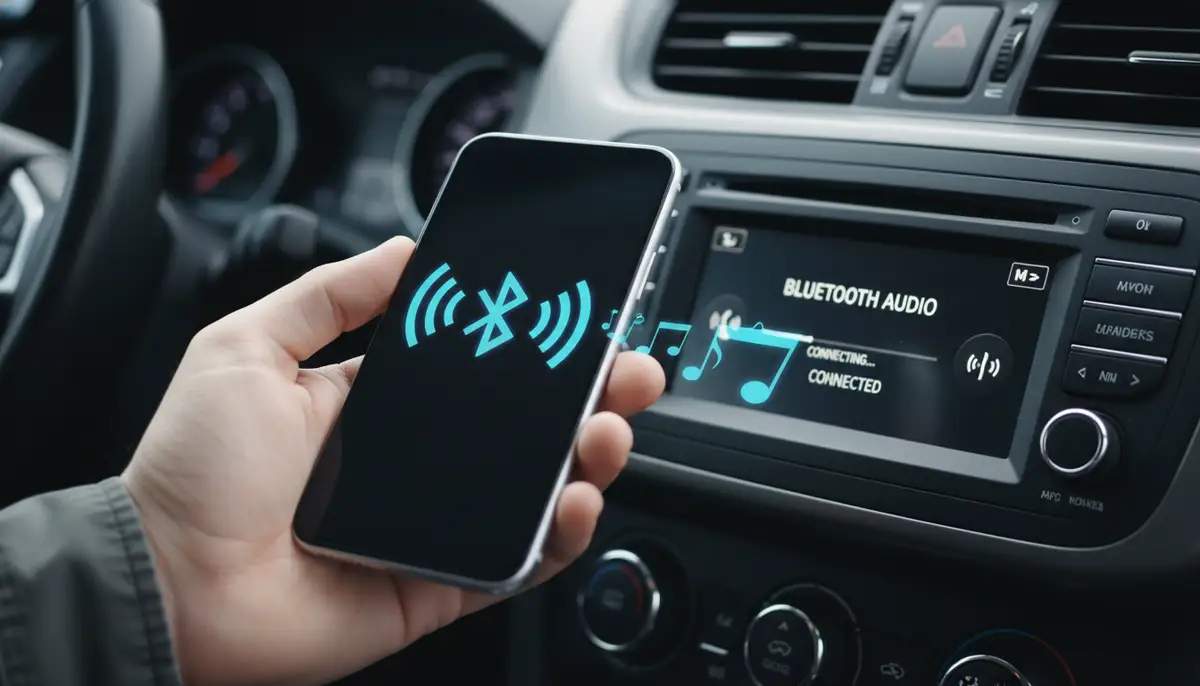
Both Android Auto vs Bluetooth handle calls well. Bluetooth allows hands-free calling through your car’s speakers and microphone. Android Auto does the same, but with added visual integration. You see caller ID on your car’s screen. It also integrates messaging apps like WhatsApp or Google Messages. You can listen to incoming messages and dictate replies using voice commands. This makes communication safer and more seamless.
App Integration
This is another area where Android Auto truly excels. It supports a growing list of compatible apps. These include music streamers, podcasts, audiobooks, and even some parking apps. Bluetooth only streams audio from whatever app is playing on your phone. Android Auto provides a curated, driver-friendly version of these apps directly on your dashboard. This means less fumbling with your phone. It’s a much richer app experience.
Safety Features
Safety is paramount when driving. Android Auto is designed with safety in mind. Its simplified interface and robust voice controls minimize the need to touch your phone. This keeps your eyes on the road. Bluetooth’s hands-free calling is a good start for safety. However, without on-screen navigation or app control, you might still be tempted to glance at your phone. This is a clear win for Android Auto in the Android Auto vs Bluetooth safety comparison.
Connectivity and Reliability
Bluetooth connections are generally reliable for basic functions. However, they can occasionally drop or experience interference. Wired Android Auto offers a very stable connection. Wireless Android Auto, using Wi-Fi Direct, is also quite stable. However, like any wireless technology, it can be susceptible to environmental factors. For consistent performance, especially for critical functions like navigation, Android Auto often provides a more robust link.
Cost and Setup
Most modern cars and phones come with Bluetooth. This means there’s no extra cost for basic connectivity. Android Auto requires a compatible car infotainment system. Many newer cars include it as standard or an option. If your car doesn’t have it, you might need an aftermarket head unit. This can be an additional expense. Setup for Bluetooth is typically simpler. Android Auto can involve a few more steps, especially for wireless connections. However, the benefits often outweigh the initial effort.
Key Differences: Android Auto vs Bluetooth Summarized
To help you quickly grasp the core distinctions, here’s a table comparing Android Auto vs Bluetooth across several key categories:
| Feature | Bluetooth | Android Auto |
|---|---|---|
| Interface | Phone screen only | Car’s touchscreen display |
| Navigation | Phone screen only | Integrated on car display (Google Maps, Waze) |
| Audio Quality | Good (compressed) | Excellent (wired), Very Good (wireless) |
| App Integration | Audio streaming only | Optimized apps on car display (Music, Messaging, etc.) |
| Voice Control | Basic phone commands | Advanced Google Assistant integration |
| Safety | Hands-free calls only | Minimizes distraction with car-optimized UI and voice control |
| Connectivity | Wireless (radio waves) | Wired (USB) or Wireless (Wi-Fi Direct + Bluetooth) |
| Cost | Usually free (built-in) | Requires compatible car or aftermarket unit |
When to Choose Bluetooth
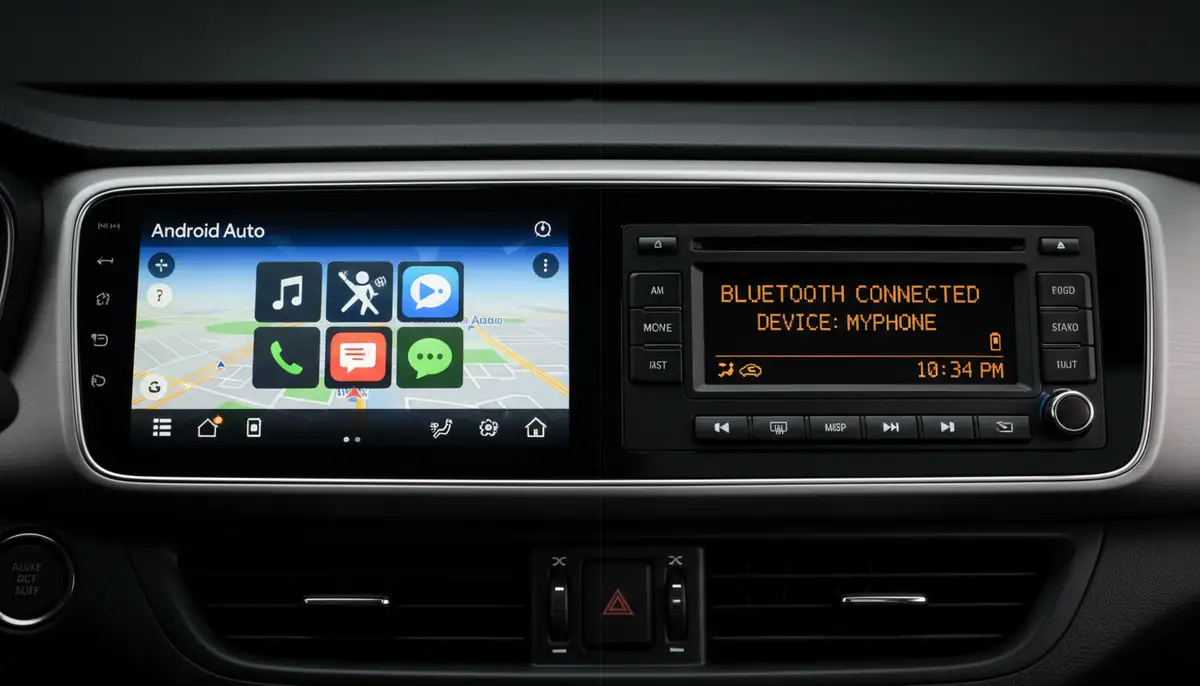
Bluetooth is the perfect choice for simplicity. If your car doesn’t support Android Auto, or if you prefer a minimalist approach, Bluetooth is great. It’s ideal for drivers who only need hands-free calling and basic music playback. If you’re on a budget or have an older vehicle, Bluetooth offers essential connectivity without upgrades. It’s also a good fallback option. Sometimes, you just need a quick connection without all the bells and whistles. For these scenarios, Bluetooth wins in the Android Auto vs Bluetooth debate.
- Your car does not have Android Auto compatibility.
- You primarily need hands-free calling and basic audio streaming.
- You prefer to interact with your phone directly for navigation and apps.
- You are looking for the simplest, most universal connectivity solution.
- You want to avoid additional costs for car upgrades or new head units.
When to Choose Android Auto
Choose Android Auto if you want a fully integrated and safer driving experience. It’s for drivers who rely heavily on navigation apps, music streaming, and voice commands. If your car supports it, or if you’re willing to invest in an aftermarket unit, Android Auto offers unparalleled convenience. It keeps your focus on the road by putting essential information on your car’s display. For a truly smart and connected drive in 2025, Android Auto is the superior option over basic Bluetooth.
- Your car supports Android Auto (wired or wireless).
- You want integrated, on-screen navigation (Google Maps, Waze).
- You desire a safer, less distracting way to use phone apps while driving.
- You frequently use voice commands for calls, messages, and music.
- You value superior app integration and a richer infotainment experience.
Advanced Tips for Optimizing Your In-Car Experience
Beyond deciding on Android Auto vs Bluetooth, there are ways to enhance your in-car tech. Keeping your systems updated and exploring new features can make a big difference. Let’s look at some actionable tips for 2025.
Maintaining Your System and Apps
Regardless of whether you use Android Auto or Bluetooth, regular maintenance is key. Always ensure your phone’s operating system is up to date. Also, keep your Android Auto app (if using it) and all other driving-related apps updated. This ensures you have the latest features, bug fixes, and security patches. Just like you’d seek a detailed breakdown of collaborative content tools, staying informed about updates for your car’s software and phone apps is crucial for optimal performance. Check your car manufacturer’s website for any firmware updates for your infotainment system too.
Exploring Group Sharing Features
For road trips with passengers, consider apps that offer group sharing features. These can enhance the entertainment experience for everyone. While not directly tied to Android Auto vs Bluetooth connectivity, understanding what is group sharing app on android can help you manage playlists or share navigation points with fellow travelers. Some music apps allow collaborative playlists, which can be a fun way to share control over the tunes during a long drive.
Enhancing Visuals and Photography
Even in your car, photography can be a part of your journey, especially if you’re a passenger. While driving, safety first! But for scenic stops, consider using powerful photography apps. Camera ZOOM FX, for example, offers professional controls and stunning filters. It helps you capture high-quality results from your Android phone. You can even explore features like panorama mode for breathtaking landscape shots. Companies like afterlight.co, canva.com, and picsart.com also offer great photo editing solutions. However, for raw shooting power and control, a dedicated camera app can make a significant difference. Just remember to only use your phone for photography when parked safely.
The Future of In-Car Connectivity
Looking ahead, the line between Android Auto vs Bluetooth will continue to evolve. We’re seeing more cars with built-in 5G connectivity. This will make wireless Android Auto even faster and more reliable. Expect deeper integration with vehicle systems. Imagine your car suggesting routes based on your calendar, or pre-heating based on your commute time. The goal is an even more seamless, personalized, and safe driving experience. Both technologies will likely coexist. Bluetooth will remain the simple, universal standard. Android Auto will continue to push the boundaries of smart car integration.
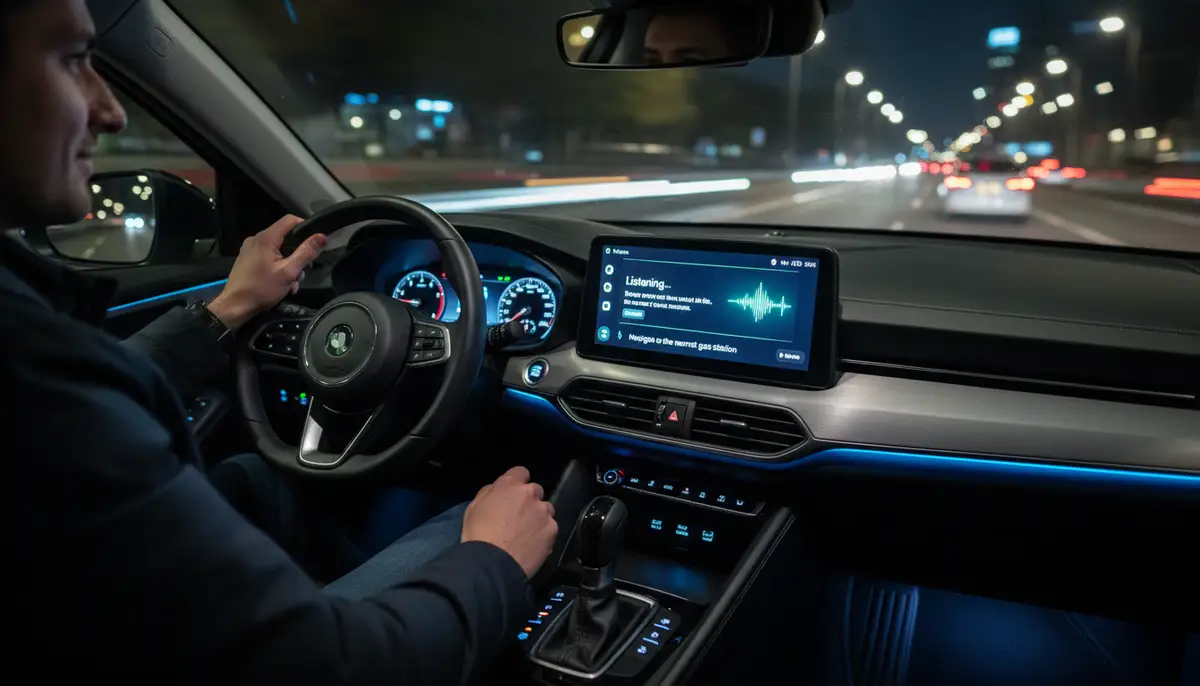
Conclusion: Your Choice in the Android Auto vs Bluetooth Debate
Ultimately, the choice between Android Auto vs Bluetooth depends on your specific needs and your vehicle’s capabilities. If you seek basic hands-free functions and audio streaming, Bluetooth is perfectly adequate. It’s simple, universal, and effective for its purpose. However, if you desire a comprehensive, integrated, and safer driving experience with on-screen navigation, app control, and voice assistance, Android Auto is the clear winner. It transforms your car’s infotainment system into a powerful extension of your smartphone. Evaluate your driving habits, your car’s features, and your budget. Then, make the decision that best enhances your journey in 2025 and beyond. Both technologies have their place, but Android Auto offers a significantly richer and safer connected car experience.