
How to Get the New Fonts on Instagram: A 2025 Guide to Standing Out
Instagram continues to evolve. In 2025, simply posting a photo is not enough. You need to capture attention immediately. One powerful way to do this is by using unique typography. Many users ask how to get the new fonts on Instagram to make their content pop. This comprehensive guide will show you exactly how to do it. We will cover various methods, from simple copy-paste generators to advanced design techniques. Get ready to transform your Instagram presence.
Using custom fonts can significantly boost your engagement. It helps your profile stand out in a crowded feed. Whether for your bio, captions, or stories, fresh fonts add personality. Let’s dive into the best strategies for how to get the new fonts on Instagram and elevate your content.
Why New Fonts Matter on Instagram in 2025
In the fast-paced world of social media, first impressions are everything. A unique font can grab a scroll-weary user’s eye. It communicates your brand’s personality before they even read your message. Think about your favorite brands. They use consistent, appealing fonts, right? You can do the same on Instagram.
- Enhanced Brand Identity: Custom fonts help reinforce your unique style and brand voice.
- Increased Engagement: Visually appealing text is more likely to be read and interacted with.
- Standing Out from the Crowd: Differentiate your content from the default Instagram look.
- Expressing Creativity: Unlock new ways to convey emotions and messages through typography.
Default fonts are fine, but they blend in. To truly shine, you need tools that go beyond the basics. This is especially true for businesses and creators. Learning how to get the new fonts on Instagram is a crucial skill for digital success. Let’s explore the methods.
Understanding Instagram’s Native Fonts and Their Limitations
Instagram offers a selection of built-in fonts. You can find these in Stories and Reels. They provide some variety, but the options are limited. Most users quickly exhaust these choices. For bios and captions, Instagram strictly uses its default system font. This means you cannot change it directly within the app.
The native fonts are convenient for quick posts. However, they lack true customization. If you want a specific aesthetic or a font that matches your brand, you need external solutions. This is where knowing how to get the new fonts on Instagram becomes essential. We will look at methods that bypass these limitations entirely.
Method 1: Using Third-Party Font Generators for Copy-Paste Magic

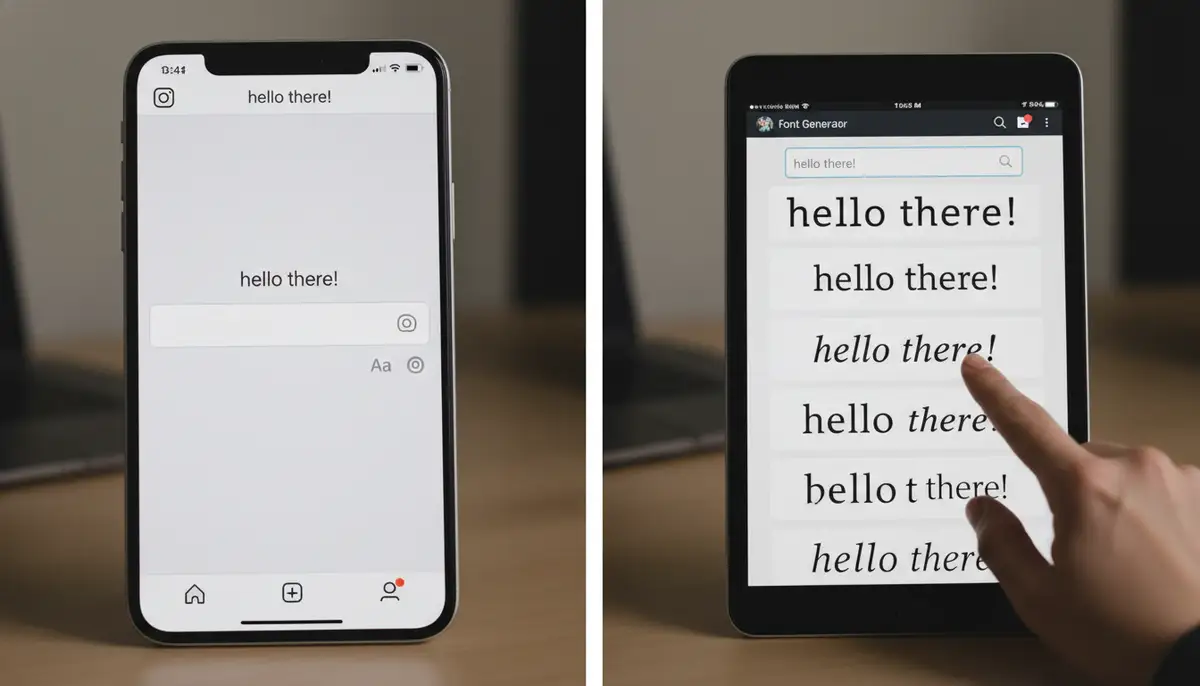
This is arguably the easiest way to get new fonts. Third-party font generators convert your text into special Unicode characters. Instagram recognizes these characters as standard text. This allows them to appear in unique styles. You can use these fonts in your bio, captions, and even comments. This method is incredibly versatile. It’s a popular answer to how to get the new fonts on Instagram quickly.
How Font Generators Work
These tools take your plain text. Then, they translate it into various Unicode symbols. Unicode is a universal character encoding standard. It represents text in almost all writing systems. Because Instagram supports Unicode, these fancy fonts display correctly. You simply type your text, choose a style, and copy it. Then, paste it directly into Instagram. It’s that simple.
- Step 1: Find a Reliable Font Generator: Many websites offer this service. A great example is Instagram Fonts Generator (𝓬𝓸𝓹𝔂 𝕒𝕟𝕕 𝓅𝒶𝓈𝓉𝑒 …).
- Step 2: Type Your Text: Enter the text you want to stylize into the generator’s input box.
- Step 3: Browse Font Styles: The generator will display your text in dozens of different fonts.
- Step 4: Copy Your Favorite: Select the font you like and click the ‘copy’ button.
- Step 5: Paste into Instagram: Open Instagram and paste the copied text into your bio, caption, or comment section.
This method is fantastic for adding flair to your profile. It’s also perfect for making key phrases in your captions stand out. Remember, not all fonts generated will look good on every device. Always check how your chosen font appears on different phones. This ensures maximum readability for your audience. Mastering how to get the new fonts on Instagram using generators is a powerful first step.
Method 2: Leveraging Design Apps for Stories and Reels
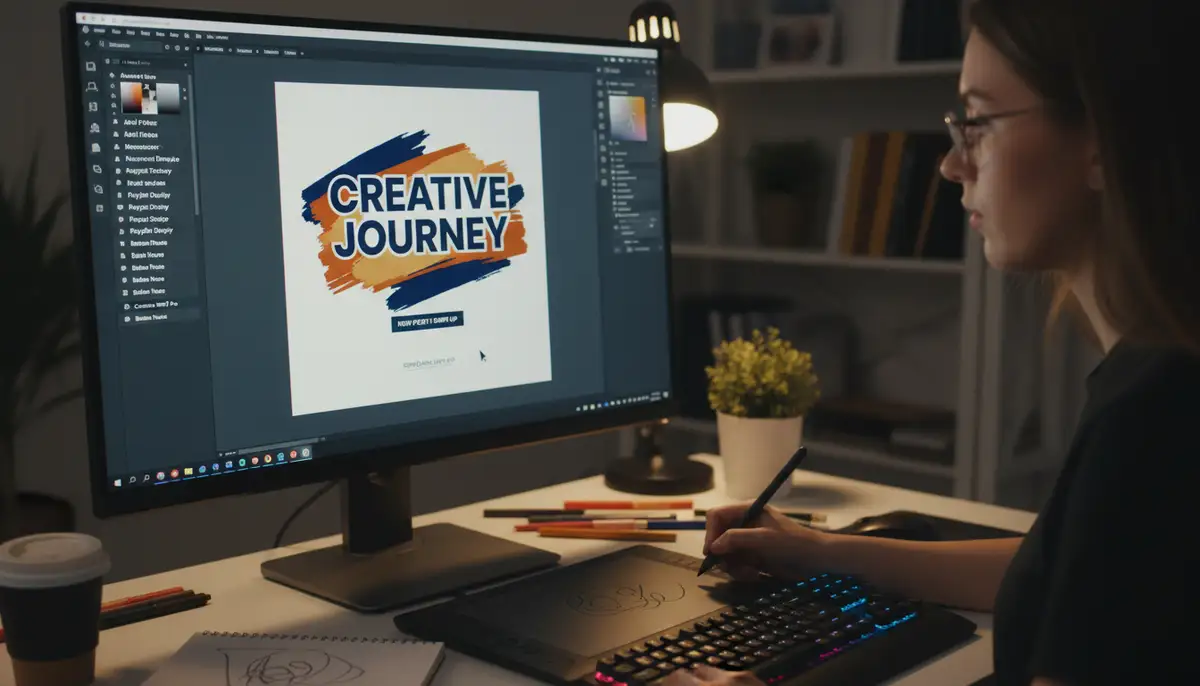
For Instagram Stories and Reels, you have even more creative freedom. You can design your text outside of Instagram using graphic design apps. Then, you import the finished image or video. This method gives you complete control over font choice, color, size, and effects. It’s how professionals achieve truly stunning visual content. This approach is key for those asking how to get the new fonts on Instagram for dynamic content.
Popular Design Apps for Custom Fonts
Several powerful apps can help you create custom text. Companies like canva.com offer user-friendly interfaces. snapseed.online provides robust editing tools. picsart.com is another excellent option for creative edits. These platforms allow you to access extensive font libraries. You can also customize every aspect of your text design. For example, How to Get ‘New’ Instagram Fonts (2025) explains how to use Kapwing for this purpose. It’s a fantastic resource for learning how to get the new fonts on Instagram using external tools.
- Canva: An incredibly popular online design tool. It offers thousands of fonts, templates, and graphic elements. Perfect for creating visually rich Instagram Stories and Reels covers.
- Kapwing: A versatile online video and image editor. It allows you to add custom text, including Google Fonts, to your media. You can then export and upload to Instagram.
- PicsArt: A comprehensive photo and video editing app. It includes a vast collection of fonts, stickers, and editing tools to create unique visual content.
- Adobe Express (formerly Spark Post): Another great option for quick, professional-looking graphics with custom typography.
Step-by-Step: Creating Custom Text in a Design App
Let’s walk through a general process using a typical design app. The exact steps might vary slightly depending on the app you choose. However, the core principles remain the same. This will show you exactly how to get the new fonts on Instagram with maximum control.
- Step 1: Choose Your Canvas: Open your preferred design app. Start a new project with Instagram Story (9:16 aspect ratio) or Reel (9:16) dimensions.
- Step 2: Add Your Background: Import an image or video. Alternatively, choose a solid color or gradient background.
- Step 3: Add Text: Find the ‘Text’ tool. Type your desired message.
- Step 4: Select Your Font: Browse the app’s font library. Choose a font that matches your aesthetic. Many apps let you upload your own fonts too.
- Step 5: Customize Text Appearance: Adjust the size, color, spacing, and alignment. Add effects like shadows, outlines, or curves. This is where your creativity truly shines.
- Step 6: Export Your Design: Save your creation as an image (PNG/JPG) or video (MP4). Ensure high quality for the best results.
- Step 7: Upload to Instagram: Open Instagram. Upload your custom-designed image or video to your Story or Reel. Add any additional native Instagram elements if desired.
This method gives you unparalleled flexibility. It’s perfect for creating branded content. For Android users, our Camera ZOOM FX app offers professional controls. You can capture high-quality photos and videos. Then, you can use these as a base for your custom-font designs in other apps. It’s a great way to start with stunning visuals. This process is how to get the new fonts on Instagram in a truly professional way.
Method 3: Advanced Techniques and Considerations for Bio & Captions (Unicode)
We touched on Unicode earlier with font generators. Let’s delve a bit deeper. Understanding Unicode is key to appreciating how these custom fonts work. It also helps in troubleshooting. When you use a font generator, you’re not actually installing a new font. Instead, you’re using characters that look like different fonts. This is a clever workaround for how to get the new fonts on Instagram where direct font changes aren’t allowed.
| Unicode Character Set | Description | Instagram Compatibility |
|---|---|---|
| Basic Latin | Standard English alphabet and numbers. | Full |
| Mathematical Alphanumeric Symbols | Includes script, fraktur, and double-struck letters. | Partial (used by generators) |
| Enclosed Alphanumerics | Letters or numbers within circles or squares. | Partial (used by generators) |
| Dingbats | Various symbols and decorative elements. | Partial (used by generators) |
These special characters are widely supported. However, some older devices or specific operating systems might display them differently. Always preview your content. This ensures everyone sees your chosen style. This knowledge is fundamental to understanding how to get the new fonts on Instagram reliably.
Customizing Your Instagram Bio with Unicode Fonts
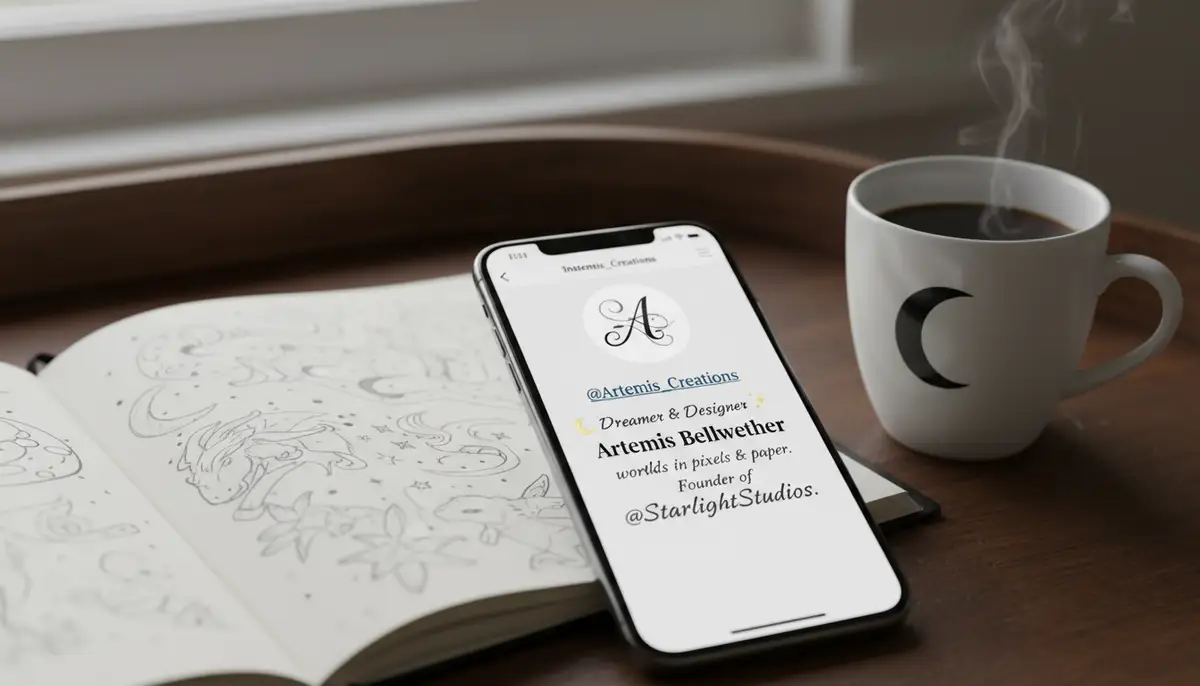
Your Instagram bio is prime real estate. It’s the first thing many visitors see. Using a custom font here makes a strong statement. It can highlight your name, a key offering, or a call to action. Follow the generator steps from Method 1. Then, simply paste the stylized text into your bio edit section. Make sure it’s concise and impactful. A unique bio is a great way to show how to get the new fonts on Instagram and make an impression.
- Highlight Key Information: Use a unique font for your name or profession.
- Call to Action: Make your website link or contact info stand out.
- Brand Slogan: Emphasize your brand’s motto with a distinctive style.
Be mindful of readability. Overly ornate fonts can be difficult to read quickly. Choose a style that is both unique and legible. This balance is crucial for effective communication. The goal is to enhance, not hinder, your message. This thoughtful approach improves how to get the new fonts on Instagram to work for you.
Troubleshooting: When the New Instagram Story Fonts Are Not Available
Sometimes, you might encounter issues. The new Instagram story fonts are not available on one of your accounts. Or perhaps they don’t display correctly. This can be frustrating. But don’t worry, there are common fixes. Understanding these can save you a lot of headaches. This section addresses common problems users face when trying to figure out how to get the new fonts on Instagram.
- App Update: Ensure your Instagram app is updated to the latest version. New features, including fonts, roll out gradually. Check your app store for updates.
- Clear Cache: Sometimes, cached data can cause glitches. Go to your phone’s settings, find the Instagram app, and clear its cache. This often resolves display issues.
- Log Out and Back In: A simple restart of your session can fix many minor bugs. Log out of Instagram, close the app completely, and then log back in.
- Check Device Compatibility: Older operating systems or devices might not fully support all Unicode characters. Test on a newer device if possible.
- Internet Connection: A stable internet connection is required for features to load correctly.
For more detailed troubleshooting, especially if the new Instagram story fonts are not available on one of your accounts, check out resources like The new Instagram story fonts are not available on one of …. These guides offer specific steps to diagnose and resolve common Instagram font problems. Knowing these solutions is part of mastering how to get the new fonts on Instagram consistently.
Best Practices for Using Custom Fonts on Instagram
Simply knowing how to get the new fonts on Instagram is not enough. You need to use them effectively. Thoughtful application makes all the difference. Here are some best practices to ensure your custom fonts enhance, rather than detract from, your content.
- Prioritize Readability: Always ensure your chosen font is easy to read. Complex, overly decorative fonts can be illegible, especially on small screens.
- Maintain Brand Consistency: If you have a brand, choose fonts that align with your brand’s aesthetic. Use them consistently across all your content.
- Use Sparingly for Emphasis: Don’t use custom fonts for every single word. Reserve them for headlines, key phrases, or calls to action. This makes them more impactful.
- Test on Multiple Devices: What looks good on your phone might look different on another. Always check your content on various devices and operating systems.
- Combine with Visuals: Custom fonts work best when paired with high-quality images or videos. For example, use our Camera ZOOM FX app’s ultra fast capture feature to get dynamic shots. Then, overlay your custom text.
Consider the overall aesthetic of your profile. Do your fonts complement your images? Are they easy on the eyes? These questions help you refine your approach. Effective use of custom fonts is an art. It significantly boosts your Instagram game. It’s the true mastery of how to get the new fonts on Instagram to work for you.
The Future of Instagram Fonts in 2025 and Beyond
What does the future hold for Instagram fonts? As of 2025, Instagram continues to experiment. They might introduce more native font options. They could also provide more robust in-app design tools. However, third-party solutions will likely remain vital. They offer a level of customization that in-app features often cannot match. The demand for unique expression is constant.
We anticipate more integration between design apps and Instagram. Perhaps direct publishing with custom fonts will become easier. For now, the methods discussed are your best bet. They empower you to stay ahead of the curve. Staying updated on how to get the new fonts on Instagram will always be a valuable skill for creators. Continue to explore and experiment with new tools. Our Camera ZOOM FX app is always evolving, too. We aim to provide you with the best foundational photography. Features like panorama mode help you capture more. This gives you stunning backdrops for your custom text.
Conclusion: Master How to Get the New Fonts on Instagram Today
You now have the knowledge and tools to transform your Instagram presence. Learning how to get the new fonts on Instagram is a game-changer. It allows you to create more engaging, branded, and visually appealing content. From simple copy-paste generators to powerful design apps, the options are plentiful. Your creativity is the only limit.
Remember to prioritize readability and brand consistency. Always test your fonts across different devices. By following these steps, you’ll stand out in the crowded Instagram landscape. Start experimenting with these new fonts today. See the difference they make in your engagement and overall aesthetic. Keep exploring new ways to make your content shine. For capturing those perfect moments to accompany your stylish text, don’t forget Camera ZOOM FX. Its steady shot stabilizer ensures your visuals are always on point.