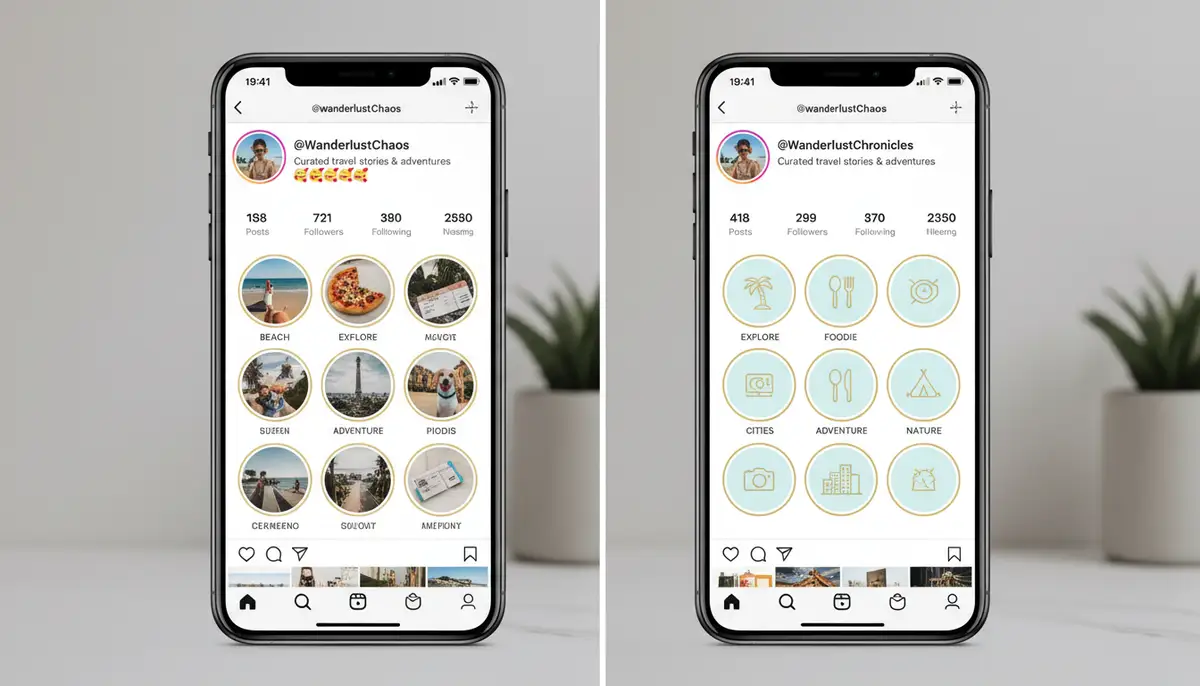
Introduction: Elevate Your Instagram Profile with Story Highlights
In today’s fast-paced digital world, Instagram Stories offer a fleeting glimpse into your daily life or brand activities. However, what if you want those precious moments to last longer than 24 hours? This is where Instagram Story Highlights come into play. Learning how to create a story highlight on Instagram is a game-changer for anyone looking to showcase their best content permanently. These curated collections live right on your profile, below your bio, acting as evergreen content that potential followers or customers can explore at any time. They are essential for personal brands, businesses, and casual users alike in 2025.
Highlights transform your temporary stories into lasting impressions. They allow you to categorize and display your most important content, making your profile more informative and engaging. Whether you’re a small business showcasing products or an influencer sharing travel adventures, understanding how to create a story highlight on Instagram is a crucial skill. This comprehensive guide will walk you through every step, from initial setup to advanced customization, ensuring your profile stands out.
Why Instagram Story Highlights Are Indispensable in 2025
Story Highlights are more than just an aesthetic feature. They serve several strategic purposes for both personal and professional Instagram users. Think of them as mini-websites embedded directly into your profile. They help you tell a deeper story about who you are or what your brand offers, beyond what your grid posts can convey. This permanence is invaluable for content that deserves more than a day in the spotlight.
- Evergreen Content: Your best stories live on, providing value long after their 24-hour expiry.
- Profile Organization: Categorize content, making it easy for visitors to find specific information.
- Brand Storytelling: Showcase your brand’s journey, values, and behind-the-scenes moments.
- Product/Service Showcase: Highlight key offerings, testimonials, or FAQs.
- Increased Engagement: Encourage deeper exploration of your profile and content.
- First Impressions: Highlights are often the first thing new visitors see after your bio, shaping their perception.
For businesses, highlights are a powerful tool for lead generation and customer education. For individuals, they’re a creative way to express personality and share memorable experiences. Mastering how to create a story highlight on Instagram directly impacts your profile’s effectiveness.
Before You Begin: Essential Prerequisites for Instagram Highlights
Before you dive into creating your first highlight, there are a couple of things you need to ensure are set up correctly on your Instagram account. These steps are simple but crucial for a smooth highlight creation process. Without them, you might find yourself unable to access your past stories or create new highlights effectively.
1. Enable Story Archiving
Your Instagram Stories automatically disappear after 24 hours. However, Instagram has a feature called ‘Story Archive’ that saves all your past stories. Highlights are built from these archived stories. If your Story Archiving is turned off, you won’t have any past content to add to a highlight. Make sure this setting is active.
- Go to your Instagram profile.
- Tap the three horizontal lines (menu icon) in the top right corner.
- Select ‘Archive’.
- Tap the three dots in the top right corner within the Archive screen.
- Choose ‘Settings’.
- Ensure ‘Save Story to Archive’ is toggled ON.
This ensures that every story you post is saved for future use. You can then easily access them when you learn how to create a story highlight on Instagram.
2. Have Stories Ready
To create a highlight, you need existing stories. These can be current live stories or stories from your archive. If you’re starting from scratch, post a few stories first. Think about the theme of your highlight and create relevant content. Remember, you can always add highlights on Instagram from the camera roll by first uploading them to your story, as detailed in this helpful forum post.
Step-by-Step Guide: How to Create a Story Highlight on Instagram
Now that your prerequisites are met, let’s get into the core process. There are two primary ways to create a story highlight on Instagram: from an active story or from your story archive. Both methods are straightforward, but understanding each will give you flexibility.
Method 1: Creating a Highlight from an Active Story
This is the quickest way to turn a currently live story into a highlight. As you post a new story, you can immediately add it to a highlight. This is perfect for timely content you want to preserve.
- Step 1: Post a Story. First, create and post a new Instagram Story as you normally would. You can use various tools, including advanced photography apps like Camera ZOOM FX, to capture high-quality photos and videos for your stories.
- Step 2: View Your Live Story. Once your story is live, tap on your profile picture at the top of your feed to view it.
- Step 3: Tap ‘Highlight’. At the bottom right of your active story, you’ll see an icon that says ‘Highlight’ (a heart icon within a circle). Tap this.
- Step 4: Create New Highlight. A pop-up will appear. Select ‘+ New’ to create a brand new highlight.
- Step 5: Name Your Highlight. Give your highlight a descriptive name (e.g., ‘Travel 2025’, ‘Product Launch’, ‘FAQs’). Keep it concise and clear.
- Step 6: Add and View. Tap ‘Add’. Your new highlight will now appear on your profile. The current story will be the first item in it.
This method is excellent for capturing moments as they happen and ensuring they get a permanent spot on your profile. Remember, you can always go back and edit the highlight later.
Method 2: Creating a Highlight from Your Story Archive
Most users will create highlights from their archived stories. This allows you to select multiple past stories and group them together by theme. This is the most common way to learn how to create a story highlight on Instagram.
- Step 1: Go to Your Profile. Open the Instagram app and navigate to your profile page.
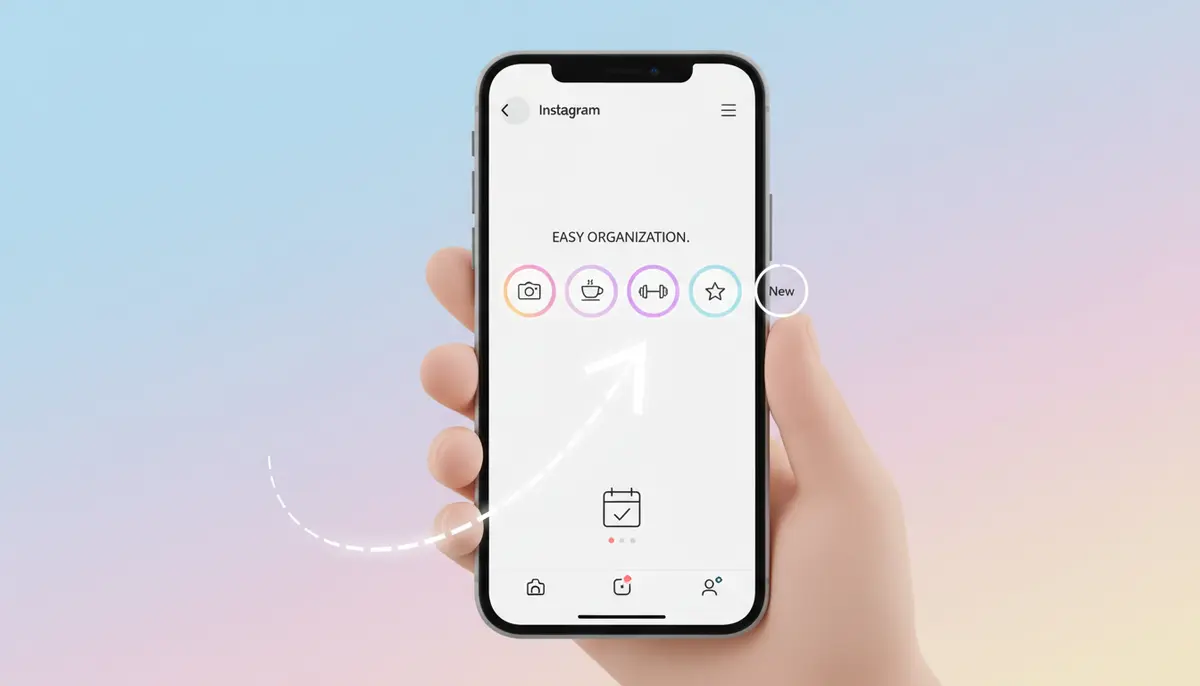
- Step 2: Tap the ‘New’ Button. Below your bio and above your grid posts, you’ll see a row of existing highlights (if any). To the far left, there will be a large ‘+’ circle with ‘New’ written below it. Tap this.
- Step 3: Select Stories. This will open your Story Archive. You’ll see all your past stories listed chronologically. Browse through them and tap on all the stories you want to include in this new highlight. A blue checkmark will appear on selected stories. You can select as many as you like.
- Step 4: Tap ‘Next’. Once you’ve selected all desired stories, tap the ‘Next’ button in the top right corner.
- Step 5: Name Your Highlight. Enter a compelling name for your highlight. Again, aim for clarity and conciseness.
- Step 6: Edit Cover (Optional but Recommended). This is where you can make your highlight truly shine. Tap ‘Edit Cover’. You can choose a frame from one of the stories you selected, or upload a custom image from your camera roll. For more on this, check out this guide on How To Create & Add Custom Instagram Highlights Covers.
- Step 7: Tap ‘Done’. Once you’re satisfied with the name and cover, tap ‘Done’ (or ‘Add’ on some versions). Your new highlight will now appear on your profile.
This method gives you full control over the content and appearance of your highlights. It’s the preferred way for strategic content curation. For a visual walkthrough, you might find this video helpful:
. It demonstrates the process clearly.
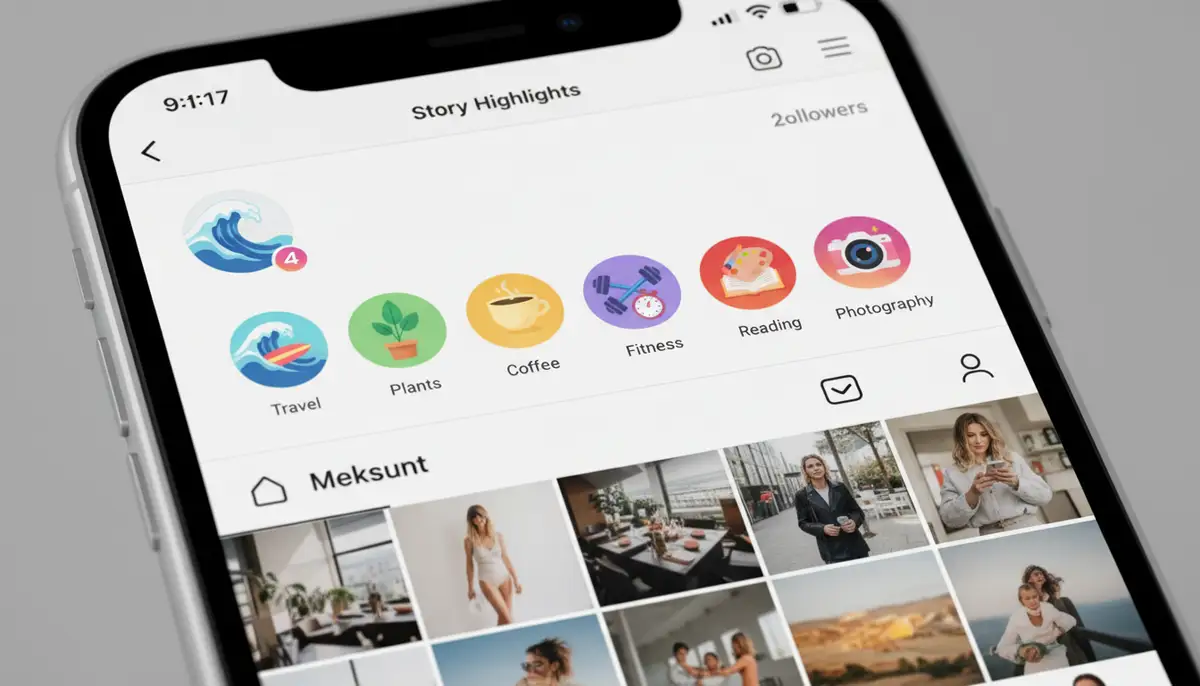
Adding More Stories to an Existing Highlight
Your highlights aren’t static; you can always add more content to them over time. This is crucial for keeping your highlights fresh and up-to-date. Knowing how to create a story highlight on Instagram also includes knowing how to maintain it.
- From an Active Story: While viewing your live story, tap ‘Highlight’. Instead of ‘+ New’, select an existing highlight from the list to add your current story to it.
- From Your Profile: Go to your profile, tap and hold the highlight you want to edit. Select ‘Edit Highlight’. Then, tap ‘Archive’ and select more stories to add. Tap ‘Done’ when finished.
Regularly updating your highlights ensures they remain relevant and continue to engage your audience. This helps maintain a dynamic and informative profile.
Customizing Your Instagram Story Highlights: Covers and Names
Beyond just knowing how to create a story highlight on Instagram, customization is key to making your profile visually appealing and professional. A well-designed highlight cover can significantly enhance your brand aesthetic and guide users to relevant content.
Choosing the Right Name
Your highlight names should be short, descriptive, and easy to understand. They should immediately tell a viewer what kind of content they’ll find inside. Emojis can sometimes add a nice touch, but don’t overdo it. Aim for consistency across all your highlight names.
| Good Highlight Names | Less Effective Highlight Names |
|---|---|
| FAQ | Story Time |
| Travels 2024 | My Adventures |
| Products | Stuff I Sell |
| Reviews | What People Say |
| Behind the Scenes | My Day |
| Tips & Tricks | Helpful Info |
Designing Custom Highlight Covers
Custom covers are where your highlights truly shine. They allow you to maintain a consistent visual brand identity. Instead of a random story frame, you can use a branded icon or graphic. Many users leverage apps like PicsArt or Afterlight to create stunning covers. Even simple photo editing apps can help you create a clean, minimalist look. For more advanced photo editing, consider Camera ZOOM FX for capturing and refining your base images before designing covers.
- Step 1: Create Your Design. Use a graphic design tool (e.g., Canva, Adobe Express, or even simpler apps like VSCO) to create small square images for your covers. These should ideally feature a simple icon or text on a branded background. The ideal size is usually 1080×1080 pixels.
- Step 2: Save to Camera Roll. Save your custom cover images to your phone’s camera roll.
- Step 3: Edit Highlight. Go to your Instagram profile, tap and hold the highlight you want to edit, and select ‘Edit Highlight’.
- Step 4: Edit Cover. Tap ‘Edit Cover’. Below the story frames, you’ll see a gallery icon. Tap this to open your camera roll.
- Step 5: Select Custom Cover. Choose your pre-designed image from your camera roll. Adjust its position if needed.
- Step 6: Confirm. Tap ‘Done’ to save your new custom cover.
Using consistent colors, fonts, and icons across all your covers creates a polished and professional look for your profile. This attention to detail significantly enhances user experience and reinforces your brand identity.
Strategic Tips for Maximizing Your Instagram Story Highlights
Simply knowing how to create a story highlight on Instagram isn’t enough. To truly leverage this feature, you need a strategy. Think about your audience and what information they would find most valuable or engaging. Your highlights should serve a purpose.
1. Plan Your Themes
Before you start creating, brainstorm potential highlight themes. What are the key categories of content you share? For businesses, this might include products, services, testimonials, FAQs, or behind-the-scenes glimpses. For personal accounts, think about travel, hobbies, family, or specific events. Having a clear plan makes the selection process much easier.
2. Prioritize Important Content
Your highlights are prime real estate on your profile. Place your most important or frequently requested content in the first few highlights. Users often don’t scroll past the initial visible highlights. This ensures your key messages are seen immediately.
3. Keep Them Concise and Engaging
While you can add many stories to a highlight, try to keep individual highlights focused. A highlight with 50 stories might overwhelm viewers. Aim for a manageable number that tells a complete story without being too long. Each story within the highlight should add value.
4. Use a Call to Action (CTA)
If you’re a business, use your highlights to drive action. Include CTAs within your stories before adding them to highlights. This could be
Swipe Up to Shop,
Link in Bio,

or
DM for Details.
This makes your highlights more than just pretty pictures; they become conversion tools.
5. Maintain Brand Consistency
From your highlight covers to the content within, maintain a consistent brand voice and visual style. This reinforces your brand identity and makes your profile feel cohesive. This applies to your stories before they even become highlights. Consider using live effects & filters consistently to maintain your visual brand. Consistent branding helps your audience recognize and remember you.
6. Regularly Update and Audit
Review your highlights periodically. Remove outdated content and add new, relevant stories. An annual or quarterly audit ensures your highlights remain fresh and accurately represent your current offerings or interests. This also helps keep your profile current and engaging for returning visitors.
Common Questions and Troubleshooting
Even after you know how to create a story highlight on Instagram, you might encounter some common questions or minor issues. Here are answers to frequently asked questions and quick fixes.
Why can’t I see my past stories in the archive?
Ensure that ‘Save Story to Archive’ is enabled in your Instagram settings. If it was recently turned on, only stories posted after that setting was activated will appear in the archive. Old stories are not recoverable if archiving was off.
Can I add photos/videos from my camera roll directly to a highlight?
No, not directly. You must first upload the photo or video as an Instagram Story. Once it’s a live story (or has been archived), you can then add it to a highlight. This is a common misconception when learning how to create a story highlight on Instagram.
How do I reorder my highlights?
Instagram automatically orders highlights by the most recently updated. To change the order, simply add a new story to the highlight you want to move to the front. This will push it to the beginning of the highlight reel on your profile. Or, you can edit an existing highlight, remove a story, and then re-add it. This action updates its ‘last modified’ timestamp, moving it to the front.
Can I delete a story from a highlight?
Yes. Tap on the highlight to view it. As you watch the stories, tap the three dots (More) in the bottom right corner. Select ‘Remove from Highlight’. You can also go to ‘Edit Highlight’ and deselect stories from the archive view. This flexibility is part of knowing how to create a story highlight on Instagram effectively.
My highlight covers look blurry or pixelated.
This usually happens if the image you uploaded for the cover was low resolution. Always use high-quality images, ideally 1080×1080 pixels, for your custom covers. Ensure your original image is sharp before uploading. Tools like Camera ZOOM FX can help ensure your initial photos are high quality, reducing the chance of pixelation.
Advanced Strategies: Beyond the Basics of How to Create a Story Highlight on Instagram
Once you’re comfortable with the basics, consider these advanced strategies to make your highlights truly impactful. These tips go beyond the simple mechanics of how to create a story highlight on Instagram and delve into content strategy and creative execution.
1. Interactive Highlights
Use interactive stickers in your stories (polls, quizzes, Q&A) before adding them to highlights. These archived interactions still show the results, providing valuable insights and engaging content for viewers. This keeps your highlights dynamic even after they’ve been posted.
2. Themed Series
Create a series of stories around a specific topic or event, then group them into a highlight. For example, a

Week in the Life
highlight for a personal brand, or a
New Feature Breakdown
for a business. This offers a cohesive narrative. Remember, you can use panorama mode to capture wide-angle shots for immersive story series.
3. Showcase User-Generated Content (UGC)
If customers or followers share stories featuring your product or service, add these to a dedicated
Testimonials
or
Customer Love
highlight. This builds social proof and trust. Always ask for permission before re-sharing someone else’s content.
4. Educational Content
Use highlights to educate your audience. Create
How-To
guides,
Tips & Tricks,
or
Myth Busters
series. This positions you as an authority in your niche. You can even use voice activated capture to record quick, informative video snippets for these educational stories.
5. Seasonal or Event-Specific Highlights
Create highlights for seasonal campaigns (e.g., ‘Holiday Gift Guide’), special events (e.g., ‘Conference 2025’), or limited-time promotions. You can archive these highlights after the event or season is over, then reactivate them next year. This keeps your profile relevant year-round.
For further insights into strategizing and designing your highlights, Tony Howell offers a great resource on how to create Instagram story highlights – Tony Howell. It provides valuable perspectives on making your highlights work for you.
Conclusion: Your Instagram Profile, Elevated
Learning how to create a story highlight on Instagram is an essential step toward optimizing your profile in 2025. These small, circular icons below your bio are powerful tools for storytelling, brand building, and audience engagement. They transform fleeting moments into lasting impressions, providing a curated window into your world or your business.
By following the steps outlined in this guide, you can confidently create, customize, and strategize your Instagram Story Highlights. Remember to enable story archiving, plan your themes, use compelling names, and design eye-catching custom covers. Regularly update your highlights to keep them fresh and relevant. Whether you’re a casual user sharing memories or a business driving sales, mastering how to create a story highlight on Instagram will undoubtedly enhance your presence on the platform.
Embrace the power of highlights to tell your story more effectively and make a stronger connection with your audience. Your Instagram profile is a dynamic space, and highlights are key to making it truly shine. Now go forth and create some amazing highlights!