Every click of your camera’s shutter mechanism adds to its total count. This number, known as the ‘shutter count,’ is a critical indicator of your camera’s age and wear. Think of it like the odometer on a car. A higher number generally means more use. If you’re buying a used camera, or simply want to know your current camera’s health, understanding how to check shutter count is incredibly important. This guide will walk you through everything you need to know in 2025.
Knowing your camera’s shutter count helps you make informed decisions. It can tell you how much life might be left in the camera. It also affects its resale value. We will explore various methods, from online tools to brand-specific software, to help you accurately determine this vital statistic. Let’s dive into the world of camera mechanics and digital data.
What is Shutter Count and Why Does It Matter?
The shutter count refers to the number of times your camera’s mechanical shutter has opened and closed. This action exposes the sensor to light, capturing an image. Each time you press the shutter button and take a photo, this count increases by one. It’s a fundamental part of how most digital cameras operate.
Why is this number so important? Camera shutters are mechanical parts. They are designed to last for a specific number of cycles. Manufacturers provide an estimated shutter lifespan for their camera models. This lifespan is usually expressed in thousands of actuations, like 100,000 or 200,000 clicks. Once a camera reaches or exceeds this number, its shutter mechanism is more likely to fail.
For photographers, this means understanding potential repair costs. A shutter replacement can be expensive. It might even be more costly than the camera’s current value. Therefore, knowing your shutter count helps you anticipate future maintenance needs. It also helps you decide if it’s time for an upgrade.
Furthermore, the shutter count significantly impacts a camera’s resale value. A camera with a lower shutter count is generally more desirable. It suggests less wear and tear. Buyers will often ask for this information before making a purchase. Being able to accurately check shutter count gives you transparency and builds trust.
Understanding Your Camera’s Shutter Lifespan
Different camera types and models have varying shutter lifespans. Professional DSLRs and high-end mirrorless cameras often boast higher durability. Their shutters can typically withstand 150,000 to 300,000 actuations or more. Entry-level cameras, however, might have a lifespan closer to 50,000 to 100,000 clicks.
It is important to remember these are estimates. A camera might fail before its estimated lifespan. Conversely, it could last much longer. Factors like how the camera is used, environmental conditions, and maintenance play a role. However, these figures provide a good benchmark when you want to check shutter count.
| Camera Type | Typical Shutter Lifespan (Actuations) | Example Models |
|---|---|---|
| Entry-Level DSLR/Mirrorless | 50,000 – 100,000 | Canon Rebel series, Nikon D3xxx/D5xxx, Sony a6000 series |
| Mid-Range DSLR/Mirrorless | 100,000 – 150,000 | Canon 80D, Nikon D7xxx series, Sony a7 series (older) |
| Professional DSLR/Mirrorless | 150,000 – 300,000+ | Canon 5D/1D series, Nikon D8xx/D5/D6 series, Sony a7/a9/a1 series |
Certain shooting styles can also impact shutter lifespan. For instance, frequently using burst mode camera will rapidly increase your shutter count. While burst mode is excellent for action shots, it puts more stress on the mechanical components. Understanding your shooting habits helps you estimate wear.
Environmental factors also contribute to wear. Extreme temperatures, humidity, or dusty conditions can accelerate shutter degradation. Regular cleaning and proper storage are crucial for extending your camera’s life. Always protect your gear from harsh elements.
How to Check Shutter Count: Online Tools and Software
The easiest way for many users to check shutter count is through online tools or dedicated software. These methods typically extract the shutter count information from the EXIF data embedded in your camera’s image files. This data is like a digital fingerprint for each photo you take.
Using Online Shutter Count Checkers
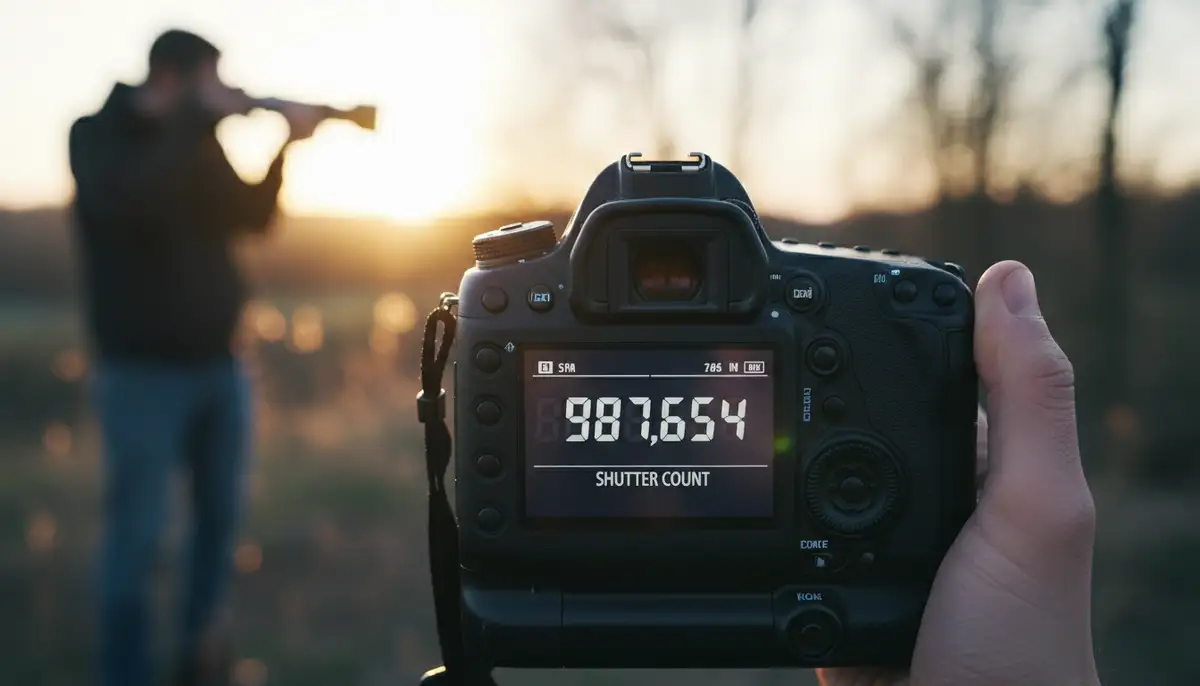
Online shutter count checkers are incredibly convenient. You usually just need to upload a recent, unedited JPEG or RAW file directly from your camera. The tool then analyzes the file’s EXIF data and displays the shutter count. This is a quick and straightforward method for many brands.
One reliable option is Camera Shutter Count. This website allows you to upload an image and quickly find out your camera’s shutter count. Another excellent resource is the Camera Shutter Count Checker by Apotelyt. It’s a free online tool that also works by uploading an image. Both are updated regularly to support new camera models.
However, these online tools have some limitations. They might not support every camera model, especially newer ones. Some cameras do not embed the shutter count directly into the EXIF data of every image. For example, older Canon models often require specialized software or service centers. Always use a freshly taken, unedited photo for the best results.
Software for Specific Brands
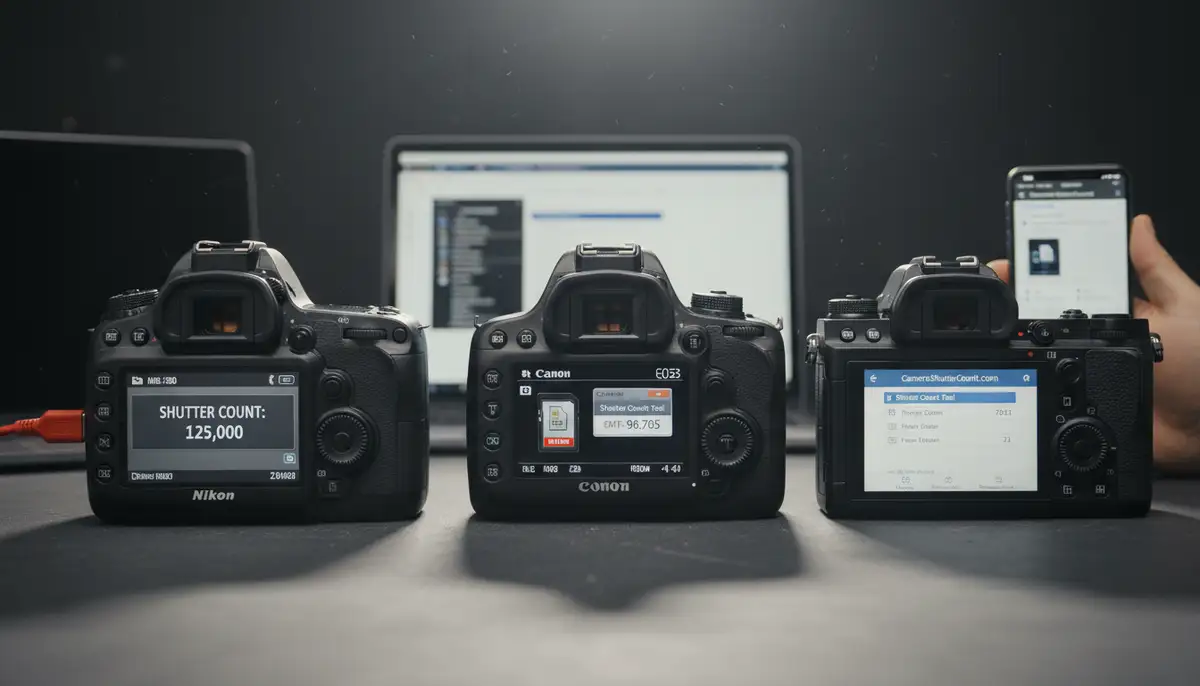
For more precise or brand-specific results, dedicated desktop software can be very helpful. These programs often connect directly to your camera or analyze its files more deeply. They can sometimes provide additional diagnostic information beyond just the shutter count. This is especially useful for professional users.
For Nikon users, a popular choice is the Free Camera Shutter Count & EXIF Viewer – ShutterCount.net. This tool is specifically designed to check Nikon shutter count via EXIF analysis. It delivers accurate results quickly. There are also various third-party applications available for other brands that can read this data.
When choosing software, always download from reputable sources. Ensure compatibility with your operating system and camera model. Some software might require a direct USB connection to your camera. Others work by analyzing image files stored on your computer. This method is often preferred for its accuracy.
Brand-Specific Methods for How to Check Shutter Count
While online tools are convenient, some camera manufacturers have unique ways to store or display shutter count. Knowing these brand-specific tricks can save you time and ensure accuracy. Let’s explore how to check shutter count for some of the major camera brands.
Nikon Cameras
Nikon cameras generally embed the shutter count directly into the EXIF data of every JPEG and RAW file. This makes checking the shutter count relatively easy. You can use almost any online EXIF viewer or shutter count tool. Simply take a photo, transfer it to your computer, and upload it to a checker. The number of actuations will be clearly visible.
For desktop users, software like the aforementioned ShutterCount.net is highly recommended. It offers a dedicated solution for Nikon cameras. Many photo editing programs can also display EXIF data. Look for information under ‘Image Properties’ or ‘File Info’ in programs like Adobe Lightroom or Photoshop. This is a reliable method for most Nikon models.
Canon Cameras
Canon cameras are a bit more challenging when it comes to checking shutter count. Unlike Nikon, Canon does not typically embed the shutter count in the EXIF data of JPEG files. For many older Canon DSLRs, you need specialized third-party software. These tools often connect directly to the camera via USB.
For newer mirrorless Canon cameras, some online tools might work. However, accuracy can vary. Some users also report accessing the service menu for certain models. However, this is risky and not recommended for average users. It can potentially damage your camera if done incorrectly. Always opt for safer software solutions first.
Sony Cameras
Sony cameras often behave similarly to Nikon in terms of EXIF data. Many Sony models embed the shutter count in the EXIF information of their image files. This means online shutter count checkers are usually effective for Sony cameras. Just upload a recent, unedited photo. You should get an accurate reading.
For a visual guide on how to check shutter count on a Sony camera, you can watch this helpful video:
. It provides a quick and clear demonstration. This is a great resource if you prefer a step-by-step video tutorial. Always ensure your firmware is up to date for best results.
Fujifilm, Olympus, Panasonic, and Others
For other popular brands like Fujifilm, Olympus, and Panasonic, the approach varies. Many of these brands, especially their mirrorless lines, also embed shutter count in EXIF data. Therefore, online tools are often your first and best bet. Always try uploading a recent image to a reputable online checker first. This is usually the simplest method.
If online tools fail, search for brand-specific forums or support pages. Enthusiast communities often share reliable third-party software or hidden menu tricks. However, exercise caution with any unofficial methods. Always prioritize methods that don’t involve altering camera settings. Knowing how to check shutter count for these brands often comes down to community knowledge.
The Role of EXIF Data in Shutter Count
EXIF stands for Exchangeable Image File Format. It’s a standard that specifies formats for images, sound, and ancillary tags used by digital cameras. When you take a photo, your camera records a wealth of information into the image file itself. This includes details like the date and time, camera model, lens used, aperture, shutter speed, ISO, and often, the shutter count.
The shutter count is typically stored as a specific tag within the EXIF data. Not all cameras store it in the same way, or even at all. This is why some brands are easier to check than others. When an online tool or software reads your image, it scans this hidden data for the shutter actuation information. This makes EXIF data crucial for understanding how to check shutter count.
You don’t always need a dedicated tool to view EXIF data. Many operating systems allow you to see basic EXIF information. On Windows, right-click an image file, go to ‘Properties,’ then ‘Details.’ On macOS, open the image in Preview, then go to ‘Tools’ > ‘Show Inspector’ (or press Command + I). While these built-in viewers might not always show the shutter count, they reveal other useful data.
- Take a fresh, unedited photo with your camera.
- Transfer the image file (preferably a RAW file if your camera supports RAW shooting) to your computer.
- Open a reliable online shutter count checker website (e.g., CameraShutterCount.com).
- Upload your image file to the designated area on the website.
- Wait for the tool to process the image and display the shutter count.
- Alternatively, use a brand-specific desktop software or EXIF viewer to analyze the file locally.
Always use an original, unedited image file. Editing software can sometimes strip or alter EXIF data. This would make it impossible to accurately check shutter count. Stick to files directly from your camera’s memory card. This ensures the integrity of the embedded information.
Beyond Shutter Count: Other Factors for Camera Health
While knowing how to check shutter count is vital, it’s not the only factor in assessing a camera’s overall health. A camera with a low shutter count might still have other issues. Conversely, a high-shutter-count camera could be perfectly functional if well-maintained. Always consider the full picture.
Sensor Condition
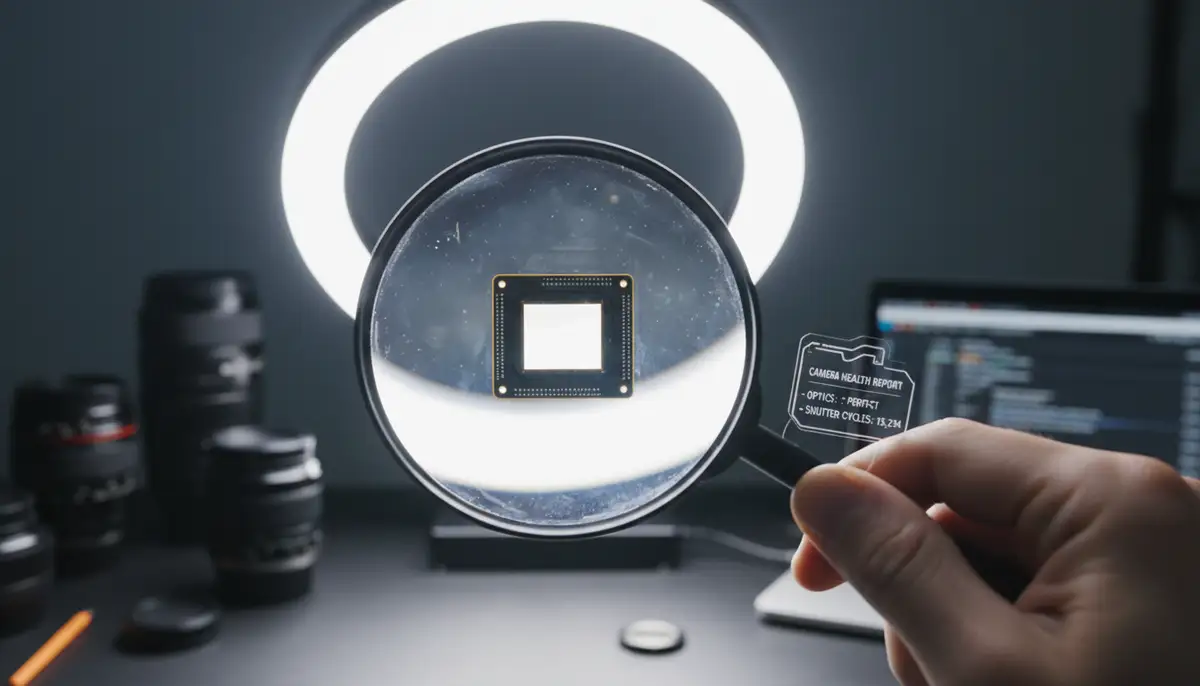
The image sensor is the heart of your digital camera. Inspect it carefully for dust, scratches, or hot pixels. Dust spots are common and usually easy to clean. However, scratches can permanently damage image quality. Hot pixels appear as bright, persistent dots, especially in long exposures. A dirty or damaged sensor significantly affects photo quality.
Regular sensor cleaning is crucial. You can do it yourself with proper tools, or have a professional service it. A clean sensor ensures crisp, clear images. Neglecting sensor care can lead to disappointing results, even with a technically sound shutter.
Body Wear and Tear
Examine the camera body for physical signs of wear. Look for scratches, dents, or scuffs. Check the rubber grips; they can peel or wear down over time. Test all buttons, dials, and ports to ensure they function correctly. A well-cared-for body indicates a careful owner.
Also, check the LCD screen for scratches or dead pixels. A screen protector can prevent damage. If you’re using accessories like a steady shot stabilizer, ensure the mounting points on the camera body are not stripped or damaged. Physical condition often reflects how the camera has been treated.
Lens Mount and Electronics
The lens mount should be free of damage or excessive wear. A loose or wobbly mount can affect focus and image quality. Check the electronic contacts on the mount for cleanliness and corrosion. These contacts are vital for communication between the camera and lens. Dirty contacts can cause errors.
Test all ports (USB, HDMI, microphone) with their respective cables. Ensure they connect securely and function as expected. Check the battery compartment for corrosion. These small details contribute to the camera’s overall reliability. A thorough inspection goes beyond just knowing how to check shutter count.
Maximizing Your Camera’s Lifespan and Performance
Extending your camera’s life involves more than just knowing how to check shutter count. It requires consistent care and good habits. Proper maintenance not only preserves your gear but also ensures it performs optimally for years to come. Investing time in care saves money in the long run.
- Keep your camera clean: Regularly wipe down the body, lens, and screen. Use a blower brush for dust.
- Protect from elements: Avoid extreme temperatures, humidity, and dust. Use a weather-sealed bag.
- Handle with care: Avoid dropping or bumping your camera. Use a sturdy strap or steady shot stabilizer.
Additionally, consider your shooting practices. While burst mode camera is useful, don’t overuse it if single shots suffice. Use electronic shutters when possible, as they don’t add to the mechanical shutter count. This is a feature found in many modern mirrorless cameras. It helps preserve the mechanical shutter for when you truly need it.
For Android users looking to enhance their photography experience, Camera ZOOM FX offers a powerful solution. It provides professional controls, stunning filters, and fast shooting performance. This helps you achieve high-quality results directly from your smartphone. It’s a great companion for any photographer.
While there are many excellent photography apps and solutions available, such as snapseed.online, vsco.co, and afterlight.co, Camera ZOOM FX stands out for its robust feature set tailored for Android. It allows you to experiment with different styles and achieve professional-grade photos. This ensures your mobile photography is just as impactful as your camera shots.
Conclusion: The Importance of Knowing How to Check Shutter Count
In conclusion, understanding how to check shutter count is an essential skill for any digital photographer in 2025. It provides valuable insight into your camera’s health and potential lifespan. Whether you’re buying, selling, or simply maintaining your gear, this number empowers you with crucial information. It helps you make smart decisions about your valuable equipment.
From utilizing online tools and brand-specific software to understanding the nuances of EXIF data, you now have a comprehensive toolkit. Remember that while shutter count is important, it’s part of a larger picture of camera care. Always consider sensor condition, body wear, and electronic integrity. Proactive maintenance and informed decisions will keep your camera clicking happily for many years to come. Keep shooting, keep learning, and keep creating!