Introduction: Why Your SMS App Matters More Than Ever in 2025
In 2025, your Android phone is more than just a device. It is your primary communication hub. While social media apps handle many interactions, traditional SMS and MMS remain vital. They are reliable for critical messages, two-factor authentication, and connecting with anyone, regardless of their internet access. Finding the best Android SMS app is crucial for a smooth, secure, and enjoyable messaging experience. It is not just about sending texts; it is about enhancing your entire mobile life.
The default messaging app on your Android device might be functional, but it often lacks advanced features. Many third-party apps offer better customization, privacy controls, and innovative tools. This guide will help you navigate the crowded market. We will explore what makes a great messaging app. You will discover the top contenders and learn how to choose the best Android SMS app for your specific needs.
What Makes the Best Android SMS App Stand Out?
When evaluating the best Android SMS app, several key features and considerations come into play. These elements define a superior messaging experience. They go beyond basic text sending and receiving. Let us break down what you should look for.
Key Features to Look For
- RCS Messaging Support: Rich Communication Services (RCS) is the modern standard. It offers features like read receipts, typing indicators, high-quality media sharing, and larger file transfers. This is a must-have for any top-tier app.
- Customization Options: Personalize your app with themes, fonts, bubble styles, and notification settings. Make it truly yours.
- Spam Blocking & Filtering: Unwanted messages are annoying. A good app will help you filter out spam and keep your inbox clean.
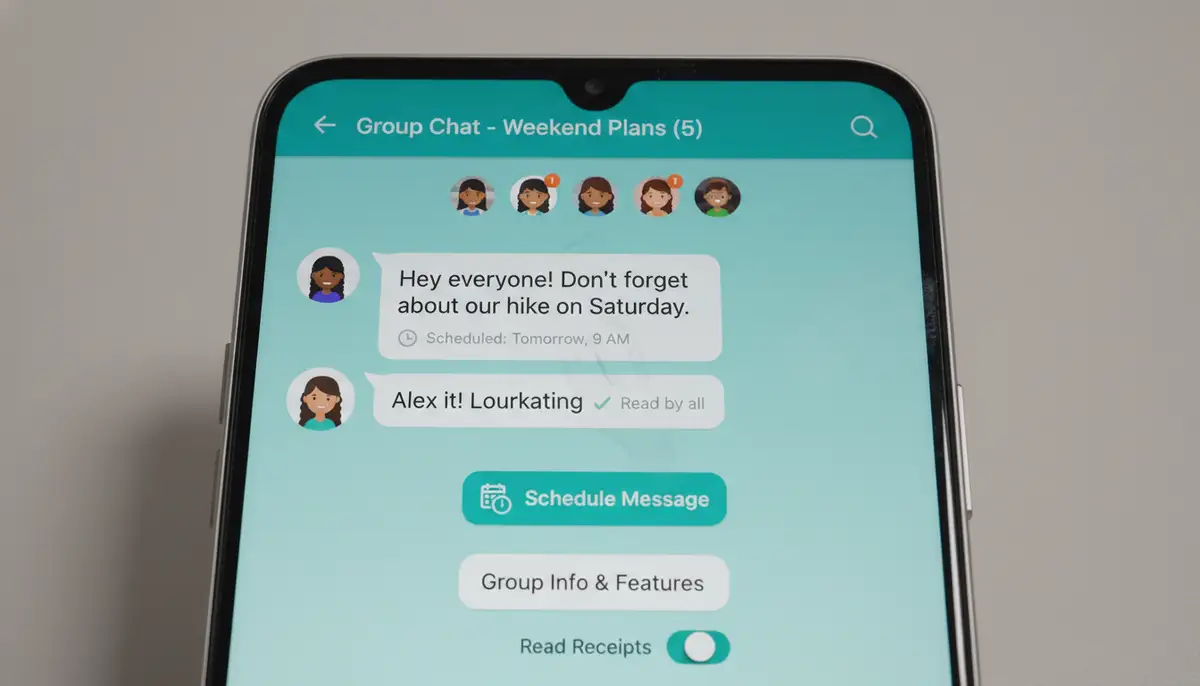
- Scheduling Messages: Plan your messages to send at a specific time. This is perfect for reminders or wishing someone a happy birthday at midnight.
- Group Chat Management: Easily create, manage, and interact with group conversations. Look for features like naming groups and adding/removing members.
- Search Functionality: Quickly find old messages with robust search tools.
- Backup and Restore: Protect your message history. Ensure the app offers reliable backup and restore options.
- Security and Privacy: End-to-end encryption (for RCS) and privacy-focused features are increasingly important. Understand how your data is handled.
Additionally, consider the user interface. Is it intuitive and easy to navigate? Does it integrate well with other Android features? These factors contribute significantly to a positive daily experience. The best Android SMS app should feel like an extension of your phone.
Top Contenders for the Best Android SMS App in 2025
Several apps consistently rank high for their features, reliability, and user satisfaction. Here are the leading choices you should consider when searching for the best Android SMS app.
1. Google Messages
Google Messages is often considered the default standard for many Android users. It comes pre-installed on most Android phones. This app is robust and continually improving. It fully supports RCS, bringing iPhone-like iMessage features to Android. You get read receipts, typing indicators, and high-quality media sharing. It also boasts excellent spam filtering, powered by Google’s AI. This helps keep your inbox clean. According to Android Central, Google Messages is the best free text messaging app for Android. It offers a seamless experience.
- Pros: Full RCS support, excellent spam protection, clean interface, widely available, web version for desktop texting.
- Cons: Customization options are somewhat limited compared to other third-party apps, privacy concerns for some users regarding data collection.
If you are looking for a reliable, feature-rich app that handles both SMS and RCS seamlessly, Google Messages is a strong contender for the best Android SMS app. Its integration with the Google ecosystem is also a major plus.

2. Signal
Signal is renowned for its unparalleled focus on privacy and security. It offers end-to-end encryption for all messages and calls between Signal users. While it can handle SMS/MMS, its primary strength lies in its encrypted messaging capabilities. For those who prioritize data protection above all else, Signal is often hailed as the best Android SMS app for privacy-conscious individuals. It is open-source and regularly audited. This builds trust within its user base.
- Pros: Top-tier end-to-end encryption, strong privacy features (disappearing messages, screen security), no data collection, free and open-source.
- Cons: RCS support is not integrated (it uses its own encrypted protocol), less feature-rich for general SMS than Google Messages, requires both sender and receiver to use Signal for full encryption.
If your main concern is keeping your conversations private, Signal is an excellent choice. It provides robust security features that many other apps simply do not match. However, remember that its primary strength is encrypted communication with other Signal users. For general SMS, it functions adequately but without the advanced RCS features.
3. Pulse SMS
Pulse SMS offers a unique proposition. It provides a seamless messaging experience across all your devices. This includes phones, tablets, computers, and even smartwatches. It is a cloud-based solution that syncs your messages everywhere. Pulse SMS offers extensive customization options, including themes, fonts, and notification settings. It also supports scheduling messages and has a robust search function. This makes it a strong contender for the best Android SMS app for cross-device users.
- Pros: Excellent cross-device syncing, highly customizable, clean interface, private conversations, message scheduling.
- Cons: Full cross-device functionality requires a subscription, no direct RCS support (uses its own syncing mechanism for media sharing), may not appeal to those who prefer a simpler, local-only app.
For users who frequently switch between devices, Pulse SMS provides unparalleled convenience. Its ability to keep your conversations synchronized everywhere is a major draw. This makes it a very versatile option.
4. Textra SMS
Textra SMS has long been a favorite for its speed and extensive customization. It offers a vast array of themes, bubble styles, and notification options. You can truly make Textra your own. It is lightweight and responsive, providing a snappy messaging experience. Textra also includes features like scheduled messages, quick reply pop-ups, and excellent GIF support. Many users consider it a top choice for the best Android SMS app due to its blend of performance and personalization.
- Pros: Extremely customizable, fast and fluid performance, simple and intuitive interface, message scheduling, dark mode.
- Cons: Lacks native RCS support (falls back to traditional SMS/MMS), some advanced features are locked behind a one-time purchase, not as privacy-focused as Signal.
If you prioritize a fast, highly customizable, and visually appealing messaging app, Textra SMS is an excellent choice. It delivers a premium feel without being overly complicated. It is a solid option for those who want to personalize their texting experience.
Advanced Features and Integrations to Consider
Beyond the core functionalities, the best Android SMS app often offers advanced features. These can further enhance your communication and productivity. Let’s look at some of these.
Smart Replies and AI Integration
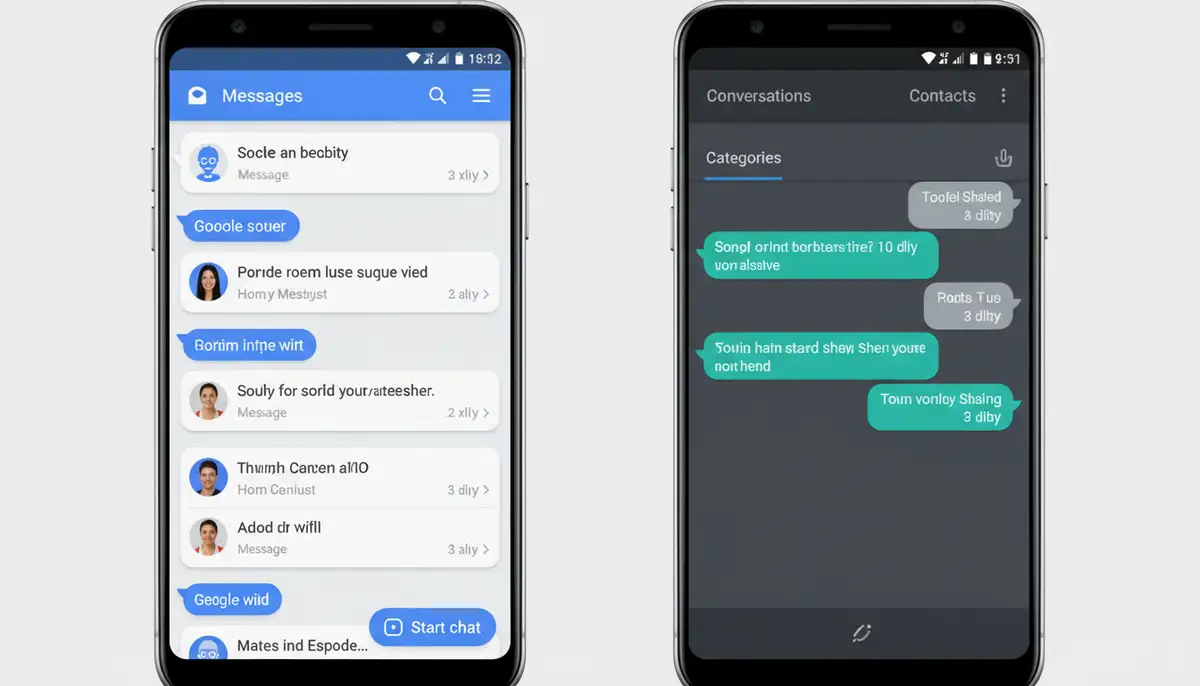
Many modern messaging apps, especially Google Messages, now incorporate AI-powered smart replies. These suggest short, relevant responses based on the conversation context. This can save you time and effort. Some apps also integrate with Google Assistant or other AI tools. This allows you to perform tasks directly from your messaging interface. This includes setting reminders or getting directions. This smart integration makes your texting experience more efficient.
Desktop and Web Access
The ability to send and receive texts from your computer or tablet is incredibly convenient. Apps like Google Messages and Pulse SMS offer robust web or desktop clients. This allows you to type long messages more easily. You can also stay connected without constantly checking your phone. This cross-device functionality is a significant advantage for productivity. It is a feature many users now expect from the best Android SMS app.
Integration with Other Apps
Some messaging apps offer deeper integrations with other services. This could include calendar apps, payment platforms, or even media sharing services. For example, sharing a photo from your gallery directly into a conversation is standard. However, some apps might offer more seamless ways to share location or even send money. Think about how your messaging app interacts with the rest of your digital life. This is especially true if you like to apply photo effects before sending a picture.
For a deeper dive into how different texting apps stack up, you might find this video helpful:
. It offers a visual comparison and insights into various options.
Privacy and Security: A Critical Look
In an age of increasing digital surveillance, privacy and security are paramount. When choosing the best Android SMS app, you must consider how your messages are protected. This is particularly important for sensitive communications.
End-to-End Encryption (E2EE)
End-to-end encryption ensures that only the sender and intended recipient can read messages. Not even the app provider can access the content. Signal is the gold standard for E2EE. Google Messages offers E2EE for RCS chats between two Google Messages users. For traditional SMS, however, E2EE is not possible. SMS messages travel through carrier networks. This means they are not inherently private. Always be aware of the limitations of SMS itself.
Data Collection and Permissions
Review the app’s privacy policy. Understand what data it collects and how it uses that data. Some apps may collect usage statistics or crash reports. Others might access your contacts or location. Be cautious about apps requesting excessive permissions. A truly private app, like Signal, collects minimal data. This is a key differentiator when seeking the best Android SMS app for security.
For those using highly secure operating systems like GrapheneOS, the choice of messaging app is even more critical. There is often no single “best” option. However, many security experts discourage using anything but the stock app for security reasons. You can read more about which sms app is the best option for graphene? on community forums. This highlights the importance of understanding your OS’s security model.
Comparing the Best Android SMS App Options: A Quick Glance
Here is a quick comparison of some of the top apps to help you decide which is the best Android SMS app for you.
| App Name | RCS Support | Encryption (E2EE) | Customization | Cross-Device Sync | Key Benefit |
|---|---|---|---|---|---|
| Google Messages | Yes | For RCS only | Moderate | Yes (Web) | Default, RCS, Spam Filter |
| Signal | No (proprietary E2EE) | Yes (for Signal users) | Low | Limited | Ultimate Privacy/Security |
| Pulse SMS | No (uses own sync) | No (for SMS/MMS) | High | Yes (paid) | Seamless Multi-Device |
| Textra SMS | No | No (for SMS/MMS) | Very High | No | Speed & Customization |
As you can see, each app has its strengths. Your personal priorities will guide your choice of the best Android SMS app. Do you value privacy, customization, or cross-device convenience most?
Beyond SMS: The Future of Android Messaging
The landscape of Android messaging is constantly evolving. RCS is becoming the new standard. This blurs the lines between traditional SMS and internet-based chat apps. Major players like Google are pushing for wider RCS adoption. This aims to provide a richer messaging experience for everyone. The goal is to make every conversation feel modern and feature-rich, regardless of the carrier or device.
Many companies are innovating in the messaging space. Solutions like afterlight.co, canva.com, and picsart.com, while primarily focused on photo editing and design, show how integrated digital tools are becoming. Just as these platforms enhance visual communication, the best Android SMS app aims to enhance text-based communication. It is all about making your digital interactions more powerful and personal. Our photography app, for instance, focuses on helping you take stunning photos with professional controls. Similarly, messaging apps aim to give you professional control over your conversations.
Tips for Optimizing Your Messaging Experience
Once you have chosen the best Android SMS app for you, here are some tips to get the most out of it:
- Regularly Clear Cache: This can help keep your app running smoothly and free up storage.
- Manage Notifications: Customize notification settings for different conversations or contacts. This helps you prioritize.
- Utilize Spam Filters: Ensure your spam blocking is active. Report unwanted messages to improve filtering over time.
- Explore Settings: Dive into the app’s settings. You might discover hidden features or customization options.
- Back Up Your Messages: Set up regular backups to avoid losing precious conversations. This is good practice for any important data.
- Keep App Updated: Developers often release updates with new features, bug fixes, and security enhancements.
Additionally, consider linking your messaging app to a stable shot camera app if it offers direct photo sharing. This could streamline your workflow. The goal is to make your communication as efficient and enjoyable as possible. The options for The Best SMS Text Messaging Apps for Android are always expanding, so stay informed.
Conclusion: Your Perfect Messaging Companion Awaits
Choosing the best Android SMS app is a personal decision. It depends on what you value most in your daily communications. Whether it is cutting-edge RCS features, unparalleled privacy, extensive customization, or seamless cross-device syncing, there is an app out there for you. Google Messages offers a robust, modern experience for most. Signal provides unmatched security for the privacy-conscious. Pulse SMS excels in multi-device integration. Textra SMS delivers speed and deep personalization.
Take the time to try out a few options. See which one fits your workflow and personal style. Remember, the best app is the one that makes your communication effortless and enjoyable. In 2025, your messaging app is more than just a utility. It is a vital tool for staying connected. Make sure you choose the best Android SMS app to empower your mobile experience. Happy texting!