Have you ever looked at a photo and wished it was just a little bit better? Maybe it was a bit blurry, too dark, or simply lacked that professional polish. In 2025, those frustrations are a thing of the past, thanks to the incredible power of the AI photo enhancer. This technology is revolutionizing how we approach image editing, making it easier than ever to achieve stunning results. You no longer need to be a professional editor to fix common photo problems. An AI photo enhancer can do the heavy lifting for you, transforming your ordinary snapshots into extraordinary visual masterpieces.
This comprehensive guide will walk you through everything you need to know about AI photo enhancers. We’ll explore how they work, why they’re essential for anyone taking photos today, and what features to look for. You’ll also discover the top tools available and learn practical tips to get the best out of this amazing technology. Get ready to unlock the true potential of your images.
What is an AI Photo Enhancer and How Does It Work?
At its core, an AI photo enhancer is a software tool that uses artificial intelligence to improve the quality of your images. It’s much more sophisticated than traditional photo filters. Instead of simply applying a preset effect, AI analyzes your photo’s content. It understands what makes a good image and then intelligently applies corrections.
These tools leverage machine learning, a branch of AI. Developers train these AI models on vast datasets of high-quality and low-quality images. The AI learns patterns, identifying common flaws like noise, blur, and poor lighting. It also learns how to correct these issues effectively. When you upload your photo, the AI applies this learned knowledge. It makes precise adjustments to enhance details, colors, and overall clarity. This process happens in seconds, delivering results that would take a human editor much longer to achieve.
Think of it like having a personal photo editing assistant powered by advanced algorithms. It can recognize faces, landscapes, and objects. Then it optimizes each element individually. This intelligent approach sets an AI photo enhancer apart from conventional editing software. It moves beyond simple adjustments to truly understand and improve your images.
Why You Need an AI Photo Enhancer in 2025
In today’s visually driven world, high-quality images are non-negotiable. Whether you’re a professional photographer, a small business owner, or just someone who loves sharing memories, an AI photo enhancer offers undeniable advantages. Here’s why you need one in your digital toolkit.
Solve Common Photo Problems Instantly
We all have those photos that didn’t quite turn out. The lighting was bad, the camera shook, or the resolution was too low. An AI photo enhancer excels at fixing these common issues. It can rescue images you thought were unsalvageable. This means fewer deleted photos and more cherished memories.
- Blur Reduction: AI can intelligently sharpen blurry images, bringing lost details back to life.
- Noise Removal: Grainy photos, especially those taken in low light, become smooth and clear.
- Low Resolution Upscaling: Transform small, pixelated images into high-resolution masterpieces, perfect for printing or large displays.
- Color Correction: AI automatically adjusts colors, contrast, and brightness to make your photos pop.
- Lighting Adjustment: Dark photos can be brightened without losing detail, and overexposed areas can be recovered.
Achieve Professional Results Without the Expertise
Professional photo editing software often has a steep learning curve. It requires hours of practice to master. An AI photo enhancer democratizes this process. It allows anyone to achieve professional-level enhancements with just a few clicks. This accessibility is a game-changer for casual users and small businesses alike. You can create stunning visuals without hiring a specialist.
Save Time and Boost Productivity
Manually editing photos is time-consuming. Imagine enhancing dozens or even hundreds of photos one by one. An AI photo enhancer automates much of this work. Many tools offer batch processing, allowing you to enhance multiple images simultaneously. This efficiency is invaluable for content creators, e-commerce businesses, and anyone with a large photo library. You can focus on capturing great moments, knowing the enhancement will be handled swiftly.
Key Features to Look for in an AI Photo Enhancer
Not all AI photo enhancers are created equal. When choosing the right tool for your needs, consider a range of features. These will ensure you get the most out of the technology. Here are the crucial capabilities to prioritize.
Resolution Upscaling (Image Upscaler)
One of the most powerful features is the ability to increase image resolution. Traditional upscaling often results in pixelation. However, an AI photo enhancer intelligently adds new pixels based on learned patterns. This creates a larger image without sacrificing quality. This is perfect for preparing photos for print or large displays. Many tools can improve image quality and resolution significantly, making small photos suitable for bigger uses.
Noise Reduction
Digital noise often appears in photos taken in low light or with high ISO settings. It looks like a grainy texture. An AI photo enhancer can detect and remove this noise. It does so while preserving important details. The result is a much cleaner, smoother image. This is particularly useful for indoor or night photography.
Sharpening and Detail Recovery
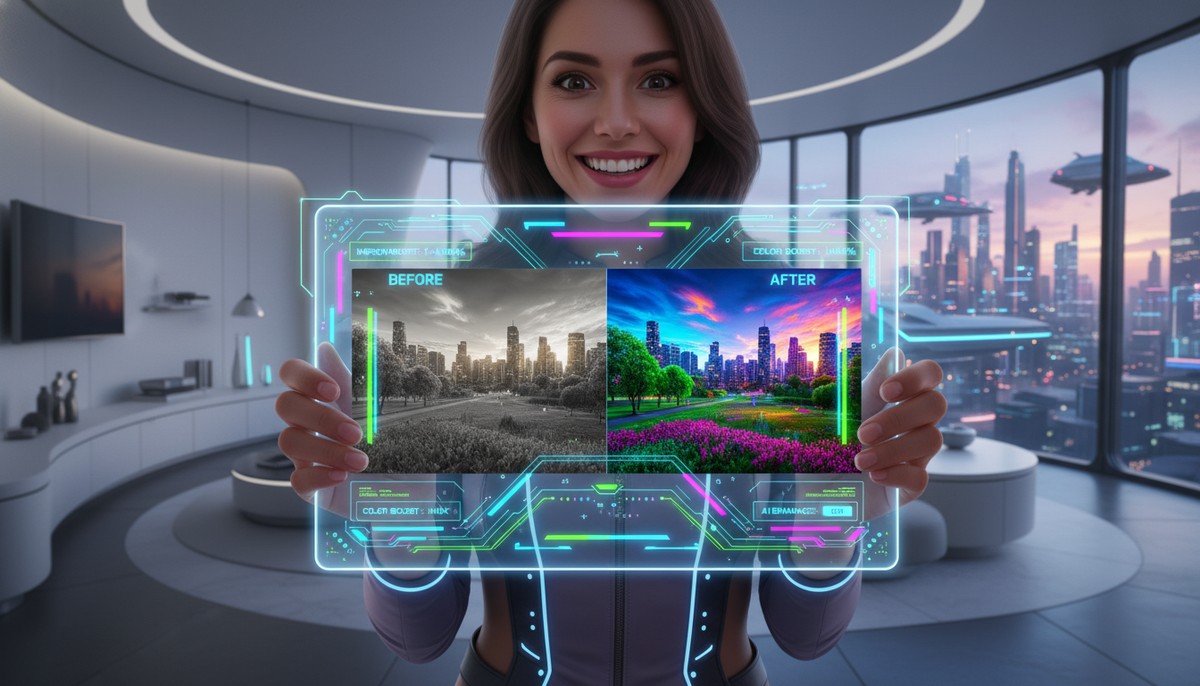
A slight blur can ruin an otherwise great photo. AI sharpening goes beyond simple edge enhancement. It intelligently reconstructs lost details. This makes subjects appear crisper and more defined. This feature is a lifesaver for slightly out-of-focus shots or images that lack punch.
Color Correction and Enhancement
AI can analyze your photo’s color palette and make smart adjustments. It corrects white balance, enhances saturation, and improves contrast. This brings out the true vibrancy of your images. It ensures colors are accurate and appealing. This is vital for product photography and artistic shots.
Automatic Lighting Adjustment
Poor lighting is a common problem. Photos can be too dark, too bright, or have harsh shadows. An AI photo enhancer can intelligently balance exposure. It brightens underexposed areas and recovers details from overexposed parts. This creates a more balanced and visually pleasing image. It’s like having a virtual lighting technician.
Portrait Retouching
Many AI tools offer specialized portrait enhancements. These can smooth skin, whiten teeth, brighten eyes, and even apply virtual makeup. All these adjustments happen subtly and naturally. This helps you capture stunning portraits every time. For those looking to take stunning photos of people, this feature is invaluable.
Object Removal and Background Editing
Some advanced AI photo enhancers can intelligently remove unwanted objects or people from your photos. They can also seamlessly change or blur backgrounds. This feature is incredibly powerful for cleaning up cluttered shots or creating a more focused composition. It opens up new creative possibilities for your images.
Batch Processing
For users with many photos, batch processing is a must-have. This feature allows you to apply the same enhancements to multiple images at once. It saves a tremendous amount of time. This is especially useful for event photographers or e-commerce businesses. You can maintain a consistent look across your entire collection.
User-Friendly Interface
Even with powerful AI, a clunky interface can deter users. Look for an AI photo enhancer with an intuitive design. It should be easy to navigate and understand. Simple controls and clear previews make the enhancement process enjoyable and efficient. You want a tool that helps, not hinders, your creative flow.
Top AI Photo Enhancer Tools of Today (2025 Edition)
The market for AI photo enhancers is booming in 2025, with many excellent options available. These tools come in various forms: desktop software, online web applications, and mobile apps. Each offers a unique set of features and pricing models. Here’s a look at some of the leading contenders and what makes them stand out.
Online AI Photo Enhancer Platforms
Online tools are incredibly convenient. They require no software installation and can be accessed from any device with an internet connection. Many offer robust features directly in your browser. For example, an online AI image enhancer & image upscaler can sharpen details and reduce noise with advanced algorithms. Similarly, an AI photo enhancer: enhance photo quality online can fix dark, blurry, and oversaturated photos, even upscaling images up to 8x. These web-based solutions are perfect for quick edits and users who don’t want to commit to desktop software.
Desktop AI Photo Enhancer Software
Desktop applications often provide more control and advanced features. They can also handle larger files and batch processing more efficiently. These tools typically integrate deeper with your operating system. They might offer offline capabilities. This is beneficial for professional photographers or those with slow internet connections. Many come with one-time purchase options or subscription models. They often include a broader suite of editing tools beyond just enhancement.
Mobile AI Photo Enhancer Apps
With smartphones being the primary camera for many, mobile AI photo enhancer apps are incredibly popular. These apps bring powerful AI capabilities directly to your phone or tablet. You can enhance photos on the go and share them instantly. They are usually designed with touch interfaces in mind. This makes them very user-friendly. Many offer free versions with in-app purchases for premium features. This makes them accessible to everyone.
| Feature Category | Online Tools (e.g., Airbrush, Canva) | Desktop Software (e.g., Topaz Labs, Luminar) | Mobile Apps (e.g., Remini, Picsart) |
|---|---|---|---|
| Accessibility | Browser-based, any device | Requires installation, specific OS | Smartphone/tablet only |
| Performance | Dependent on internet speed | Faster for large files, offline | Good for quick edits, on-the-go |
| Feature Depth | Good for core enhancements | Most comprehensive control | Streamlined for mobile use |
| Cost Model | Often freemium or subscription | One-time purchase or subscription | Mostly freemium with subscriptions |
| Best For | Quick edits, casual users | Professionals, large batches | Social media, instant sharing |
How to Use an AI Photo Enhancer for Stunning Results
Using an AI photo enhancer is surprisingly simple, even for beginners. The process is generally straightforward across most platforms. Here’s a step-by-step guide to help you get started and achieve the best possible results.
Step 1: Choose Your AI Photo Enhancer
Based on your needs, select an online tool, desktop software, or mobile app. Consider factors like features, pricing, and ease of use. Many tools offer free trials. This allows you to test them before making a commitment. Find one that feels intuitive to you.
Step 2: Upload Your Image
Once you’ve chosen your tool, the first step is to upload the photo you want to enhance. Most platforms support common image formats like JPEG, PNG, and sometimes RAW files. Simply click the ‘Upload’ or ‘Add Photo’ button and select your image from your device. Ensure you’re uploading the highest quality original image you have.
Step 3: Select Enhancement Options
Many AI photo enhancers offer different modes or presets. You might find options like ‘Auto Enhance’, ‘Portrait’, ‘Landscape’, or specific fixes like ‘Denoise’ or ‘Sharpen’. Start with an ‘Auto Enhance’ feature if available. This allows the AI to make initial smart adjustments. Then, you can fine-tune from there. Experiment with different settings to see what works best for your specific photo.
Step 4: Preview and Adjust
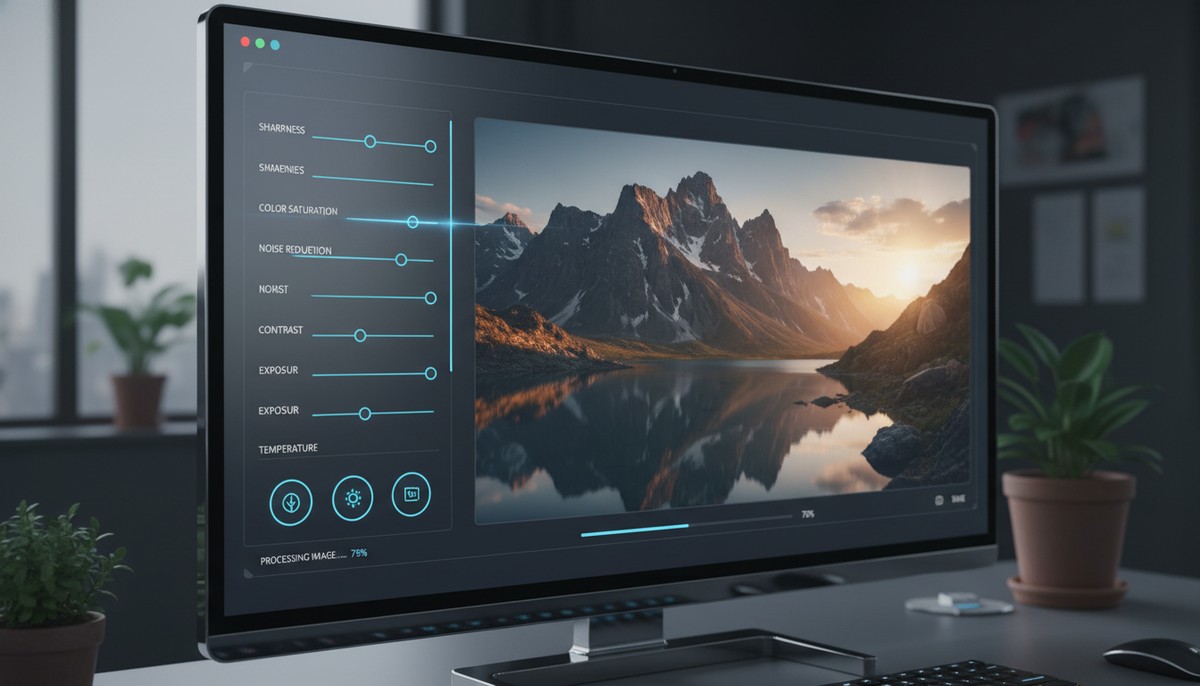
Most tools provide a real-time preview or a before-and-after slider. This helps you compare the original image with the enhanced version. Pay close attention to details. Look at areas like faces, textures, and edges. If needed, use any available sliders or controls to further adjust intensity, color, or sharpness. Remember, the goal is natural enhancement, not over-processing. You can also apply photo effects at this stage if your tool offers them.
Step 5: Download Your Enhanced Photo
Once you’re satisfied with the results, simply click the ‘Download’ or ‘Save’ button. Choose your desired output format and resolution. Your perfectly enhanced photo is now ready to be shared, printed, or used in any way you choose. Always save a copy of the original image before making permanent changes.
Tips for Best Results with Your AI Photo Enhancer
- Start with the Best Possible Original: While AI is powerful, it works best with a decent starting point. High-quality originals yield superior enhancements.
- Don’t Overdo It: AI can sometimes be too aggressive. Aim for subtle, natural improvements rather than drastic changes that make photos look artificial.
- Experiment with Settings: Don’t stick to default settings. Play with different options to understand how the AI responds to various image types.
- Check Details Closely: Zoom in to inspect critical areas like eyes, hair, and fine textures to ensure they look natural and not overly smoothed or sharpened.
- Consider Your Output: Are you printing, sharing online, or using it for a website? Different uses might require different levels of enhancement or resolution.
Advanced Techniques with Your AI Photo Enhancer
While basic enhancement is fantastic, an AI photo enhancer can do much more. For those looking to push their creativity, here are some advanced techniques. These will help you get the absolute most out of your chosen tool.
Combining Multiple Enhancements
Don’t limit yourself to just one AI feature. Often, the best results come from combining several. For instance, you might first use noise reduction. Then, apply sharpening, and finally, adjust colors. Some tools allow you to layer these effects. Others might require saving and re-uploading. This multi-step approach gives you granular control. It allows you to tackle complex image problems systematically.
Targeted Enhancements for Specific Subjects
Many AI photo enhancers are smart enough to recognize different elements in a photo. You can often apply enhancements specifically to faces, skies, or landscapes. For portraits, focus on skin smoothing and eye brightening. For landscapes, boost sky colors and sharpen distant details. This intelligent segmentation helps achieve more balanced and natural-looking results. It prevents over-processing areas that don’t need it.
AI-Powered Creative Retouching
Beyond simple fixes, AI is now capable of creative retouching. This includes features like intelligent background replacement. It can also remove complex objects without leaving traces. Some tools can even change facial expressions or age subjects. These advanced capabilities open up entirely new creative avenues. They allow you to transform your photos in ways previously only possible with extensive manual editing. Explore these options to give your photos a unique flair.
The Future of Photo Enhancement: What’s Next for AI?
The evolution of the AI photo enhancer is rapid and exciting. What we see today is just the beginning. In the coming years, we can expect even more sophisticated and integrated capabilities. The future of photo enhancement will be seamless, intuitive, and incredibly powerful.
Real-time, Predictive Enhancement
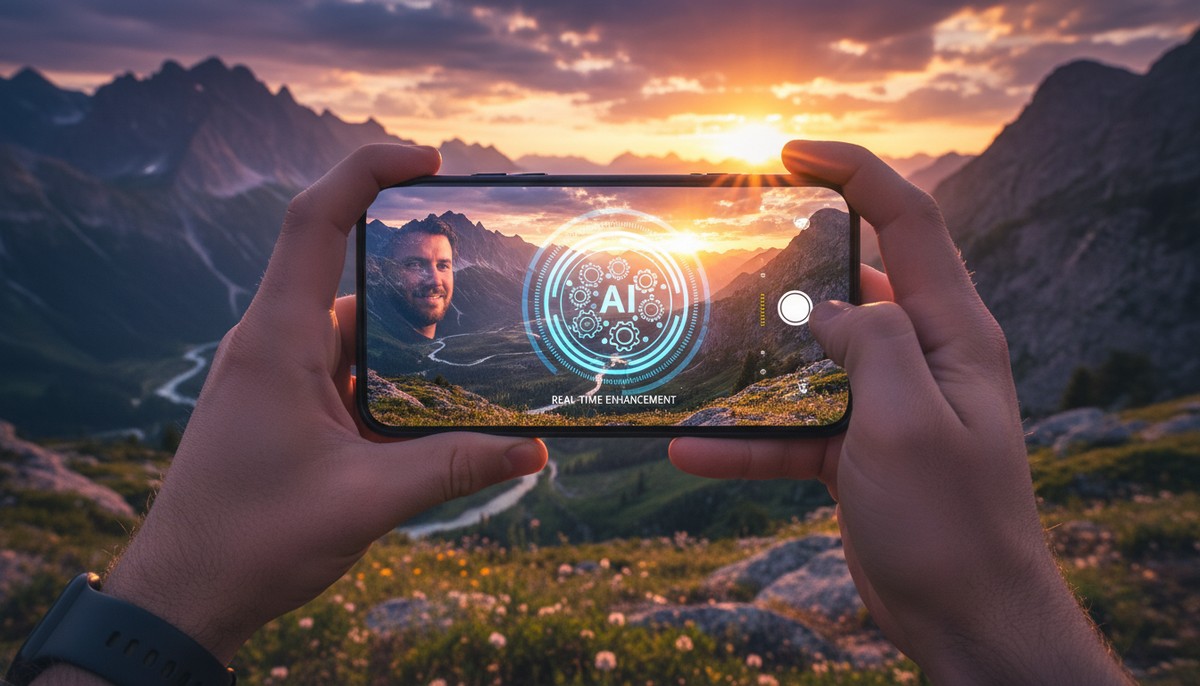
Imagine your camera enhancing photos as you take them. Future AI photo enhancers will integrate directly into camera hardware and software. They will offer real-time adjustments. This means you’ll see the perfectly enhanced image on your screen before you even press the shutter. Predictive AI will anticipate common issues and correct them instantly. This will make every shot a masterpiece. This kind of integration will complement advanced features like a stable shot camera.
Generative AI for Creative Control
Generative AI, already making waves in image creation, will profoundly impact enhancement. You’ll be able to instruct your AI photo enhancer to ‘change the sky to a sunset’ or ‘add a mountain in the background.’ The AI won’t just enhance; it will creatively generate new elements. This will blend them seamlessly into your existing photos. This level of creative control will be unprecedented.
Hyper-Personalized Enhancements
Future AI tools will learn your personal aesthetic. They will understand your preferred colors, contrasts, and styles. The AI photo enhancer will then apply enhancements tailored specifically to your taste. This means less manual tweaking and more consistent, personalized results across all your images. It will be like having an AI assistant that truly understands your artistic vision.
Ethical Considerations and Deepfakes
As AI becomes more powerful, ethical considerations will also grow. The ability to alter reality so easily raises questions about authenticity and ‘deepfakes.’ Developers and users will need to navigate these challenges responsibly. Transparency about AI alterations will become increasingly important. This ensures trust in digital media. The power of an AI photo enhancer comes with responsibility.
Choosing the Right AI Photo Enhancer for Your Needs
With so many options available, selecting the perfect AI photo enhancer can feel overwhelming. The best tool for you depends entirely on your specific requirements, budget, and technical skill level. Here are some key considerations to guide your decision-making process.
Consider Your Budget
AI photo enhancers range from free mobile apps to premium desktop software with subscription plans. Free tools are great for casual users. They offer basic enhancements. Paid options generally provide more advanced features, better performance, and higher-quality results. Decide how much you’re willing to invest. Then, look for a tool that fits within that budget. Many offer free trials, which are excellent for testing before buying.
Assess Your Skill Level
Are you a complete beginner, an enthusiastic amateur, or a seasoned professional? Some AI photo enhancers are designed for simplicity. They offer one-click solutions. Others provide extensive manual controls for fine-tuning. Choose a tool that matches your comfort level with photo editing. You want something that empowers you, not frustrates you. A user-friendly interface is key for beginners.
Identify Your Specific Needs
What kind of photos do you primarily enhance? Do you focus on portraits, landscapes, product shots, or old family photos? Some AI tools excel in specific areas. For example, some are optimized for facial retouching. Others are better at upscaling architectural photos. Make a list of the most common problems you encounter. Then, look for an AI photo enhancer that directly addresses those issues. If you frequently need to fix blurry photos, prioritize blur reduction capabilities.
Platform Preference
Do you prefer to work on your desktop, in a web browser, or on your mobile device? Your preferred workflow will dictate the type of AI photo enhancer you should choose. Online tools offer flexibility. Desktop software provides power. Mobile apps offer convenience. Consider where you do most of your photo management and editing. This will help you narrow down the options considerably.
By carefully considering these factors, you can confidently choose the AI photo enhancer that best suits your unique photographic journey in 2025. Don’t be afraid to try out a few different options before settling on your favorite.
Conclusion: Embrace the Power of the AI Photo Enhancer

The world of photography has been profoundly transformed by artificial intelligence. The AI photo enhancer stands out as one of the most impactful innovations. It empowers everyone, from casual smartphone users to seasoned professionals, to create stunning, high-quality images with unprecedented ease. You no longer have to settle for imperfect shots or spend hours manually correcting flaws. The AI photo enhancer handles the heavy lifting, delivering professional results in seconds.
From upscaling low-resolution images to removing noise, sharpening details, and perfecting colors, an AI photo enhancer is a versatile and indispensable tool. As we move further into 2025, this technology will only become more sophisticated and integrated. It promises an even brighter future for digital imaging. Embrace this powerful technology. Start transforming your photos from good to absolutely breathtaking today. Your best photos are just an AI enhancement away.